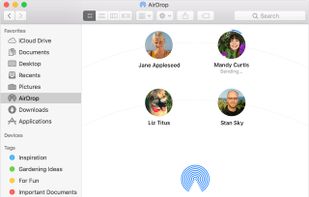
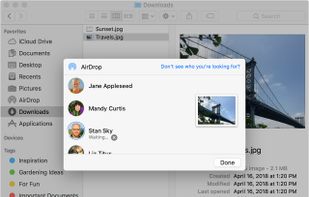
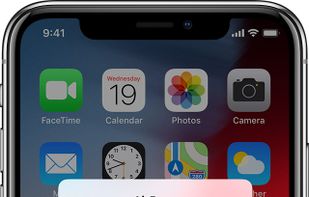
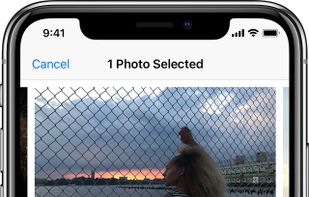
With AirDrop, you can wirelessly send documents, photos, videos, websites, map locations, and more to a nearby iPhone, iPad, iPod touch, or Mac.
Cost / License
- Free
- Proprietary
Platforms
- Mac
- iPhone
- iPad
 United States



+1


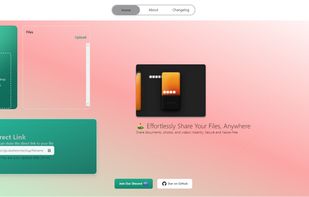
Sites and apps similar to Sharrr include LocalSend, which is free and open source. Other options are OnionShare, PairDrop, Send and Transfer.it. Large File Transfer Services like Sharrr are a crowded field, with more than 100 alternatives for Windows, Mac, Android, Linux and iPhone.
With AirDrop, you can wirelessly send documents, photos, videos, websites, map locations, and more to a nearby iPhone, iPad, iPod touch, or Mac.
United States
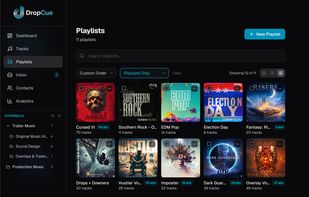
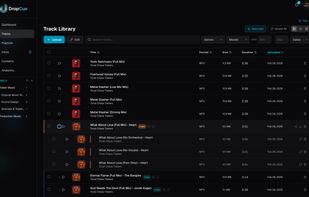
DropCue is a playlist sharing platform built for music professionals — composers, sync agencies, music supervisors, production music libraries, and record labels. Share branded playlists with clients via secure links, get real-time analytics on every play, leave timestamped...
United States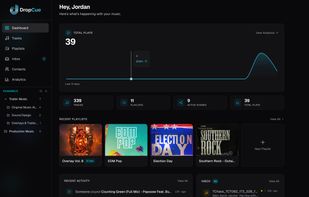


 United States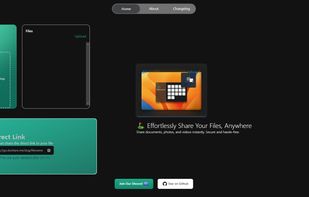


Volafile.org offers real time filesharing and fast downloads without delays or annoying countdowns. Users can share files in rooms, each with a chat and a filelist.
 Germany
 EU
EU


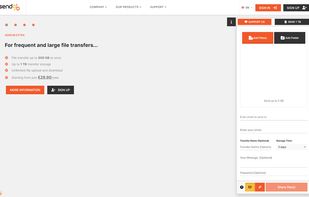
Estonian company SendGB offers file transferring up to 5 GB for free! But you can share files up to 1 TB without signing up! You can keep files for up to 1 year.


Send encrypted files without size limits. No need to have a Smash account.
Password protection.
 FranceEU


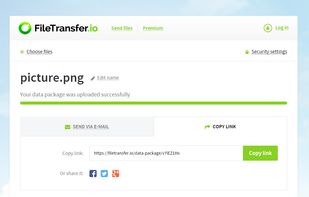
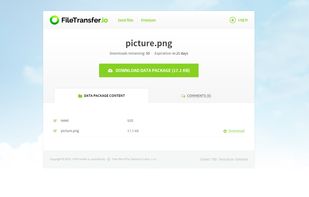
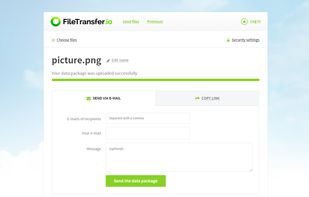
FileTransfer allows you to securely share files up to 6GB with your family, co-workers or friends for free. Files stay uploaded for 3 weeks.



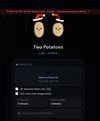
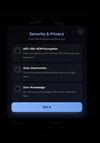
Two Potatoes is a secure, zero-knowledge file vault for sharing encrypted files without creating an account.
 Morocco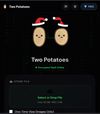


 SpainEU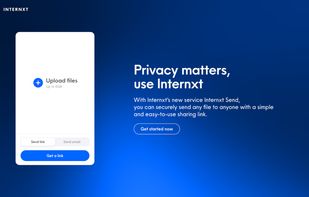
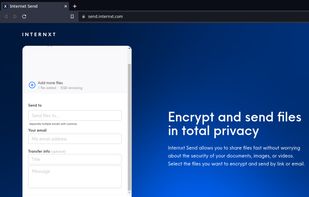


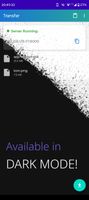
A simple local file server app for Android. Download and upload files quickly across devices over Wi-Fi — no cables, no cloud.
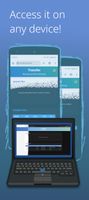


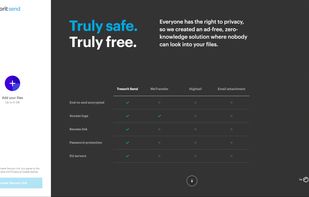
Securely shares files up to 5GB via encrypted links. Files are encrypted end-to-end, ensuring security until accessed. Track access with logs and revoke access instantly. Zero-knowledge, no ads, GDPR-compliant, and operating on EU servers.
 Switzerland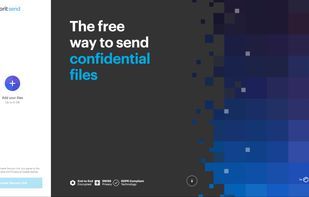


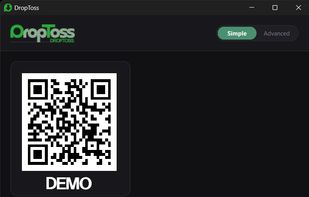
Send files from any phone to Windows by scanning a QR code. No mobile app, account, USB cable, or Wi-Fi router required. DropToss automatically uses local transfer, direct hotspot connection, or cloud relay.
 Japan
Japan