Protects your private notes with a password. Notebook PEA is a self-decrypting archive, that will never store unencrypted text on your disk.
Cost / License
- Free
- Open Source
Application type
Platforms
- Mac
- Windows
- Linux
- BSD
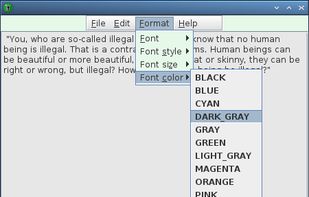



Scroll, Quill & INK is described as 'Fast and portable note editor' and is a Note-taking tool in the office & productivity category. There are more than 100 alternatives to Scroll, Quill & INK for a variety of platforms, including Windows, Mac, Web-based, iPhone and Linux apps. The best Scroll, Quill & INK alternative is Raindrop.io, which is free. Other great apps like Scroll, Quill & INK are Notesnook, Zim, CherryTree and Trilium Notes.
Protects your private notes with a password. Notebook PEA is a self-decrypting archive, that will never store unencrypted text on your disk.

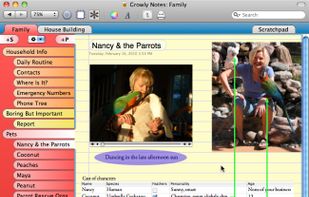
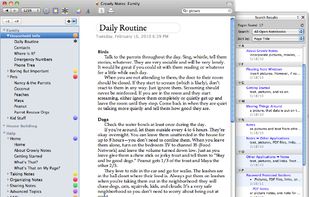
Growly Notes is a note-taking app somewhat like Microsoft OneNote . Gather text, images, links and anything else you can think of in free-form pages organized into sections.
 United States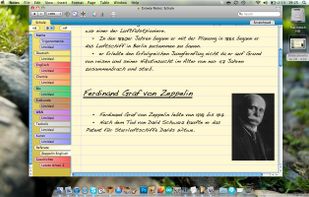


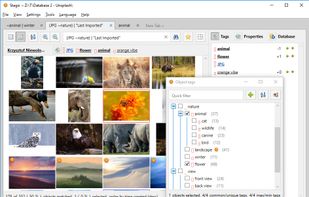
Hackable SQLite-based tagging, any file format, with scripts and C# plugins, powerful search query language, 100k+ files managed with ease.


TakeNote was made by developers for developers - a simple, plain-text note-taking app for the web with Markdown support. What you see is what you paste. No WYSIWIG, no formatting pasted from the web, and no features you don't need or want.
United States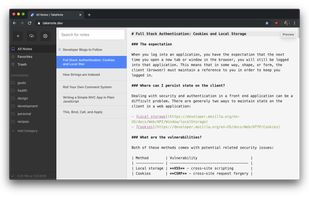


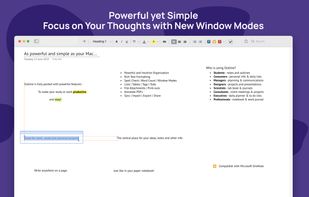
Collect your thoughts, think, write, brainstorm, and create the perfectly looking notes with this powerful, all-purpose, productivity tool.
 Ukraine




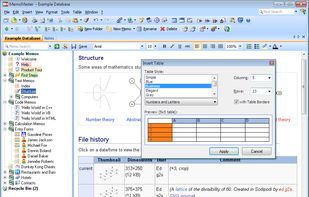
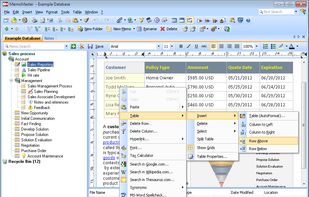
MemoMaster is a free outliner software to create, administer and reference texts and calculations in the familiar tree structure. It enables intuitive searching, browsing, and organization of information.
 Germany
 EU
EU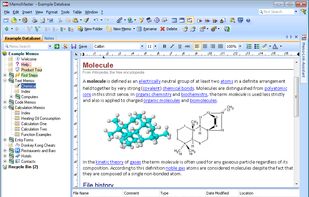



Flashnote is a quick notes manager created for such cases. When you need a rough copy to save or to process some pieces of a text, Flashnote is small, quick and convenient. Press the shortcut-key combination and a rough copy is on the screen in a flash of a second.
Ukraine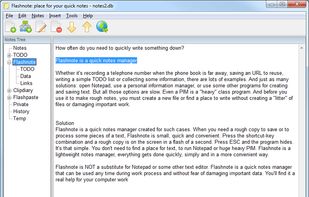


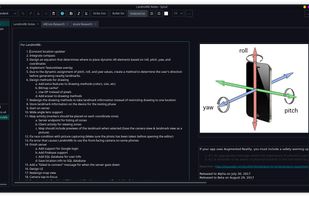
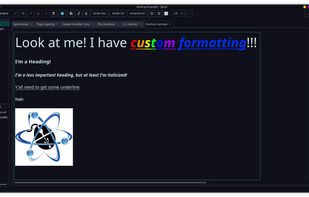
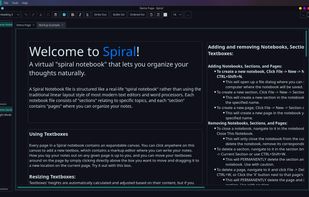
Spiral is a program that allows users to take notes in a format similar to a spiral notebook. Unlike traditional word processors and text editors that are configured in a way that makes it difficult to document things in a non-linear fashion, Spiral pages allow users to click...


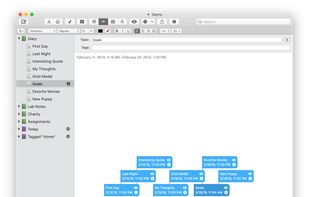
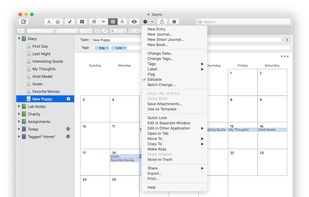
MacJournal is the world's most popular journalist software for the Mac.
United States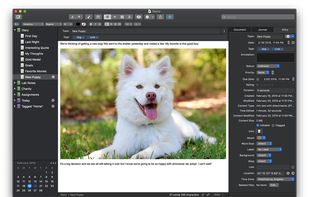


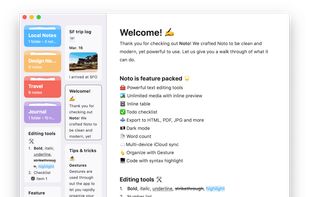
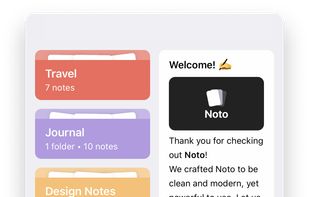
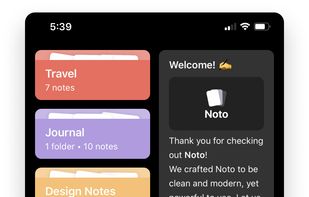
Noto is a modern writing app. With delightful interactions, powerful editing tools, and a beautiful design, Noto helps you capture the best of your everyday life.





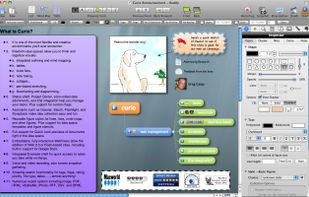
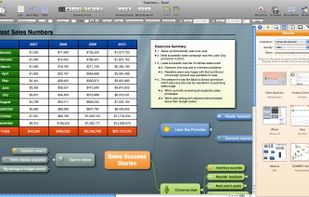
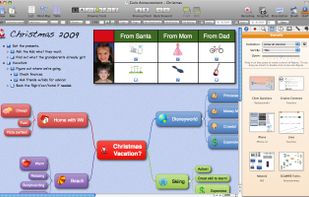
Curio is an innovative and visual application for brainstorming, notetaking, and project management.
United States