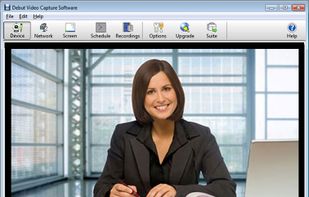
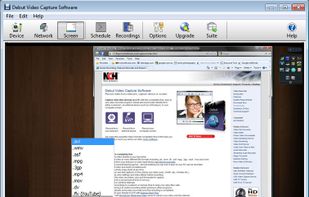
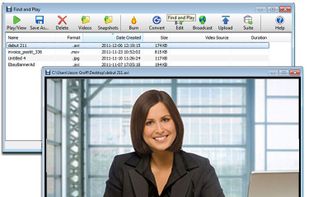
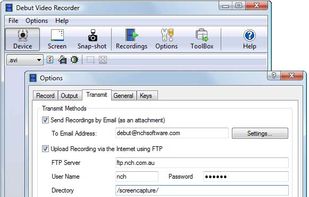
Debut is a screen capture and video recording software that records videos from your screen, webcam or other video devices.
Cost / License
- Freemium
- Proprietary
Application typeApplication types
Platforms
- Mac
- Windows
 Australia



+3


Apps similar to Screenify include OBS Studio, which is free and open source. Other options are Bandicam, Camtasia, Cap and Kooha. You're spoiled for choice with Screen Recorders like Screenify: we list more than 25 alternatives for Windows, Mac, the web, Linux and iPhone.
Debut is a screen capture and video recording software that records videos from your screen, webcam or other video devices.
Australia
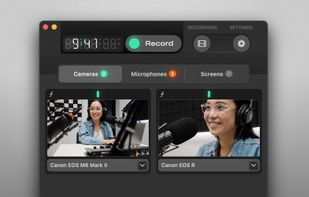
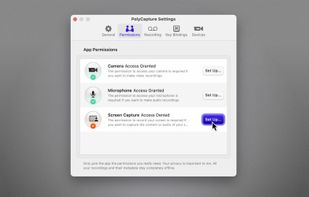
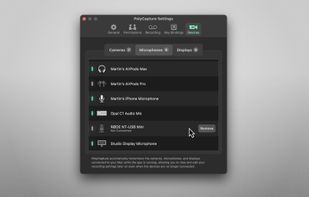
PolyCapture allows you to record cameras, microphones, screens, and apps — individually or multiple at once.
 Germany
 EU
EU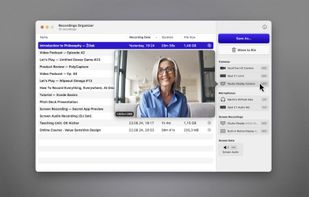


A screen recorder comes with automated editing. Automatically track cursor movement, apply dynamic zoom and click effects, add a pleasant background, and generate a professional-looking video/gif that is ready to use.
 China
China


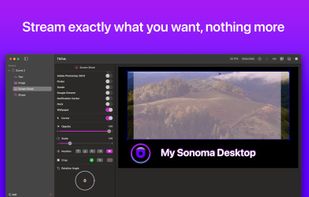
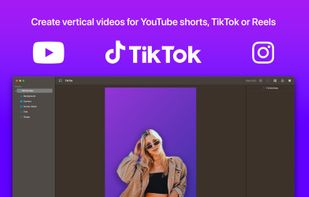
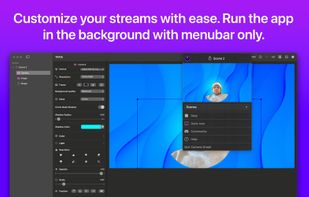
Enhance Mac live streams and recordings with over 200 filters, 80 triggers, green screen, overlays, multi-cam input, drag-and-drop layers, MIDI, browser overlays, RTMP streaming, 4K 120fps capture, CoreML preview, vertical video, interactive shopping, and scene switching.
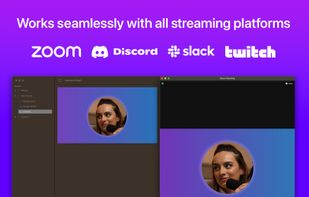


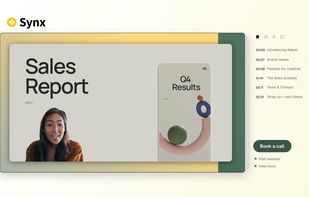
Turns screen recordings into branded, shareable videos with composite, multi-layout recording, background removal, auto-chapters, analytics, captions, comments, call-to-actions, permissions, fast app workflow, HD export, and multi-language support.
 United Kingdom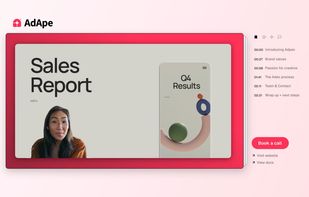

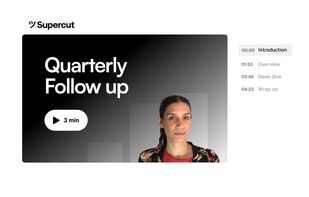


ScreenMix - Screen Recorder provides an easy, uncomplicated way of recording your desktop's screen and webcam sessions. Excellent for games and video stream recording, product demos, tutorials, webcam chats, and more!.
 Ukraine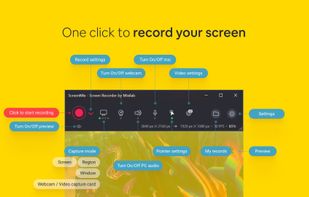
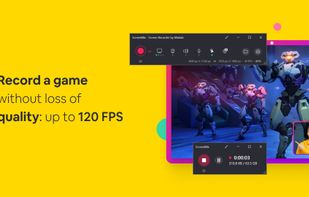

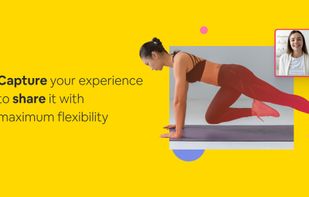


Apowersoft Screen Recorder captures screen and audio activity, saving it as WMV video files. It includes a converter for transforming WMV files into formats like AVI, MP4, FLV, SWF, and more. The software records PC screen activity with audio, webcam videos, external device...
 Hong Kong SAR China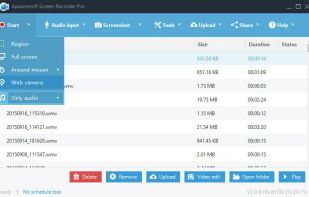
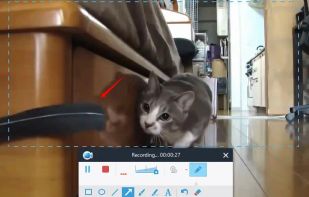
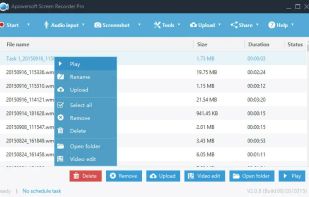
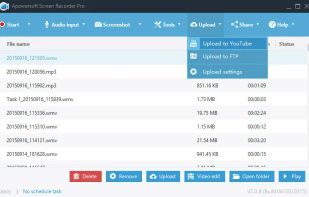


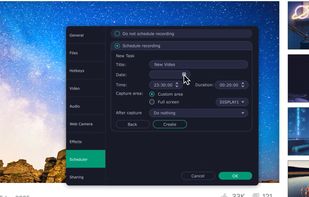
Enables screen video, audio, and webcam capture with support for system sounds, microphone input, annotation tools, zoom, custom watermarks, automated scheduling, screenshot upload, adjustable quality, region selection, and support for over 45 languages.
 CyprusEU


VSDC Free Screen Recorder is an easy-to-use lightweight screen recorder software that lets you capture your PC screen and save it in the MP4 format. It lets you capture the entire desktop screen, a selected area or even a videogame window of any resolution.
 United States
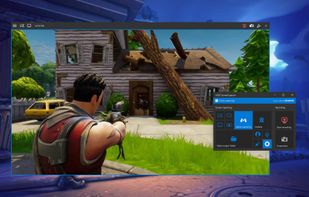


Record full screen or customized areas with webcam options. Annotate in real time, highlight cursor actions, and record both system and voiceover audio. Ideal for creating instructional videos, webinars, and presentations. Free for personal use, compatible with PCs.
CyprusEU
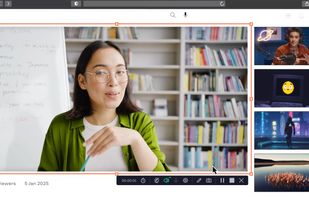




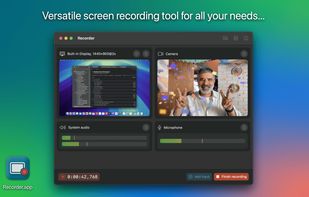
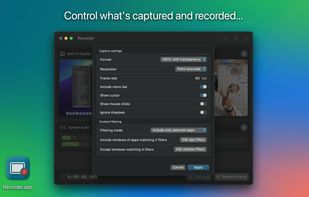
Recorder.app is designed to meet all your screen recording needs. Capture and record from multiple sources simultaneously. Record your entire screen, individual windows, camera video, microphone audio, and more.