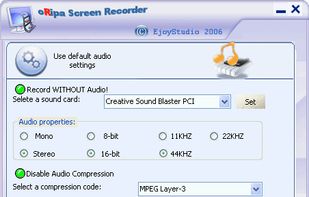


A light application for instant recording of events happening on the monitor and saving that to an AVI file at high quality.
Cost / License
- Free
- Proprietary
Application typeApplication types
Platforms
- Windows
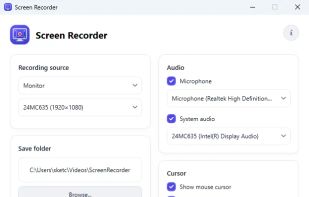

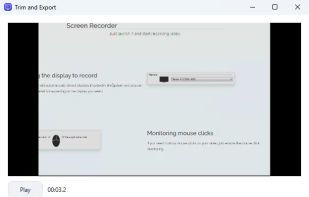


One of the most popular alternatives to ScreenFlow is OBS Studio, which is free and open source. Other popular alternatives are OpenScreen, Recordly, SimpleScreenRecorder and ScreenArc. Screen Recorders like ScreenFlow are a crowded field, with more than 100 alternatives for Windows, Mac, the web, Linux and iPhone.
A light application for instant recording of events happening on the monitor and saving that to an AVI file at high quality.

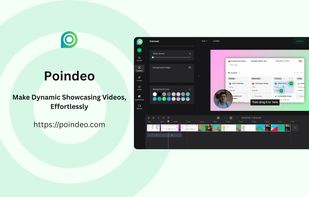
Poindeo is an online video editor specializing in creating dynamic zoom effects for your screen recordings, images, and PDFs. Ideal for creating professional product demos, tutorials, and presentation videos with minimal effort.
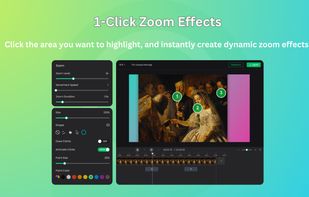
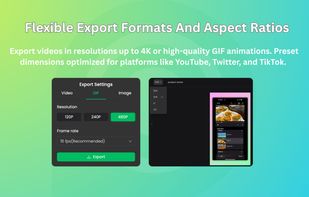
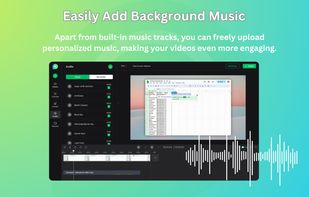


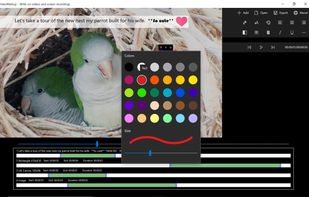
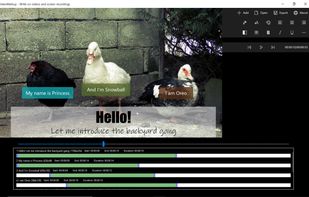
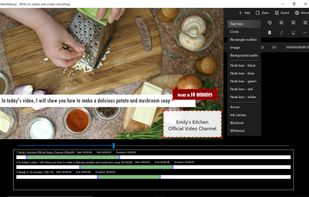
Annotate videos with captions, arrows, custom images, outlines, blackout shapes, background audio and free form drawings.
 United States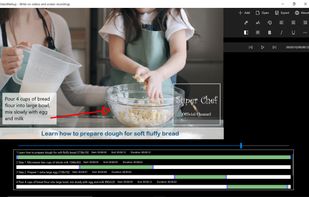


SCREEN2EXE is a free utility designed in order to create instant screen demos with the highest compression ratio in the world!
 China
China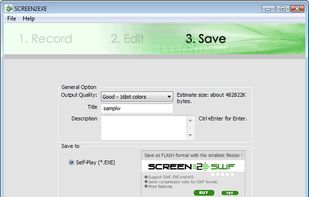


Vov Screen Recorder is handy tool to record the computer screen, i.e., record the ongoing activities on the screen. Using Vov Screen Recorder, you can record your screen to create a how-to video to demonstrate working of a program, compile a products demo video for some client...
 Türkiye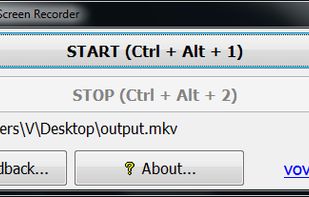


There exist a lot of screen recorders, but all lack the speed for doing some full screen recording. The speed is just to low or cpu to high.
 Germany
 EU
EU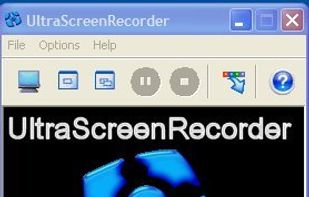

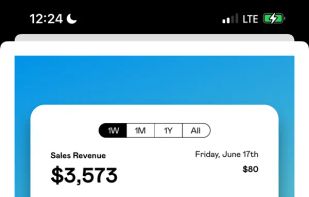
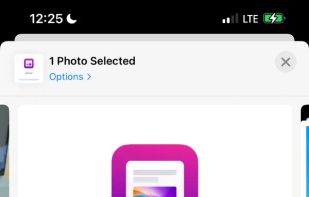
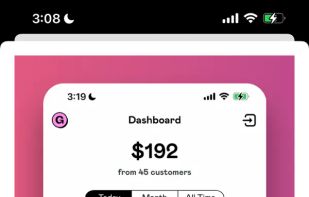
Capture and balance screenshots instantly with auto background colors, sensitive info redaction, text selection, custom shortcuts, social media sizing, history, presets, and compressed images in a native macOS app, supporting annotations and sharing.
 Singapore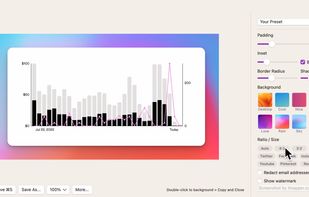




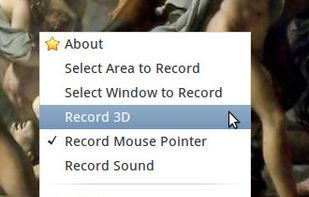
Istanbul is a desktop session recorder for the Free Desktop. It records your session into an Ogg Theora video file. To start the recording, you click on its icon in the notification area. To stop you click its icon again. It works on GNOME, KDE, XFCE and others.

FlashDemo Screen Recorder captures all screen activity from your Windows Desktop in real time and publishes as a Flash movie. Perfect for creating online tutorial, training & support videos, E-Learning material.
China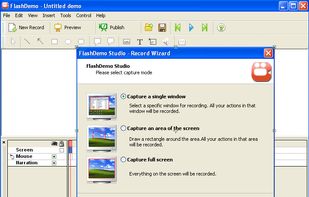


A small tool to capture things going on on an X-Windows display to either individual frames or an MPEG video similar to tools such as Lotus ScreenCam or Camtasia.
GermanyEU


oRipa Screen Recorder is a handy tool to record your Windows desktop activities in real time and save it as a video file. oRipa Screen Recorder also captures anything you can hear on your PC, such as, music and talking through the PCs microphone.
United States