
ScreenArc AlternativesOnly apps categorised as Screenshot Capture Tools

The best Screenshot Capture alternative to ScreenArc is Cap, which is both free and Open Source. If that doesn't suit you, our users have ranked more than 25 alternatives to ScreenArc and 19 are Screenshot Capture Tools so hopefully you can find a suitable replacement. Other interesting Screenshot Capture Tool alternatives to ScreenArc are Screen Studio, CleanShot X, Loom and ScreenFlow.

filter to find the best alternatives

ScreenArc alternatives are mainly Screenshot Capture Tools, but if you're looking for Screen Recorders or Video Editors you can filter on that. These are just examples - use the filter bar below to find more specific alternatives to ScreenArc.
Copy a direct link to this comment to your clipboard
ScreenArc alternatives page was last updated

Alternatives list

  1. Cap icon
     23 likes

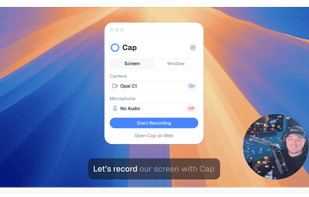
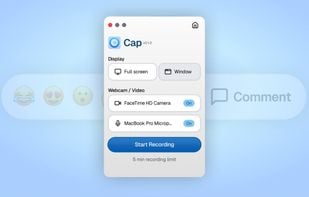
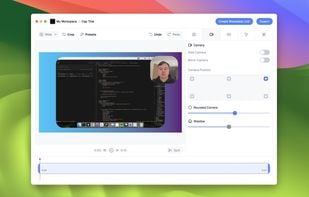
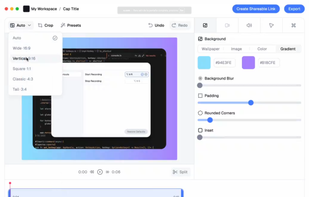
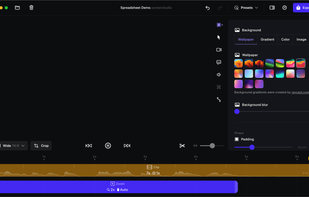
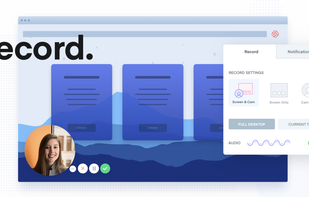
    Open-source tool for screen and camera capture with 4K recording, timeline editor, instant sharing via links, privacy controls, no signup, multiple layouts, custom branding, cursor options, threaded comments, self-hosting, and paid AI-powered features available.

    92 Cap alternatives

    Cost / License

    • Freemium
    • Open Source

    Platforms

    • Mac
    • Windows
     
  2. Screen Studio icon
     16 likes

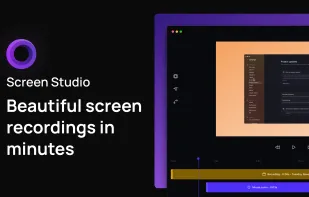
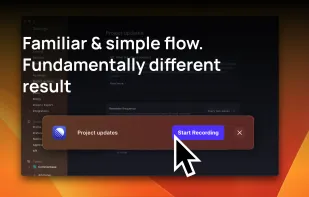
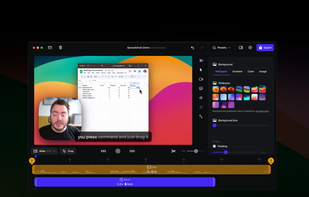
    Record macOS screens with smoothed mouse movement, zoomed click highlights, cinematic motion blur, and customizable backgrounds while integrating webcam, microphone, system sound, and easy video editing. Output in HD for instructional and promotional videos.

    93 Screen Studio alternatives

    Cost / License

    • Paid
    • Proprietary

    Platforms

    • Mac
     
  3. CleanShot X icon
     21 likes

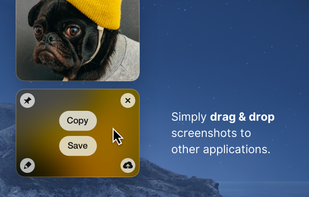
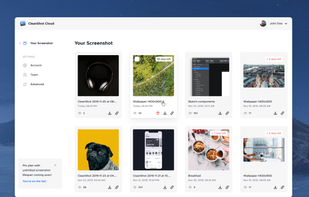
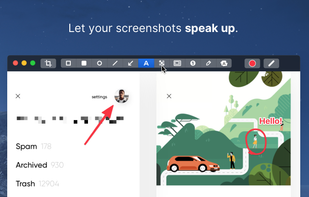
    Capture and record screens on Mac with CleanShot X, featuring seamless recording, custom keyboard shortcuts, customizable wallpapers, Quick Access Overlay, and Desktop icon toggle for a tidy user interface.

    194 CleanShot X alternatives

    Cost / License

    • Paid
    • Proprietary

    Platforms

    • Mac
     
  4. Loom icon
     32 likes

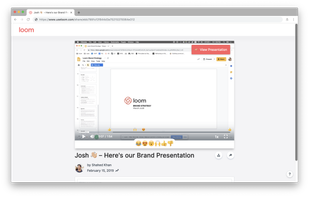
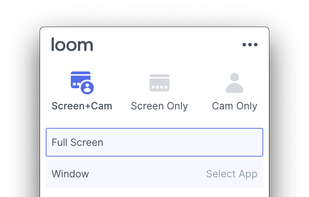
    Easy and free screen recorder for Mac, Windows, and Chromebooks. Record your camera and screen with audio directly from your Chrome browser and share the video with your team, friends, and family.

    216 Loom alternatives

    Cost / License

    • Freemium
    • Proprietary

    Platforms

    • Mac
    • Windows
    • Online
    • iPhone
    • Google Chrome
    • Android
    • Android Tablet
     
  5. ScreenFlow icon
     70 likes

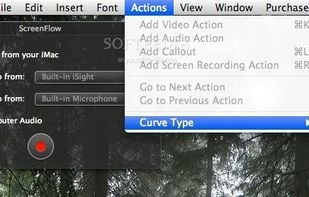
    Capture the contents of your entire desktop at the same time as your video camera, microphone and computer's audio. Sophisticated editing tools allow you to create incredible screencasts in no time.

    142 ScreenFlow alternatives

    Cost / License

    • Paid
    • Proprietary

    Platforms

    • Mac
     
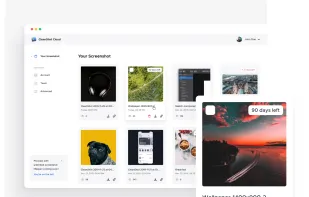
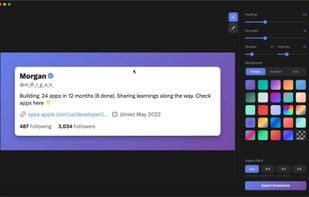
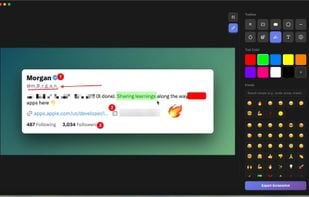
  6. Beautiful screenshots with stunning backgrounds and powerful annotation tools. Create, edit, and share professional-quality screenshots with ease.

    Cost / License

    • Paid
    • Proprietary

    Platforms

    • Mac
     
  7. SuperMotion icon
     2 likes

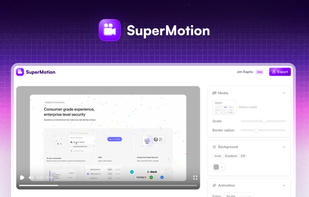
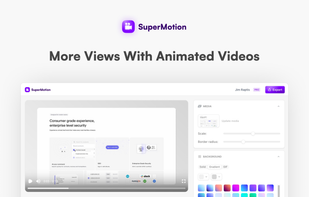
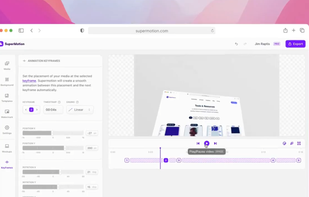
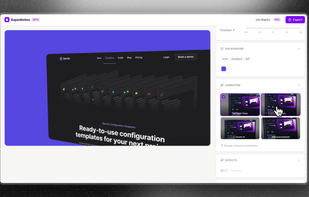
    Turn static images or a boring video into captivating animated clips that really capture attention. Ideal for Dribbble shots, Twitter videos, landing page videos, feature announements.

    Cost / License

    • Paid
    • Proprietary

    Platforms

    • Online
     
  8. Phia icon
     6 likes

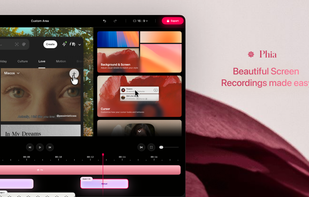
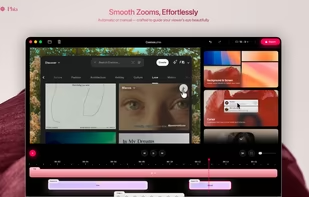
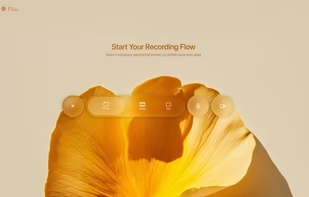
    Screen recorder featuring fluid mouse motion, intelligent zoom, motion blur, customizable backgrounds, dynamic title animations, and mesmerizing scene transitions. Instantly share, embed, or edit videos for demos, tutorials, and presentations.

    43 Phia alternatives

    Cost / License

    • Freemium
    • Proprietary

    Platforms

    • Mac
     
  9. Debut icon
     45 likes

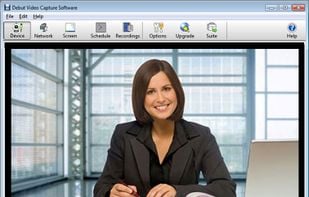
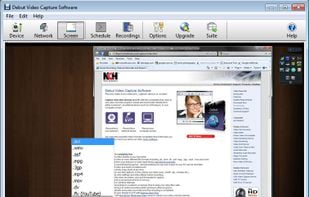
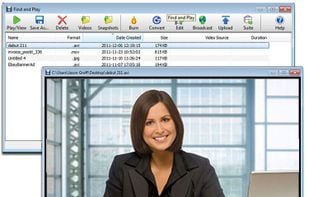
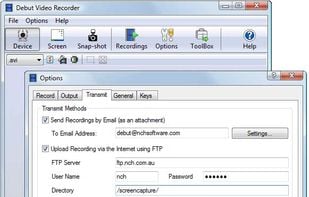
    Debut is a screen capture and video recording software that records videos from your screen, webcam or other video devices.

    Cost / License

    • Freemium
    • Proprietary

    Platforms

    • Mac
    • Windows
     
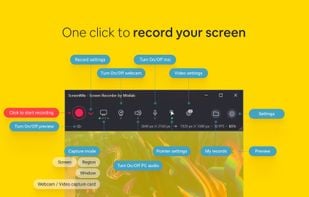
  10. ScreenMix - Screen Recorder provides an easy, uncomplicated way of recording your desktop's screen and webcam sessions. Excellent for games and video stream recording, product demos, tutorials, webcam chats, and more!.

    Cost / License

    • Freemium
    • Proprietary

    Platforms

    • Windows
     
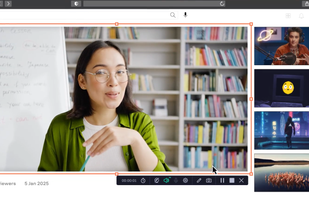
  11. Record full screen or customized areas with webcam options. Annotate in real time, highlight cursor actions, and record both system and voiceover audio. Ideal for creating instructional videos, webinars, and presentations. Free for personal use, compatible with PCs.

    Cost / License

    • Paid
    • Proprietary

    Platforms

    • Mac
    • Windows
     
12 of 19 ScreenArc alternatives