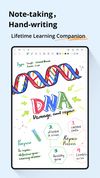
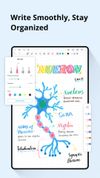
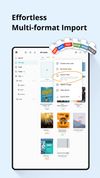
Take handwritten notes naturally on your Android tablet, phone, or Chromebook supporting Android apps! With Squid you can write just like you would on paper using an active pen, passive stylus, or your finger.
 United States


+4


There are many alternatives to Samsung Notes for Android if you are looking for a replacement. The best Android alternative is Google Keep, which is free. If that doesn't suit you, our users have ranked more than 50 alternatives to Samsung Notes and many of them are available for Android so hopefully you can find a suitable replacement. Other interesting Android alternatives to Samsung Notes are Evernote, Microsoft OneNote, Fossify Notes and Linwood Butterfly.
Take handwritten notes naturally on your Android tablet, phone, or Chromebook supporting Android apps! With Squid you can write just like you would on paper using an active pen, passive stylus, or your finger.
United States United States


Experience note-taking reimagined. More than just an app, Notewise serves as your digital brainstorming companion, allowing seamless collaboration. Capture thoughts and sketches effortlessly on your device, organize notes with ease, and enjoy access from anywhere through our...
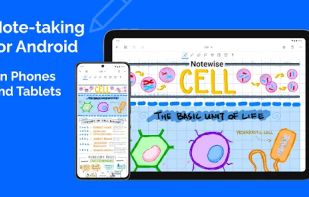
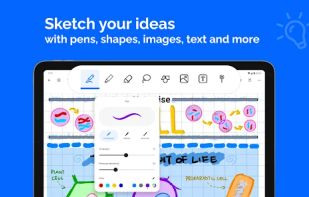
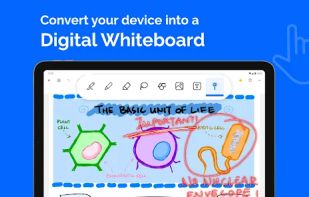
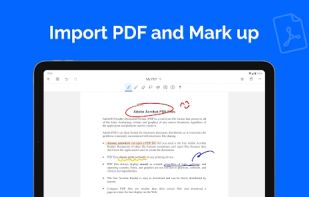


INKredible is an app with a single mission: to make your handwriting experience on tablets as good as, if not better, than pen on paper.


 France
 EU
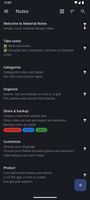
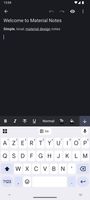
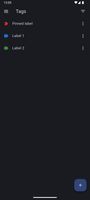



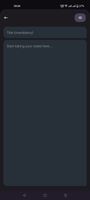
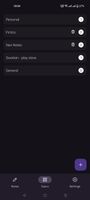


DrawNote is a feature-rich all-in-one notebook & notepad that integrates note-taking, mind mapping, to-do list, handwriting, sketching, drawing and painting.
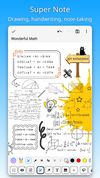
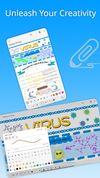
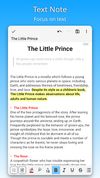


Notein is a Handwritten note-taking app designed for Android users with a diverse range of features and tools for PDF-editing.
 China


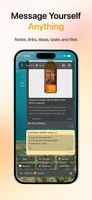
Luckynote is a personal notes and bookmarking app built around a familiar messaging interface. Instead of opening separate tools for notes, tasks, links, files, screenshots, and voice notes, you can send everything to yourself and organize it later.
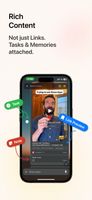
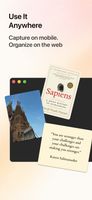


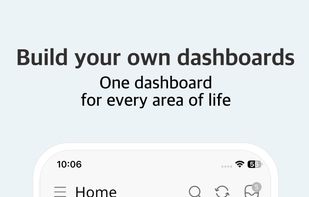
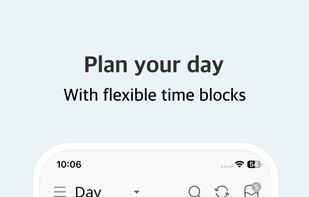
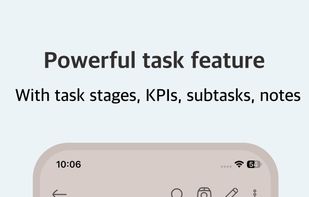
All-in-one life organizer combining journal, planner, notes, habits, and goals in one interconnected system. Mobile-first, offline-first, with optional E2E encryption.
 EstoniaEU


Take notes, annotate PDFs, and stay organized with layers, tags, and flexible templates. Everything comes together on an infinite canvas built for smooth thinking.