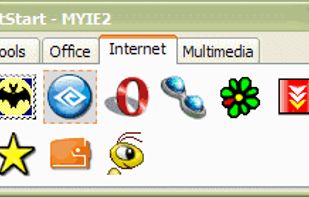
This application that is useful for those users who are on the desktop requires more than one tray to place shortcuts for launching frequently used programs, files, etc.


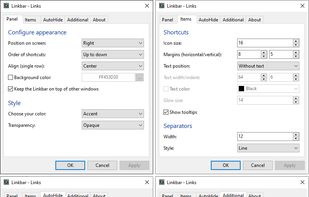


There are many alternatives to RocketDock for Windows and since it's discontinued a lot of people are looking for a replacement. The best Windows alternative is ObjectDock. It's not free, so if you're looking for a free alternative, you could try Winstep Nexus or Kando. If that doesn't suit you, our users have ranked more than 50 alternatives to RocketDock and many of them are available for Windows so hopefully you can find a suitable replacement. Other interesting Windows alternatives to RocketDock are DeskDash, MyDockFinder, TaskbarX and MaxLauncher.
This application that is useful for those users who are on the desktop requires more than one tray to place shortcuts for launching frequently used programs, files, etc.

 Mexico
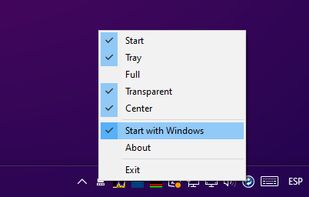


SSuite Mac Dock is a very simple Windows utility designed to create a Mac OS X-like dock on your desktop, allowing you to launch certain programs with just a single click, just like you do with the ones in the Quick Launch.
 South Africa
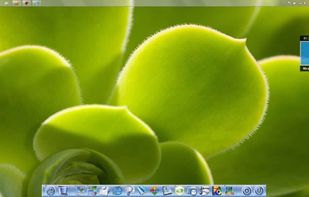
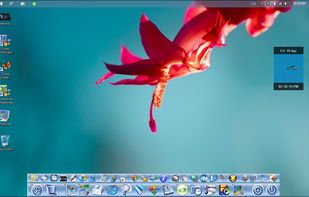
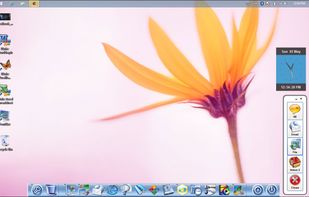


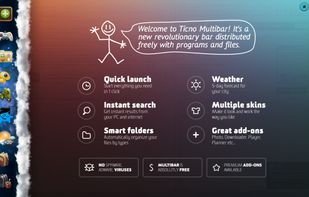
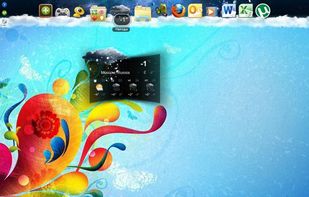
Multibar helps you organize your programs, files and folders. It allows you to find the information you need in a blink of an eye either over the internet or on your PC. It arranges all commonly used files and programs in a convenient and easy-to-use way.


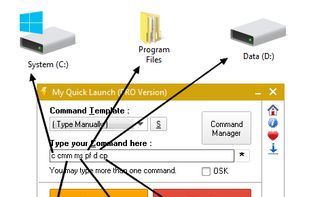
Run-Command is a small, portable windows program and created as an alternative to the standard Windows Run-Dialog.
 Germany
 EU


 Indonesia


[Last update was released on 05 Oct 2007, but you can download it from Softpedia.com on http://www.softpedia.com/get/Desktop-Enhancements/Other-Desktop-Enhancements/LaunchTab.shtml ]



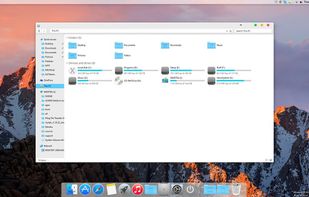
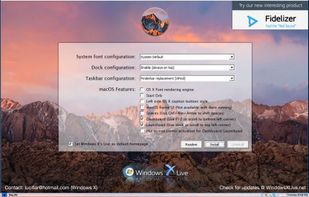
macOS Transformation Pack will give you all new macOS user experience such as theme, wallpapers, system resources, and new OS X features combined altogether in single package working on Windows platform.


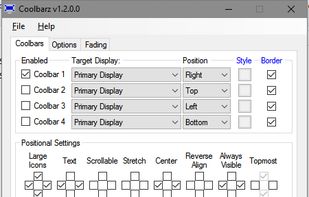
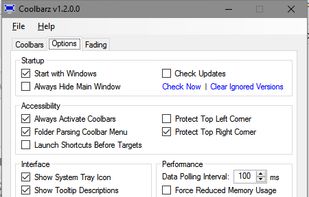
Coolbarz is a very efficient app launcher or desktop toolbar for easy access to your most commonly used programs or folders. Working and tested on Windows 10.




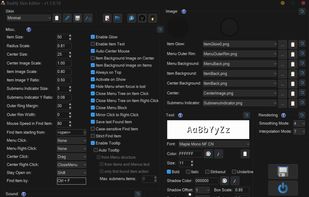


Flashtray - Our system tray application launcher and macro tool makes you work more efficiently by automating a lot of repetitive keyboard tasks by using custom macros and hotkeys.
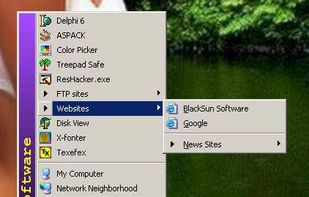

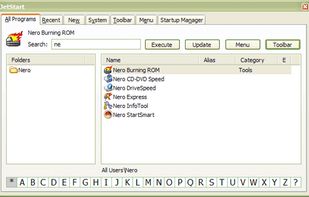
Tired of digging into crowded Start Menu? JetStart offers you a quick access to categorized Start Menu shortcuts, recently launched programs and system commands.
 Australia