Batch rename files and folders on Windows, Mac and Linux.
Cost / License
- Freemium
- Proprietary
Application type
Platforms
- Mac
- Windows
- Linux
 Cyprus
 EU
EU


Apps similar to Rename-It! include Bulk Rename Utility, which is free for personal use. Other options are Ant Renamer, ReNamer, Advanced Renamer and Rename X Pro. There's no shortage of File Renamers like Rename-It!, with more than 50 alternatives for Windows, Mac, Linux and the web.
Batch rename files and folders on Windows, Mac and Linux.
CyprusEU
EXIF ReName is a program to name the pictures after the date and time the picture was taken.
 SwedenEU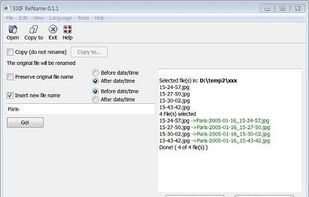
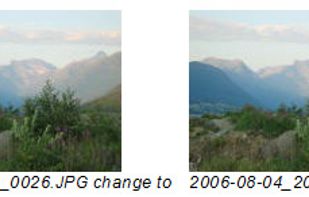


Better File Rename for Windows is the most versatile and easiest file renaming application on the market.
 LuxembourgEU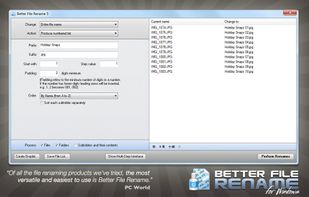


Ken Rename is a multi-file rename utility.
Features:


Fast File Renamer is a freeware program that can help you with the tedious task of renaming large numbers of files. The program can be used by anyone who needs to keep large collections of files organized (such as mp3 files, image and graphics files, web-site-related files...


A File Renamer App featuring a difference display before and after the change for Windows, available on Microsoft Store.



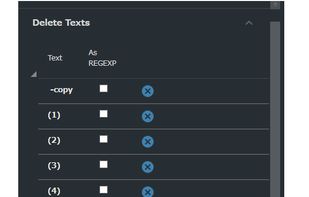


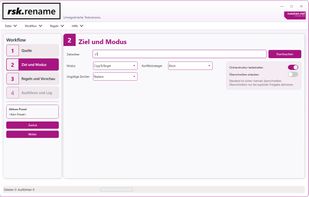
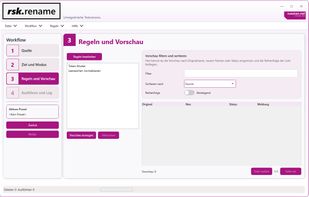
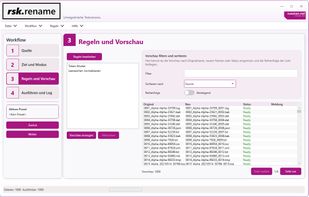
rsk.rename is a flexible Windows bulk renaming tool with live preview, rule-based workflows, presets, undo, logging and CLI support.
 GermanyEU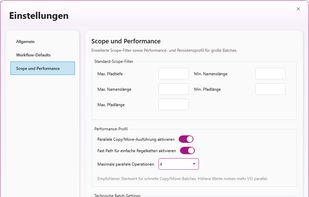


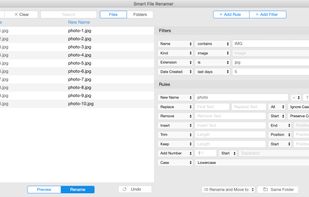
An easy and effective batch file rename tool. Rename multiple files at once using a wide range of tools.
 NetherlandsEU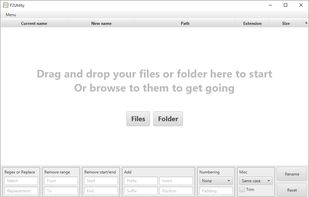
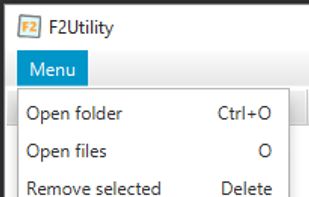
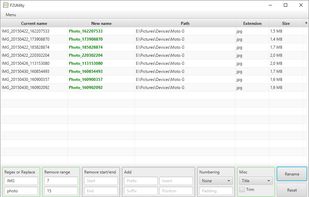
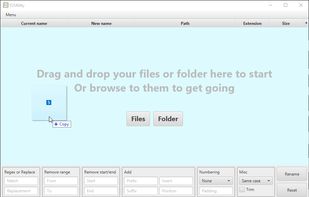


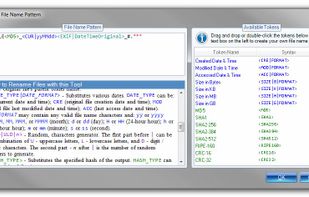
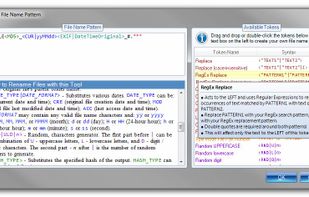
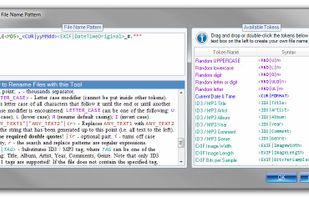
Rename multiple files according to a pattern you specify. Modify original file name by removing/copying its parts, replacing text, or changing letter case. Use dynamic elements like file properties, hashes, MP3 ID3 and EXIF tags, random characters.
 United States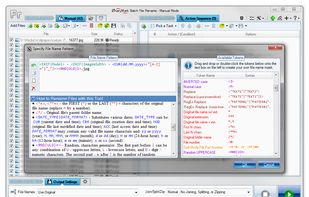


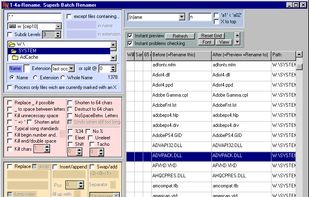
A file renamer which renames many files at once. Has Undo, you can preview changes instantly & use STAR TREK stardate/startime.



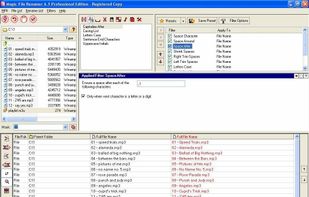
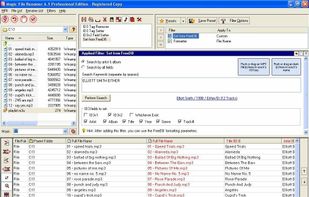
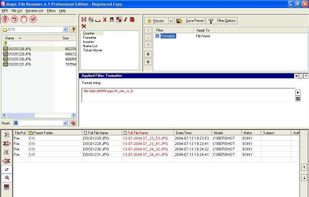
Magic File Renamer (MFR) is a powerful multiple file renamer and ID3 tag setter. With MFR you can change names, dates and attributes for files and folders instantly. MFR also let you change text files contents and ID3v1 / ID3v2 tags for MP3 files.


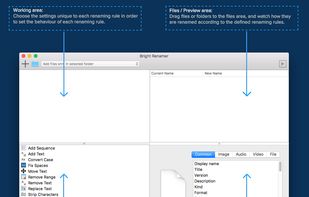
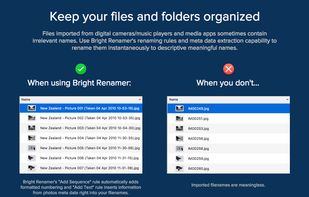
Bright Renamer is an intuitive professional bulk file renaming tool for Mac® users with 12 Renaming Rules, online repositories, realtime preview, hundreds of parameters and support for 157 meta data tags.