


Red Moon Alternatives
Alternatives list

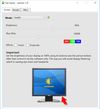
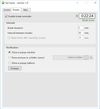
Free software for eye protection and more! It protects your eyes while you are working on the computer. Eye Saver has three main functions: blue light filter; eliminates the invisible flickering of the display backlight; reminds you to take breaks;
Cost / License
- Free
- Proprietary
Application typeApplication types
Platforms
- Windows
 United Kingdom


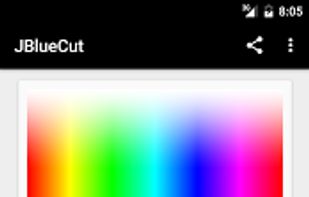
"JBlueCut" is a blue light screen filter - eye protection App. Can effectively reduce the bluelight on screen and ease eyestrain by few simple steps.
Cost / License
- Free
- Proprietary
Application type
Platforms
- Android

 52 Windows Night Light alternatives
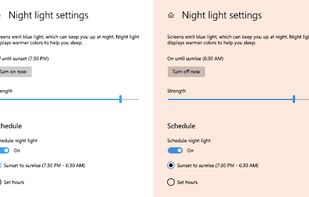
To schedule Night Light so it turns on automatically, select Start > Settings > System > Display > Night light > Night light settings.
Cost / License
- Free
- Proprietary
Application typeApplication types
Platforms
- Windows

 46 Night Shift: Blue Light Filter alternatives
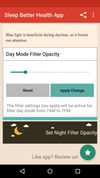
Do you use your mobile phone after sunset? Do you use your phone within three hours of your bed time? If yes, then your device might be taking your sleep away. Bluelight from your mobile screens sends a signal to brain to wake up, and makes it difficult for us to sleep at night.
Cost / License
- Free
- Proprietary
Application type
Platforms
- Android
- Android Tablet



Platforms
- Windows
- Linux
- Global
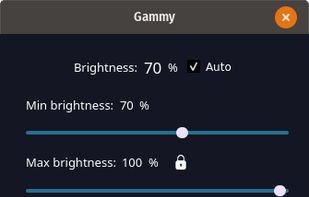


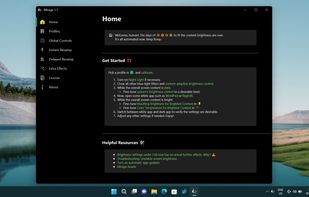
World's first instantaneous content-aware brightness control app that let your screen’s brightness and color temperature adapt instantly and automatically to provide the most optimal viewing experience for your eyes.
Cost / License
- Paid
- Proprietary
Application typeApplication types
Platforms
- Windows
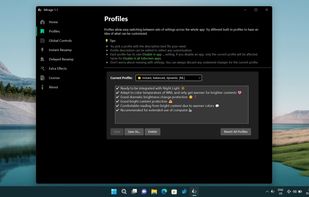
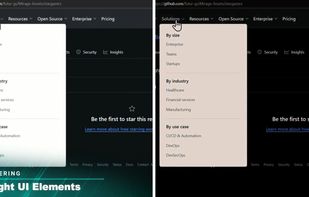 +3
+3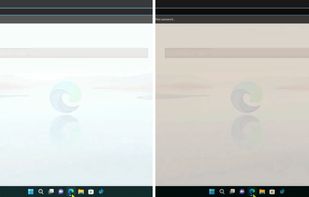


Experience a more comfortable screen during nighttime use with LumiGuard: Night Mode. Adjust your display's color temperature and brightness to reduce eye discomfort in low-light environments.
Cost / License
- Freemium
- Proprietary
Platforms
- Android
 Serbia
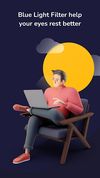
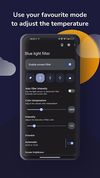
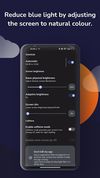


Twilight Blue Light Filter is an optimal night filter that can be created to provide a warm light night screen for your eye care.
Cost / License
- Free
- Proprietary
Application type
Platforms
- Android
 India
India

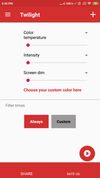


Setting the color temp of the screen really only requires about 40 lines of C (80 or so all inclusive). sct is a crude utility which does roughly that. I’d say exactly that, but some of the calculations aren’t actually exact.
Cost / License
- Free
- Open Source
Application type
Platforms
- Linux
S
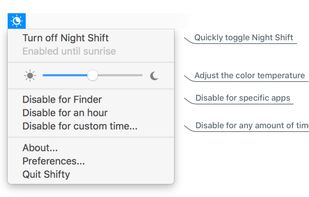
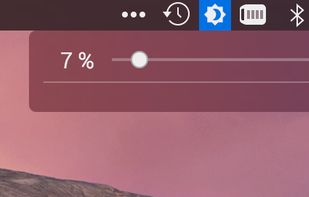
Shifty was made to expand the capabilities of the built in Night Shift feature in macOS. You can disable Night Shift for specific apps and custom time periods. It also provides easy access to a slider to fine tune your color temperature.
Cost / License
- Free
- Open Source (GPL-3.0)
Application type
Platforms
- Mac


Platforms
- Mac
- Windows
- Linux
- Global


 Denmark
 EU
EU


