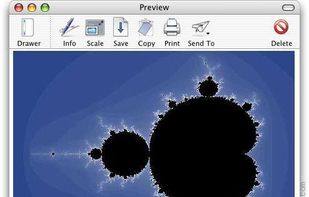
Shot Management - Copernicus doesnt just take screenshots, its a virtual photo gallery too. Take as many pictures as you like, then save them one at a time or all at once. Copernicus is perfect for taking many screenshots.
Platforms
- Mac


Apps similar to RecMaster Screen Recorder include OBS Studio, which is free and open source. Other options are SimpleScreenRecorder, Bandicam, Camtasia and VokoscreenNG. You're spoiled for choice with Screen Recorders like RecMaster Screen Recorder: we list more than 100 alternatives for Windows, Mac, Linux, the web and iPhone.
Shot Management - Copernicus doesnt just take screenshots, its a virtual photo gallery too. Take as many pictures as you like, then save them one at a time or all at once. Copernicus is perfect for taking many screenshots.

Zebra Screen Recorder captures your PC desktop activity into standard MPEG or AVI video files. It records everything you see on the computer screen, including the entire desktop, windows, menus, cursors - even video with sound.
 Ukraine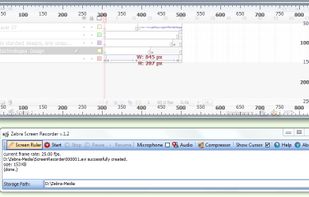


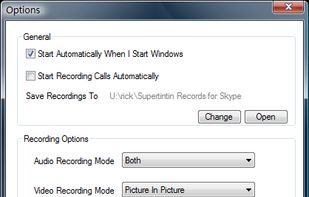
Supertintin records both audio and video streams in Skype/MSN chat.
Start saving your video and audio conversation!
Finally, an easy way to record online conversations. Supertintin is a recording tool for online interviews, conferences, lessons, podcasts, or family VoIP calls.
 United States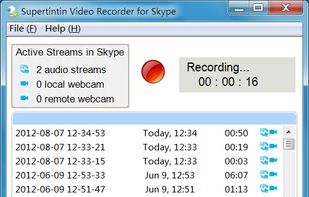


FlashDemo Screen Recorder captures all screen activity from your Windows Desktop in real time and publishes as a Flash movie. Perfect for creating online tutorial, training & support videos, E-Learning material.
 China
China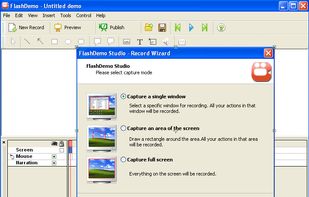


Free Online Screen Recorder - Record your screen and webcam. No download required. Protected by end-to-end encryption. Free to use on Windows, Mac, Linux, iOS, Android.
 Germany
 EU
EU
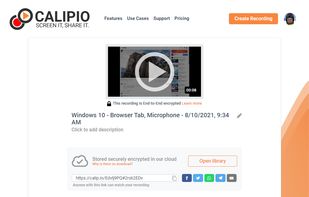
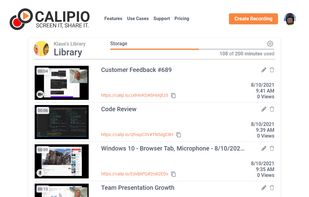
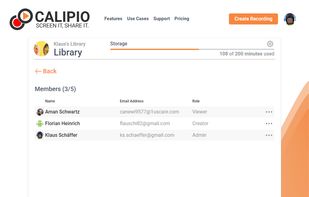


Record and share screen, webcam and mobile videos in Gmail, Outlook, Apple Mail, Linkedin, Instagram, Twitter, SMS and more.






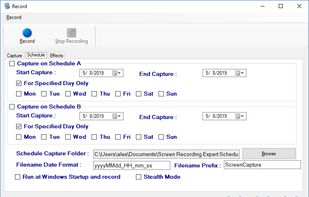
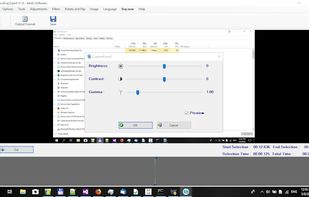
Screen Recorder Expert - Screen recorder with audio and many effects - Screen recorder windows supported - Screen capture on schedule - Cut video, image editing.
 GreeceEU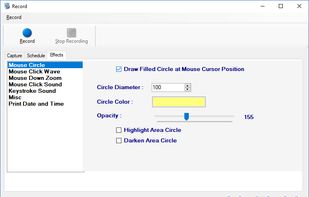



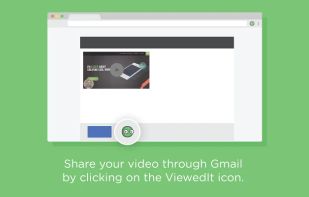
ViewedIt provides a super simple way to record your PC desktop through a Chrome extension. More than that, lets you share your creations then get notified when people watch them.
 Canada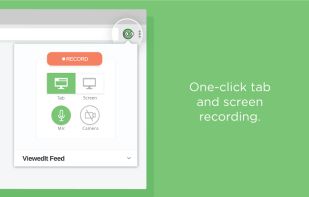




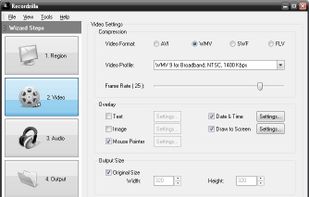
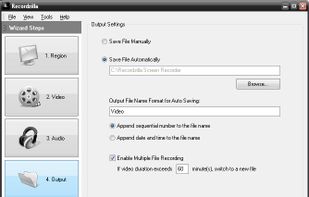
Recordzilla is a screen recorder software that lets you capture video, audio and pictures of anything you see on your computer screen and save it as video AVI, WMV, Flash SWF, or Flash FLV.
 Malaysia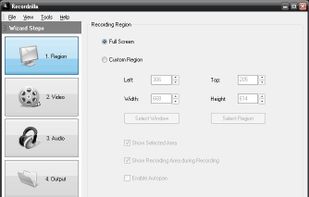


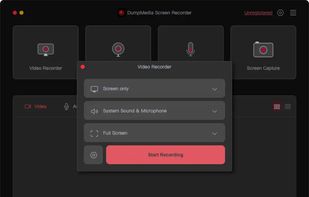
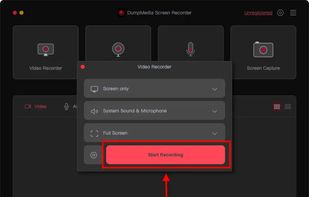
Record screen and webcam in HD videos with no watermark. Simultaneously or separately record from system sounds and microphone.
 Hong Kong SAR China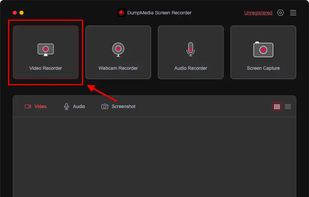


Effortless macOS screen recording with a streamlined interface, cursor trails, click animations, MP4, WebM, or GIF export, no watermarks, no account signups, lifetime access for a one-time fee, instant effect toggling, and features tailored for tutorials and demo creation.
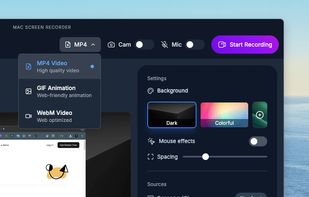
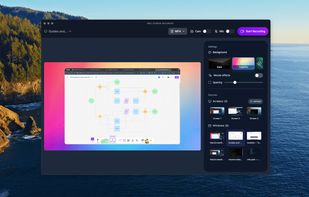
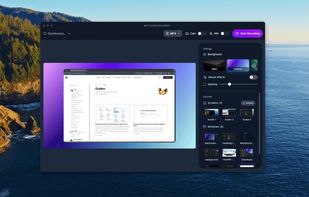


Record screen and webcam in HD videos with no watermark. Simultaneously or separately record from system sounds and microphone. Support recording editing and real-time annotation.
 Philippines