


QwikPDF
Like
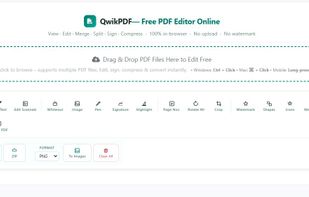
QwikPDF is a free, all-in-one online PDF tool to edit, merge, convert, and sign PDFs instantly—no downloads, no watermarks, no limits.

Cost / License
- Free
- Proprietary
Application typeApplication types
Platforms
- Online


Features
QwikPDF News & Activities
Highlights All activities
Recent activities
I've used QwikPDF a few times for simple PDF tasks, and it has been a smooth experience. The website is straightforward, so I didn't have to spend time figuring out where everything was. I was able to merge and compress my PDF files in just a few clicks, and the process was surprisingly fast. It's a handy tool when you need to get something done quickly without installing extra software.
- Abin Mathew updated QwikPDF


QwikPDF information
Developed by
 qwikpdf
 Licensing
Proprietary and Free product.Alternatives
47 alternatives listedBadge
Get an embeddable badge for QwikPDFSupported Languages


Comments and Reviews
I've used QwikPDF a few times for simple PDF tasks, and it has been a smooth experience. The website is straightforward, so I didn't have to spend time figuring out where everything was. I was able to merge and compress my PDF files in just a few clicks, and the process was surprisingly fast. It's a handy tool when you need to get something done quickly without installing extra software.