


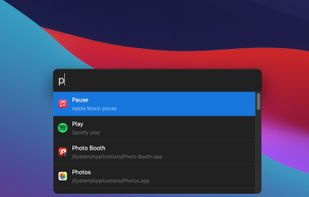
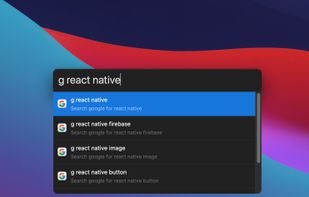
Productivity tool that allows to launch everything (e.g. switch the next song, connect Bluetooth device, set a timer, etc.) so you can stay focused on your current task.
Platforms
- Mac



+2



Apps similar to Quicksilver include Vicinae, which is free and open source. Other options are Flow Launcher, Raycast, Alfred and Listary. You're spoiled for choice with Application Launchers like Quicksilver: we list more than 100 alternatives for Mac, Windows, Linux, iPhone and iPad.
Productivity tool that allows to launch everything (e.g. switch the next song, connect Bluetooth device, set a timer, etc.) so you can stay focused on your current task.


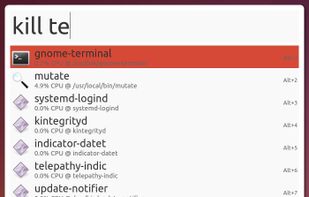

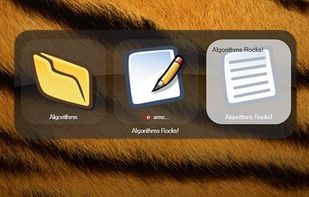


SlickRun is a free floating command line utility for Windows. SlickRun gives almost instant access to any program or website. SlickRun allows you to create command aliases (known as MagicWords), so C:\Program Files\Outlook Express\msimn.exe becomes MAIL.

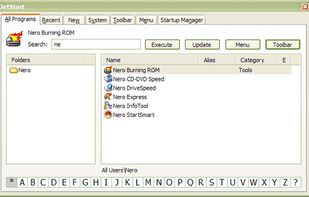
Tired of digging into crowded Start Menu? JetStart offers you a quick access to categorized Start Menu shortcuts, recently launched programs and system commands.
 Australia

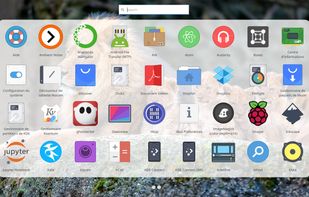
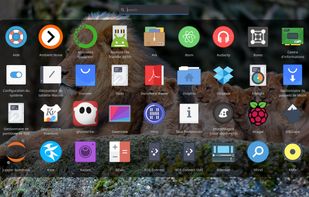
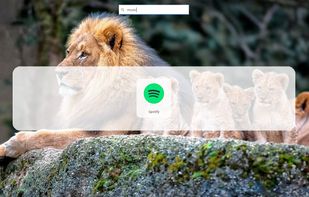
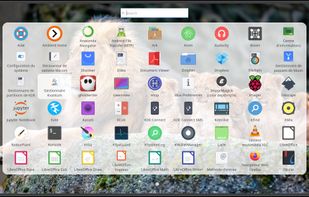
Rocket is an application launcher for KDE Plasma. It sorts all of your applications in a horizontal grid alphabetically, so you will always find what you are looking for at first glance. No more menu navigation, only scrolling.


Use an additional modifier key for all your keyboard shortcuts with this straightforward app. Utilize an unused key by converting the caps lock or any modifier key to the hyper key, which combines all four modifiers. The hyper key can be used in any app with keyboard shortcuts.
 United States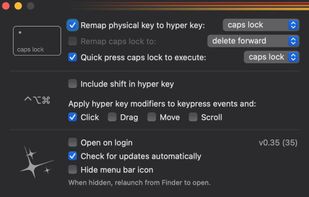


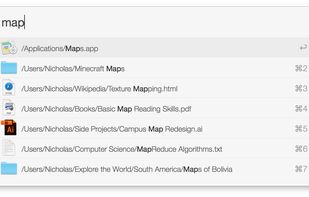
Findspot helps you to find files and launch apps quickly. Just press a shortcut and input some keywords. Findspot will search through your Mac and find the best matches in no time.





Mage, originally a Raycast clone, is a lightweight and fast app launcher for Windows, built with Electron, Vite, and Vue 3. It features custom applications, live activities, a modern UI and a batteries-included SDK for developers.

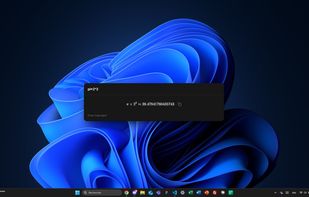
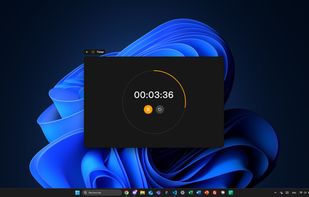


DragThing is the original dock designed to tidy up your Macintosh desktop.
It puts all your documents, folders, and applications just a single click away. Highly flexible, it allows multiple docks, each customised to suit your exact needs.
It stores frequently-used clippings su.
 United Kingdom


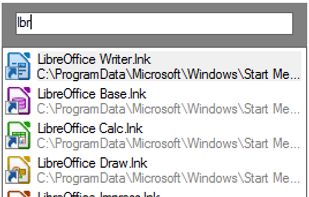
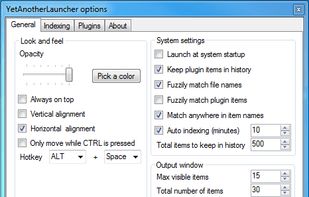
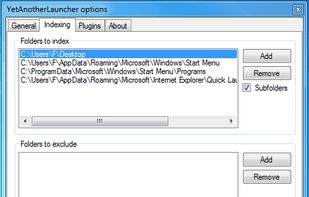
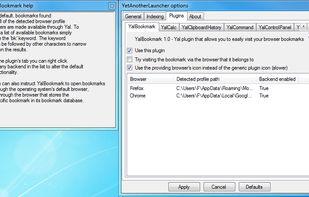
Access your files, programs, browser bookmarks, search engines and windows with a few key presses.


 Germany
 EU
EU


