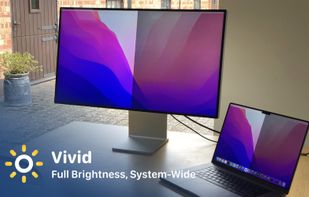
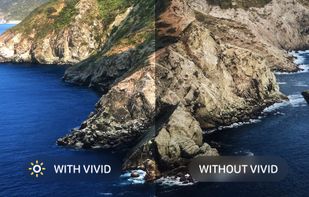
Vivid is a software that enables users to amplify the brightness of their MacBook Pro and Pro Display XDR, system-wide, utilizing standard Apple APIs.
Cost / License
- Paid
- Proprietary
Platforms
- Mac



Apps similar to QuickShade include Twinkle Tray, which is free and open source. Other options are Solace, Dimly, MonitorControl and Monitorian. You're spoiled for choice with Screen Dimmers like QuickShade: we list more than 25 alternatives for Windows, Mac and Linux.
Vivid is a software that enables users to amplify the brightness of their MacBook Pro and Pro Display XDR, system-wide, utilizing standard Apple APIs.

DDCcontrol is software for controlling monitor parameters such as brightness, contrast, and RGB color levels. It includes a command-line tool and a GUI tool.


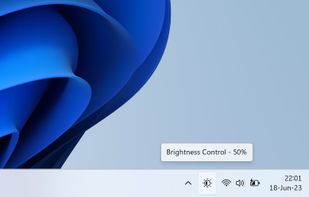
The app lets you control the brightness of all your screens (both laptop and desktop) by a single click on a tray icon. Its look goes nicely with the system icons and it supports both light and dark mode.
 Czechia
 EU
EU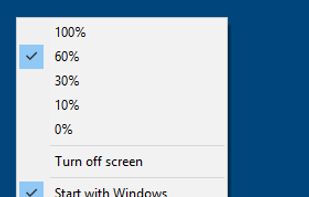


Form 1 Hour Software by skrommel, it can dim the screen by applying a transparent gray layer on top of your opened applications
 United States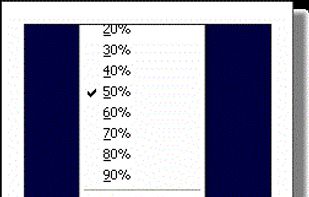


iBrightness Tray is a little bit of a swiss army knife display tool as adjusting the brightness of your screen is just one of three main functions it has. The other two are turning on your screensaver at the click of a button and also the ability to turn off the display...


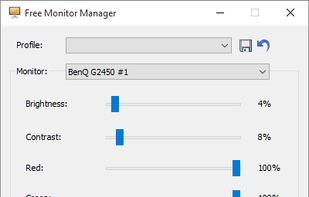
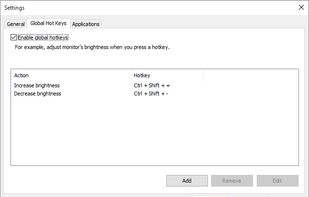
Free Monitor Manager lets you easily change your monitor's brightness, contrast and colors.


Lumino is a Mac utility that automatically controls the brightness of connected external displays based on ambient light. It uses the built-in light sensor of supported Macs and works with DDC/CI when available, with fallback options for displays that don’t fully support...
 GermanyEU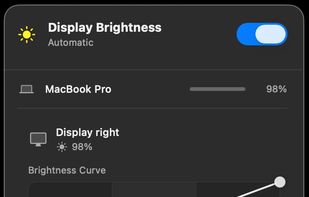


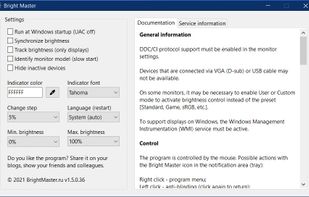
The program is designed to adjust the brightness of monitors, laptop displays and other equipment. Runs on Windows 7+ and does not require installation. Works with all external monitors that have DDC/CI support, as well as with built-in displays of laptops, all-in-ones and...


This small utility will try to make controlling your external monitor brightness and contrast easier. Also it have day and night presets, which stored in a right-click on a button.
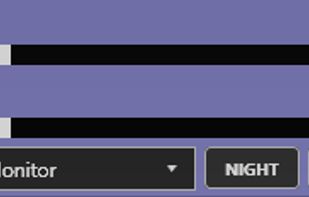


Monitor Bright reduces with a simple trick the monitor brightness. Useful to use the PC at night without getting blind if the minimum brightness that can be obtained adjusting monitor settings is still too high if compared to ambience brightness. Supports multi monitor systems.
 ItalyEU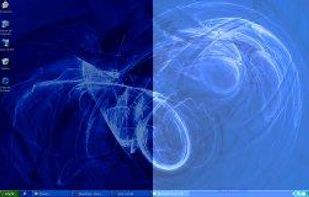


 Poland