qpdfview Alternatives

qpdfview is described as 'Qt-based tabbed document viewer using the Poppler library for PDF rendering and CUPS for printing. Support for the DjVu and PostScript formats can be added via plugins' and is a PDF Reader in the office & productivity category. There are more than 50 alternatives to qpdfview for a variety of platforms, including Windows, Mac, Linux, Android and Web-based apps. The best qpdfview alternative is SumatraPDF, which is both free and Open Source. Other great apps like qpdfview are Okular, Foxit PDF Reader, Evince and PDF-XChange Editor.

Copy a direct link to this comment to your clipboard
qpdfview alternatives page was last updated

Alternatives list

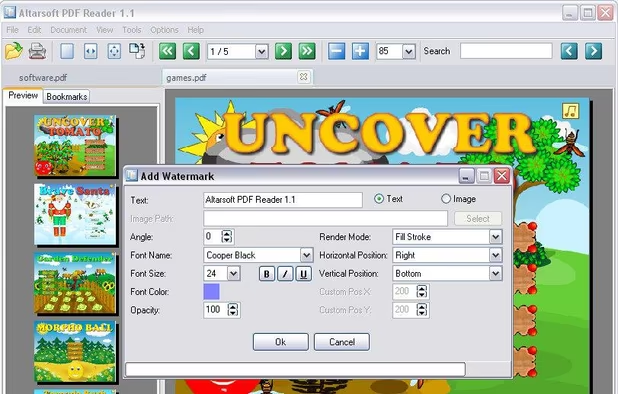
  1. Altarsoft PDF Reader is a program for viewing and editing PDF files.

    Main Features:

    • open / save pdf files
    • zoom in / zoom out
    • rotate page
    • encrypt pdf file
    • decrypt pdf file
    • add annotations
    • add bookmarks
    • add watermarks
    • add attachments
    • convert images to pdf file.

    Cost / License

    • Free
    • Proprietary

    Application type

    Alerts

    • Discontinued

    Platforms

    • Windows
     
  2. The first AI-powered PDF reader that adapts to your screen.

    Cost / License

    • Paid
    • Proprietary

    Application type

    Platforms

    • iPhone
    • iPad
     
  3.  1 like

    PrivatePDF is a free web tool that lets you make quick PDF edits from within your web browser, without uploading anything anywhere.

    Cost / License

    • Free
    • Open Source (MIT)

    Application type

    Platforms

    • Online
    • Self-Hosted
     
  4. Read Right icon
     1 like

    Read Right is a free, lightweight PDF viewer for small portables. Documents are automatically rotated and scaled to fullscreen, so they can be read with the laptop held sideways like a book.

    Cost / License

    • Free
    • Proprietary

    Application type

    Platforms

    • Mac
     
  5. Unlock the potential of your PDF documents with PDFquiz.ai, the leading PDF to quiz converter. Effortlessly convert PDF to quiz with our AI quiz generator and AI test maker.

    Cost / License

    • Freemium
    • Proprietary

    Platforms

    • Online
     
  6. Pdf2Screen icon
     1 like

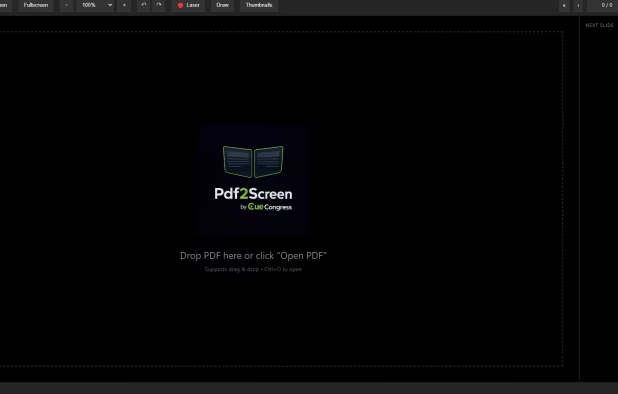
    Second-Screen PDF Reader for Live Events.

    Cost / License

    • Paid
    • Proprietary

    Platforms

    • Windows
     
  7. ShelfStream icon
     2 likes

    A next-generation iOS viewer app for self-scanned manga and books with AI-powered organization, cloud storage support, and NAS streaming.

    Cost / License

    • Freemium
    • Proprietary

    Application types

    Platforms

    • iPhone
    • iPad
     
  8. 	Lokaltools icon
     1 like

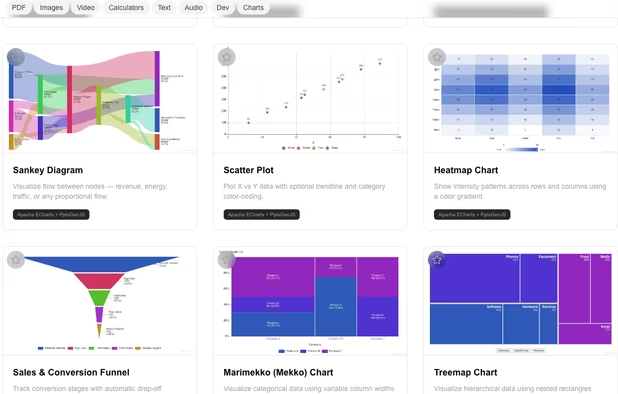
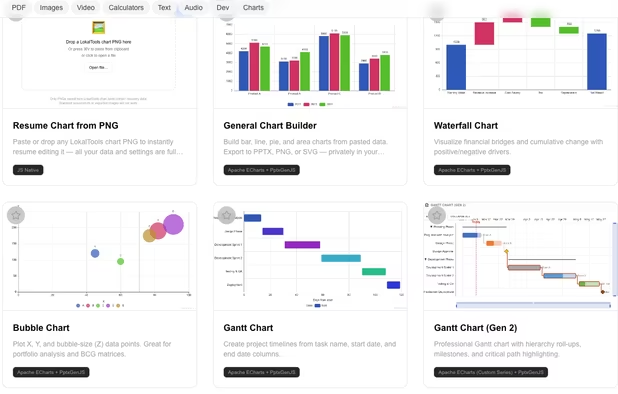
    Lokaltools is a privacy-first, browser-based toolkit with 100+ tools across 8 categories. Everything runs entirely in your browser using WebAssembly — no files are ever uploaded to a server, no account is required, and nothing ever leaves your device.

    Cost / License

    • Freemium
    • Proprietary

    Application types

    Platforms

    • Online
    • Mac
    • Windows
     
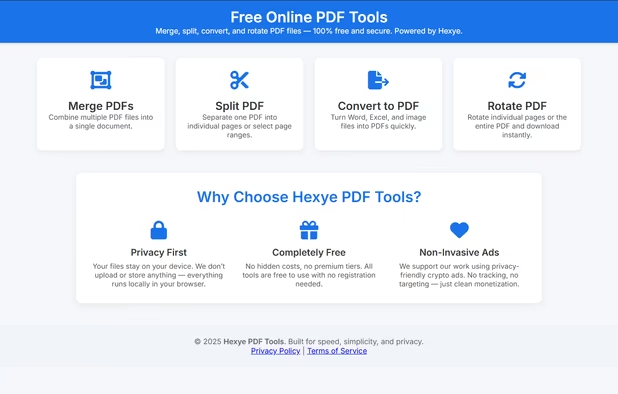
  9. Hexye PDF Tools is a fast, privacy-focused online suite for editing PDFs — split, rotate, merge, and more — directly in your browser without uploading files.

    Cost / License

    • Free
    • Proprietary

    Platforms

    • Online
     
  10. Free 4.6 MB PDF viewer for Windows and macOS that just opens. Tabs, search, page editing, dark mode, annotations, signatures. Zero network calls.

    Cost / License

    • Free
    • Open Source (MIT)

    Application types

    Platforms

    • Windows
    • Mac
     
  11. ZapPDF icon
     Like

    ZapPDF is the ultimate privacy-first PDF utility. Whether you are dealing with sensitive financial documents, legal forms, or heavy study materials, ZapPDF gives you the power to manage them instantly—without ever uploading your private files to a random cloud server.

    Cost / License

    • Freemium
    • Open Source (MIT)

    Application type

    Platforms

    • Mac
    • iPhone
    • iPad
     
You are at page 7 of qpdfview alternatives