


QwikPDF is a free, all-in-one online PDF tool to edit, merge, convert, and sign PDFs instantly—no downloads, no watermarks, no limits.
Cost / License
- Free
- Proprietary
Application typeApplication types
Platforms
- Online
 United Arab Emirates
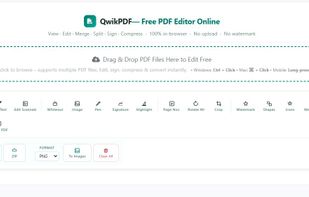

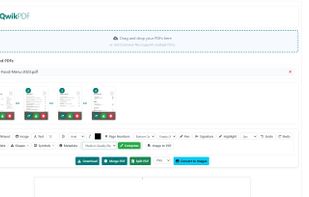


Apps similar to Qpdf Tools include Stirling PDF, which is open source with a free version. Other options are Adobe Acrobat DC, PDF24 Tools, Sejda and Smallpdf. PDF Editors like Qpdf Tools are a crowded field, with more than 50 alternatives for the web, Windows, Mac, Android and iPhone.
QwikPDF is a free, all-in-one online PDF tool to edit, merge, convert, and sign PDFs instantly—no downloads, no watermarks, no limits.
United Arab Emirates
PDF Shelter processes PDF documents on your own browser, avoiding data transfers and the risk of sharing data with third-parties.

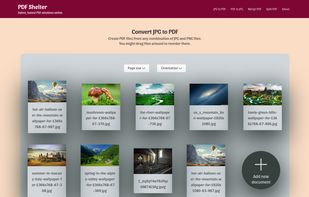
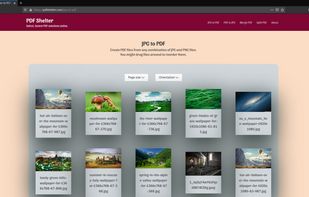


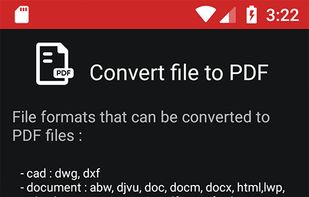
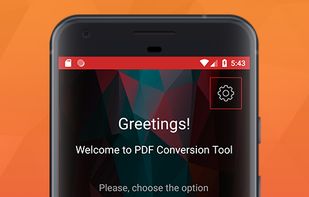
PDF Conversion Tool allows you to easily and quickly convert almost any file into PDF format and back. Easily converts PDF file to Microsoft Word format and to almost any images format. As a bonus, it also provides the ability to protect, remove the password and compress almost...
 Canada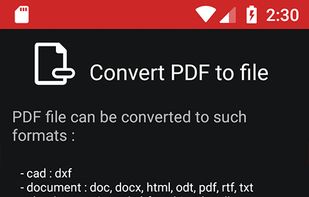


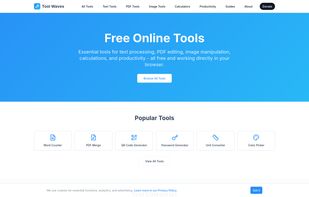
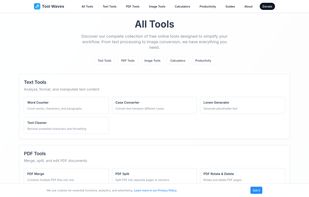
ToolWaves is a free online toolbox that brings together a wide range of practical utilities in one place. From PDF editing and text processing to image manipulation, file conversion, and calculators, everything is designed to be fast, reliable, and easy to use.


Online converter for video, audio, image, e-book, document, subtitle & archive files. MConverter can also compress PDFs by 90%! Easy to use. Clean UI. Select files and folders from anywhere, including the clipboard (Ctrl+V). Save your files to any folder.
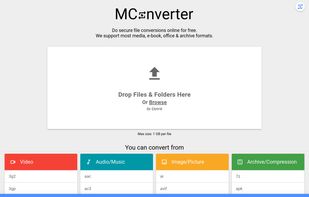
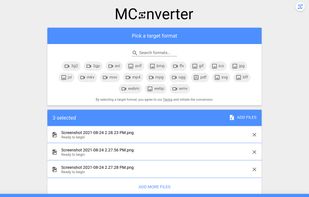
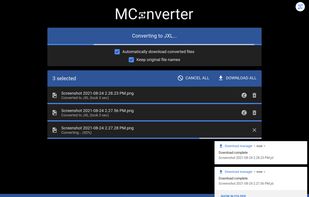
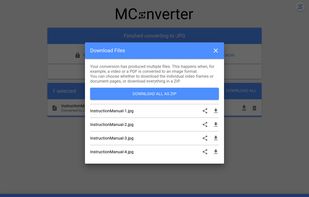


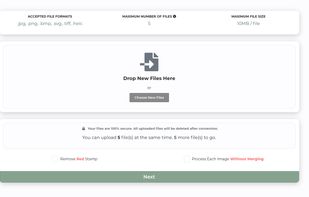
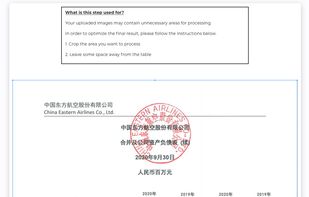
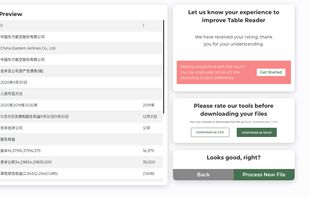
Table Reader allows the conversion from a large range of image types to Excel, including JPG, PNG, SVG, HEIC, with 50+ supporting languages. By training over 1 million photos and financial tables, it has successfully reached 90%+ accuracy.


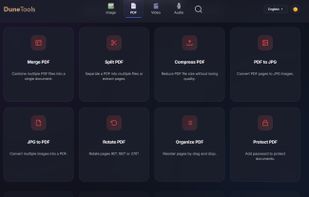
Free, privacy-focused suite of PDF, video, and image tools that runs entirely in your browser. No server uploads required.
 Spain
Spain EU
EU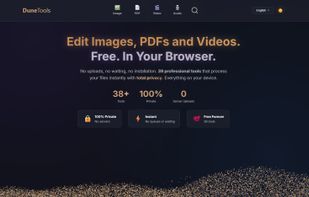
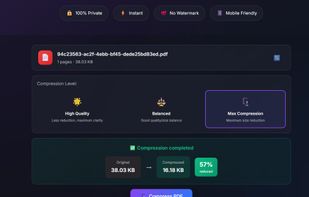
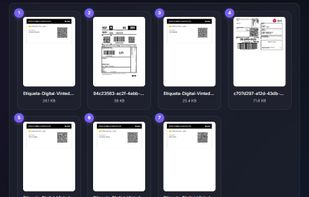


LyftPDF is an easy-to-use web-based PDF editing tool that allows users to merge, split, compress, and convert PDFs into various formats.
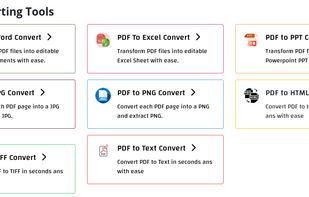
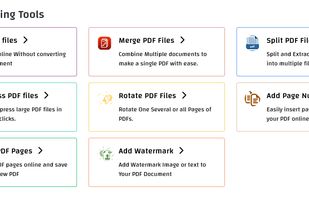
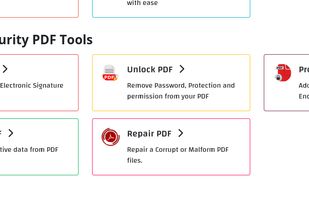


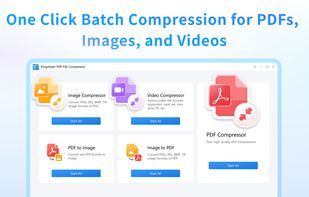
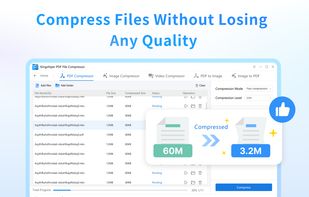
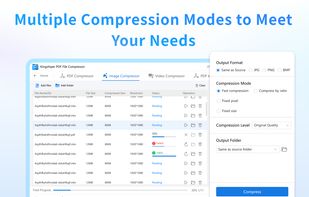
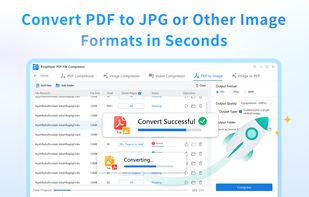
Kingshiper PDF File Compressor is a powerful tool that compresses PDF files, images, and videos without losing any quality. Also, you can use it to convert and format jpg to pdf and pdf to jpg easily.


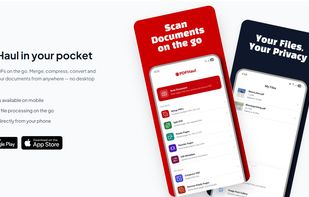
PDFHaul is a free, privacy-first PDF tool suite for web and mobile. Merge, split, compress, convert, annotate, sign, and redact PDFs in seconds. No installation required. Files are automatically deleted within 2 hours, never stored permanently.
Canada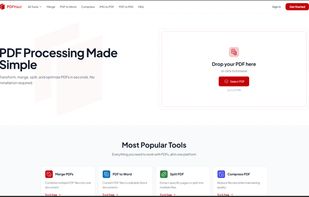
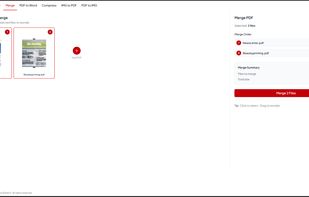
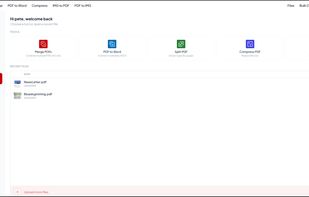


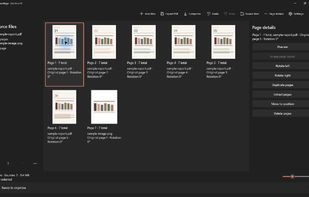
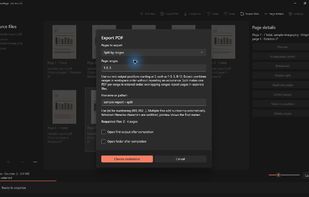
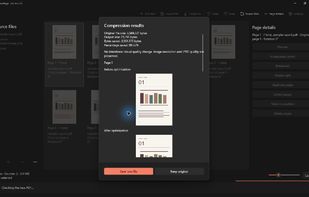
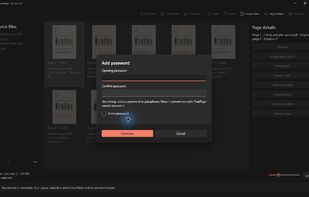
TruePage is a Windows 11 desktop app for assembling PDFs and images in a visual page workspace. Combine files, reorder, rotate, duplicate or remove pages, then extract selected pages or split documents and export new PDFs without changing the sources.


A fast and easy online PDF toolkit that lets you merge, compress, convert, split, and edit PDF files directly in your browser—no installation required.





 India
India