
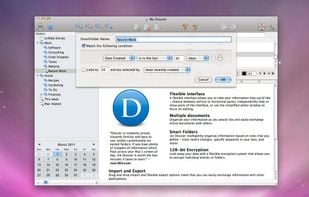
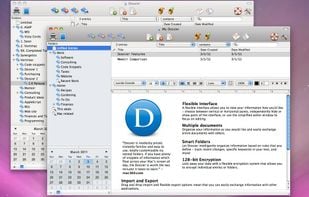
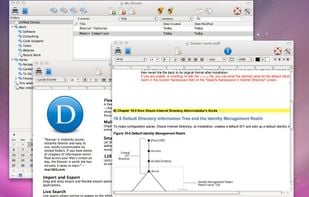
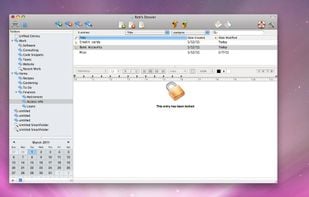
Mac and iOS software and consulting. Creators of Dossier and Memoir, popular notebook and organizational tools for Mac OS X
Cost / License
- Paid
- Proprietary
Platforms
- Mac
+1


Publicnote is described as 'Database of notes that is accessible to the public. No account is required. Simply enter a title to access any note' and is a Note-taking tool in the office & productivity category. There are more than 100 alternatives to Publicnote, not only websites but also apps for a variety of platforms, including Windows, Mac, Android and iPhone apps. The best Publicnote alternative is Logseq, which is both free and Open Source. Other great sites and apps similar to Publicnote are Zim, CherryTree, Trilium Notes and Cryptee.
Mac and iOS software and consulting. Creators of Dossier and Memoir, popular notebook and organizational tools for Mac OS X

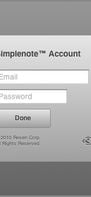
Quickly and easily access your Simplenote account from your OS X dashboard. Stay organized with no effort. Let your notes automatically sync between multiple devices.

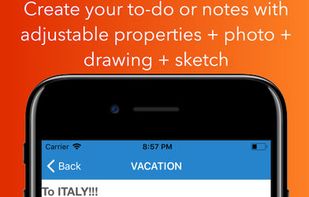
USticker is free of charge version of "MakerX" app. USticker is notebook app for your iPhone or iPad with set of tools for organizing.




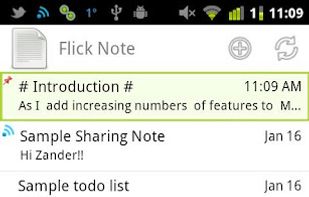
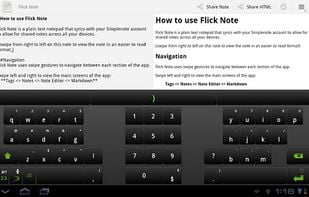
Full featured Simplenote syncing plain text notepad. A full featured Simplenote syncing notepad application.

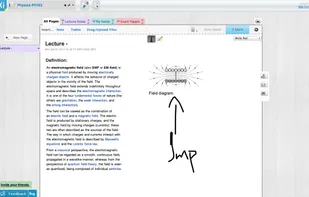
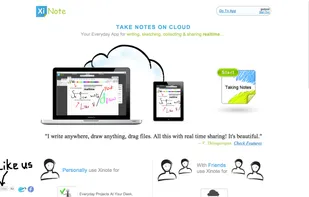
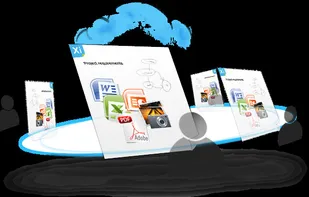
Xinote is a Note Taking service with realtime Collaboration. It is your everyday app for writing, sketching, collecting & sharing realtime. Never forget anything and organize your life using Xinote.

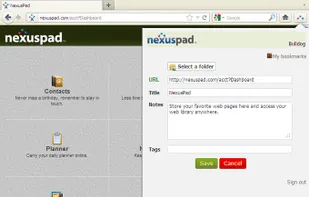

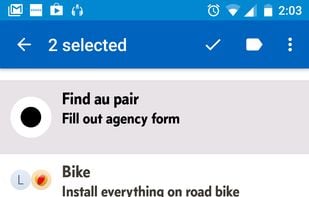
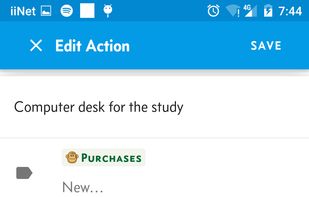
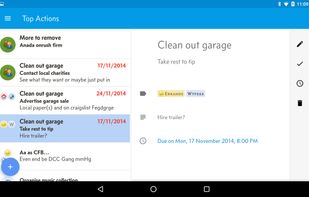
Shuffle, a personal organizational tool, styled around the Getting Things Done methodology. Shuffle is a dumping ground for ideas and tasks. It lets you rapidly create and organize your actions, relieving you of the stress of trying to remember everything you need to get done.

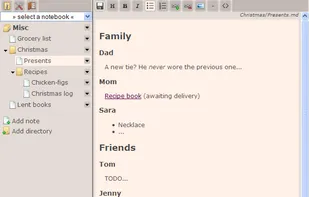
Jotter is a lightweight, no database, powerful web notebook that lets you create and manage notes online safely, quickly & easily.

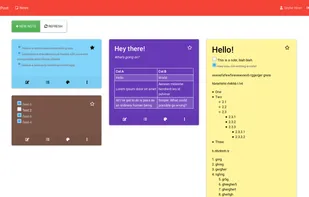
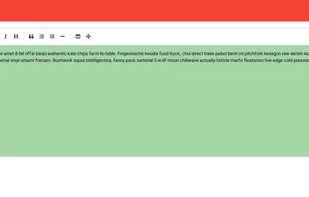
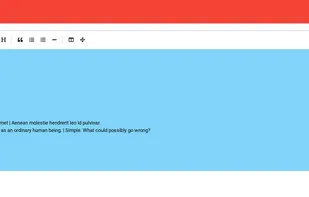
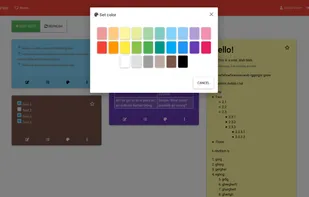

As Noted is a simple and powerful personal note taking environment. You can edit and manage your notes with your iOS or Android smart phone or tablet, or on the desktop with the As Noted extension for Chrome.











 United States