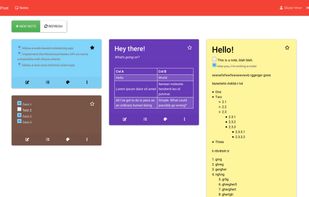
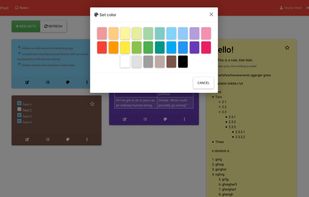
Jotter is a lightweight, no database, powerful web notebook that lets you create and manage notes online safely, quickly & easily.
Platforms
- Self-Hosted
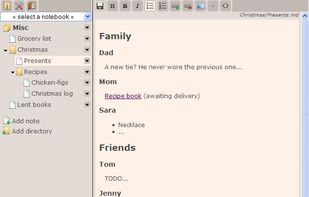


Apps similar to PopNotes include Zim, which is free and open source. Other options are Trilium Notes, Cryptee, Markor and QOwnNotes. You're spoiled for choice with Note-taking Tools like PopNotes: we list more than 100 alternatives for Android, Windows, Mac, the web and iPhone.
Jotter is a lightweight, no database, powerful web notebook that lets you create and manage notes online safely, quickly & easily.

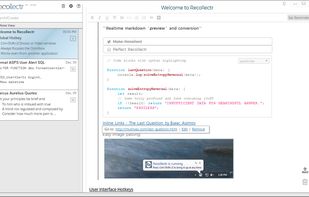


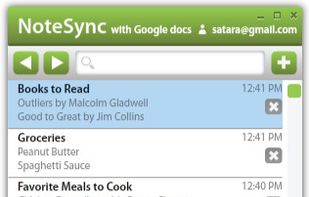
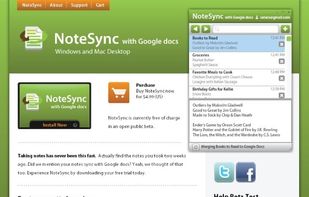
NoteSync lets you take notes fast and sync them with your Google docs account. Automatic syncing happens every minute or when you feel like it by pressing the sync button. Offline mode fully supported. Keyboard shortcuts like CTR-L put your cursor in the search bar to easily...



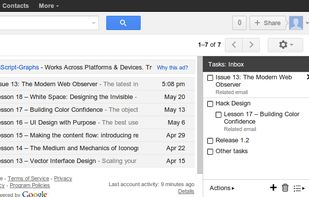
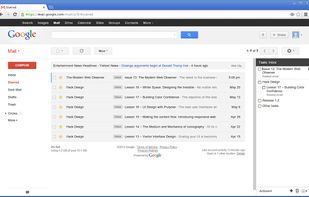
RightTasks places your Google Tasks in a right sidebar in Gmail, like in Google Calendar.


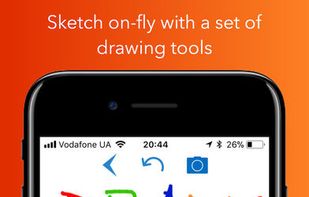
USticker is free of charge version of "MakerX" app. USticker is notebook app for your iPhone or iPad with set of tools for organizing.





Quickly and easily access your Simplenote account from your OS X dashboard. Stay organized with no effort. Let your notes automatically sync between multiple devices.





 Netherlands
 EU
EU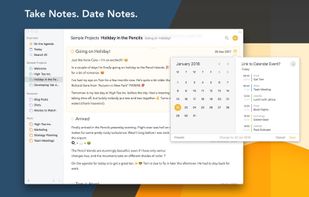


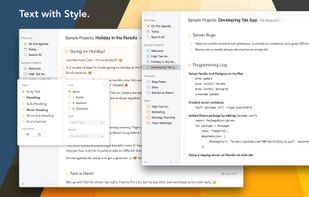


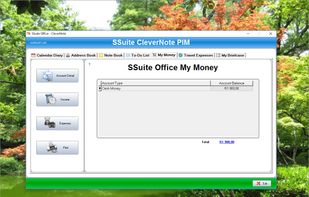
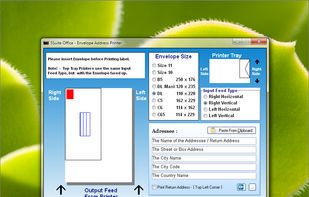
SSuite CleverNote PIM is a comprehensive application that includes an intuitive working environment for managing notes, ideas, lists and events into one place. It comes in handy for personal and business purposes alike.
 South Africa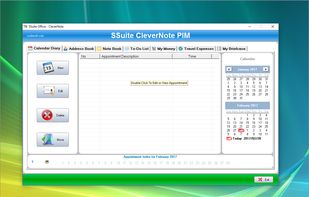


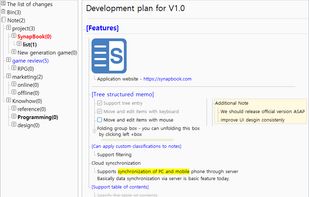
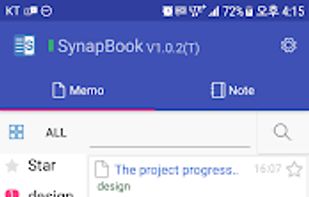
Synapbook is one of the powerful knowledge management tool for creating cloud-based notes in tree form such as Evernote, OneNote, Google Keep and Workflowy. It has a number of other improved and different features from other tools.


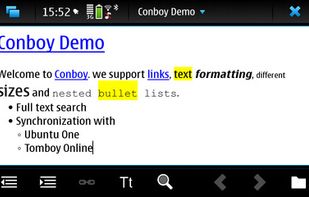
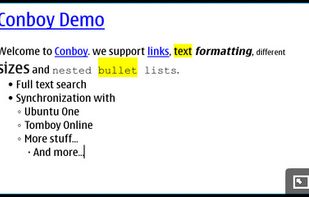
Conboy is a note taking application specifically designed for Maemo. It is designed to be easy to use - yet powerful. Conboy can read and write the Tomboy file format to be compatible with Tomboy on Linux, Mac and Windows.



 United States