


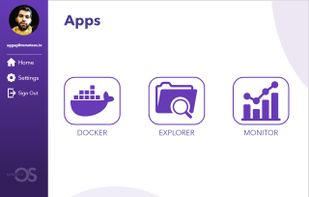
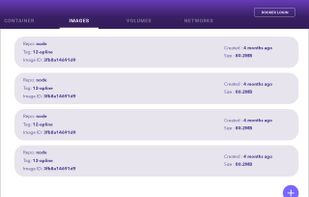
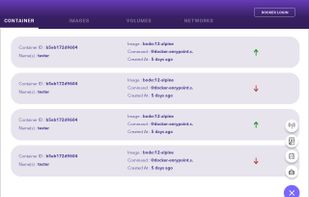
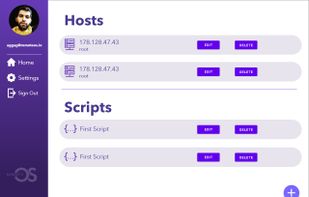
A shell wrapper that provides a way to interact with commonly used command-line software using a user interface instead of commands.
Platforms
- Mac
- Windows
- Linux
- Android



+1


Apps similar to Pop.com include TeamViewer, which is free for personal use. Other options are Remmina, Chrome Remote Desktop, TightVNC and Bananas Screen Sharing. You're spoiled for choice with Remote Desktop Tools like Pop.com: we list more than 100 alternatives for Windows, Mac, Linux, Android and iPhone.
A shell wrapper that provides a way to interact with commonly used command-line software using a user interface instead of commands.

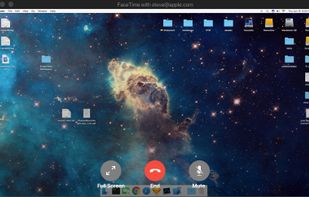
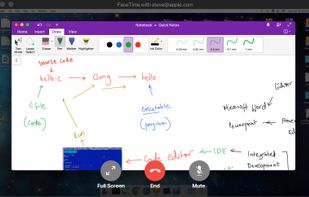
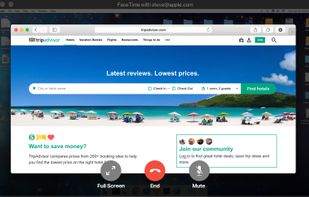
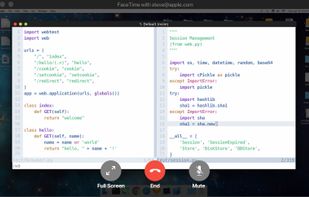


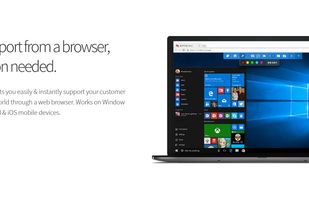
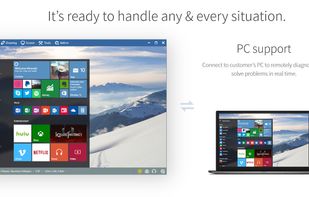
RemoteCall is a cloud based remote support solution bridging the agents and clients. Support client PCs, multiple displays, Windows, Mac and Linux as SaaS service or in-house server solution. Best solution for IT professionals.
 South Korea


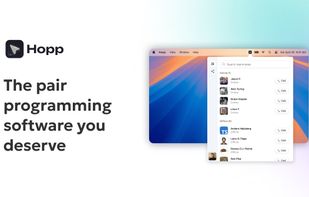
A purpose-built screen sharing tool designed specifically for developers and remote teams. Unlike generic video conferencing tools (Zoom, Google Meet, Teams), Hopp delivers ultra-crisp, low-latency screen sharing with seamless remote control that makes pair programming feel...


Netop is a worldwide leader in software solutions for desktop management and classroom management. Key products include Remote Control, School 6, Vision 7, and Live Guide. With a new business model and a broadly innovative product suite, Netop is now focused on three key market...


How often did your friends ask you to help them because they did not have enough skills in using a PC? And how long did you have to configure their software by phone, tell them what to do and how to do it?
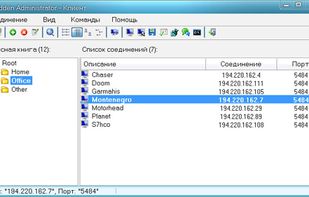


Free & Secure Remote Support Software for your Business, School, Government office or Not-for-Profit. Connect & Fix is secure, reliable remote desktop software that enables you to support your staff or clients remotely, from anywhere in the world.


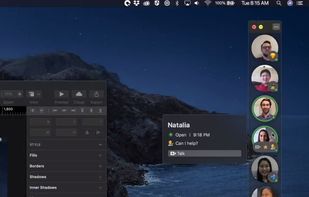
Remotion puts your team on your desktop so you can see who’s free and jump into quick video chats. Bring your team together with more face-to-face collaboration.


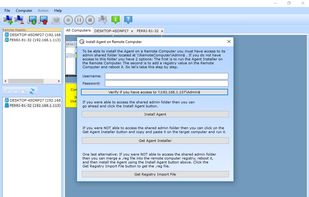
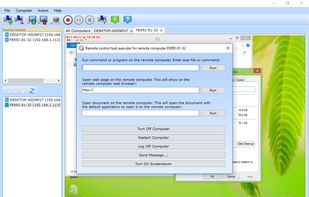
Watch and control all PCs & Macs in your LAN. You install the client on each computer you intend to monitor. With the server you can view all computers. You can also capture pictures, record video, and remotely control mouse and keyboard.
 Brazil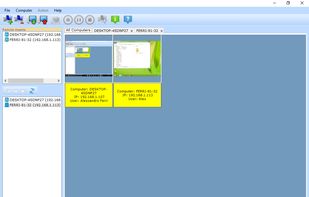


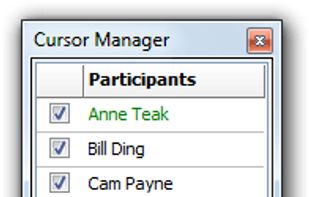
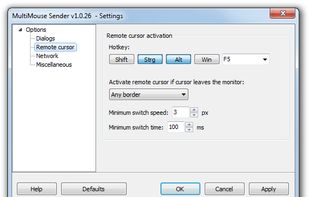
Users can drag the mouse cursor out of their computer's desktop and multiple mouse cursors will appear on the common desktop of the central PC:
 Germany
 EU
EU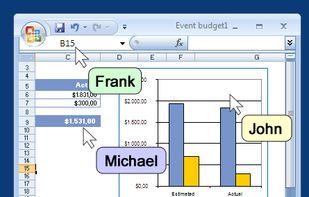



 Denmark


