


P
PolyDrive
Like
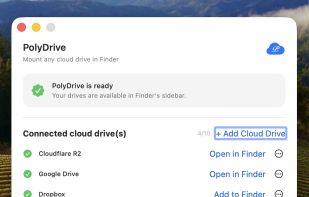
Mounts cloud storage, self-hosted servers, SMB shares, Android phones and local ext2/3/4 disks as native Finder locations on macOS.

Cost / License
- Freemium (Pay once)
- Proprietary
Application type
Platforms
- Mac

Features


Highlights All activities
PolyDrive News & Activities
Recent activities
- PolyDrive added PolyDrive
- Mauricio B. Holguin updated PolyDrive
- PolyDrive added PolyDrive as alternative to Rclone, CloudMounter, Mountain Duck and ExpanDrive
Developed by
HAI JINLicensing
Proprietary and Freemium product.Pricing
One time purchase (perpetual license) that costs $20 + free version with limited functionality.Alternatives
4 alternatives listedBadge
Get an embeddable badge for PolyDriveSupported Languages


No comments or reviews, maybe you want to be first?