


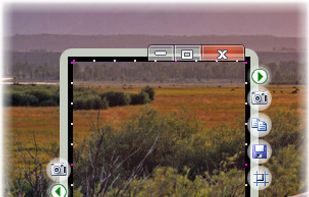
The smallest free tool for taking screenshots of different size. Just open SnapaShot, resize it's window to fit the area you want to save, and press "save it" button.
Cost / License
- Freemium
- Proprietary
Application type
Platforms
- Windows
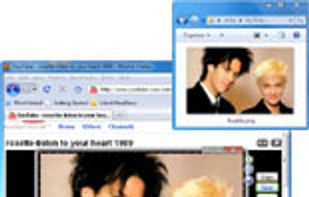



One of the most popular alternatives to PicPick is ShareX, which is free and open source. Other popular alternatives are Flameshot, Greenshot, FastStone Capture and Snipping Tool. There's no shortage of Screenshot Capture Tools like PicPick, with more than 100 alternatives for Windows, Mac, the web, Linux and iPhone.
The smallest free tool for taking screenshots of different size. Just open SnapaShot, resize it's window to fit the area you want to save, and press "save it" button.

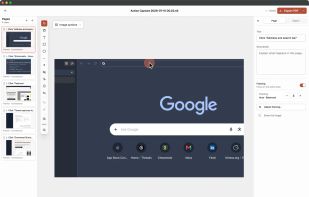
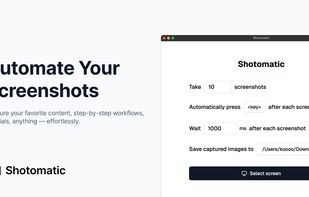
Shotomatic is a Mac app for recording a desktop task as an editable screenshot guide. Action Capture saves the target screen immediately before each accepted click, marks the action, and adds the step to a document.
 South Korea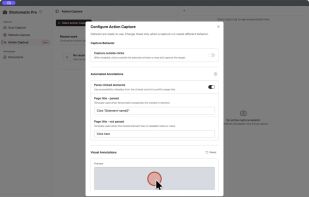
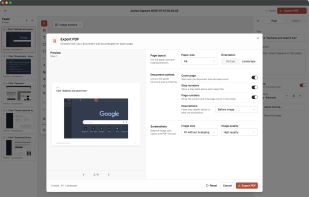


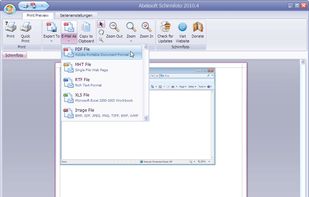
Schirmfoto is the easiest way of creating screenshots. Schirmfoto integrates itself into your Windows system by adding a new button in the title bar of each window. Clicking this icon will create a screenshot for you.
 Germany
 EU
EU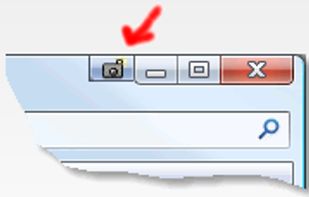


Taking screenshots with Shotty is so natural and easy, you just have to try it. Edit them in minimalistic editor and the upload them with one click. Focusing on simplicity and usability, this tool is probably the most intuitive screenshot utility out there.
GermanyEU


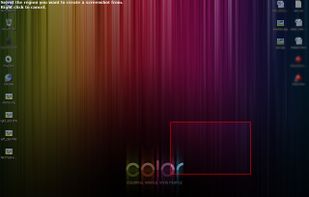


Bug Shooting is the perfect tool for software developers as well as testers. Bug Shooting provides you an easy way to create screen captures and attach them to items of your bug tracking or issue management system, e.g.


Swappy is a Wayland screenshot editing tool featuring brushes, text, shapes, arrows, and blur. Images can be saved locally or copied directly to the clipboard.
 FranceEU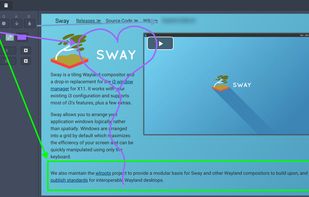


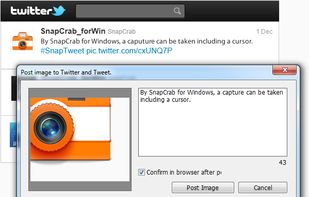
SnapCrab is a photo capture software that can capture any part of your screen. Files are saved in PNG format. Capture the whole screen, specified windows or areas, or wherever you like. With SnapCrab you can directly post captured images to Twitter, or save them to Evernote.
 United States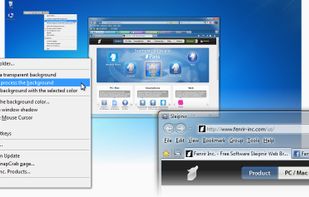
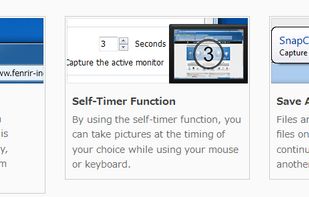


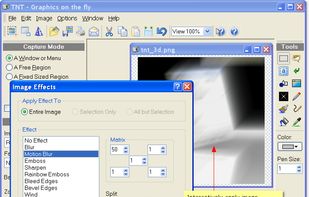
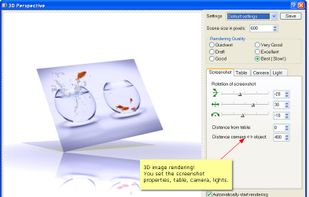
TNT Screen Capture creates screen shots that look better than the original screen.
 AustriaEU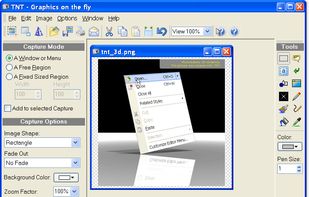



Designer Tools is intended to help designers and developers with routine work. It contains a loupe tool that helps you copy the color of any pixel on the screen.
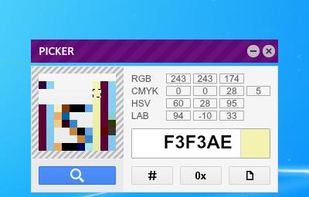


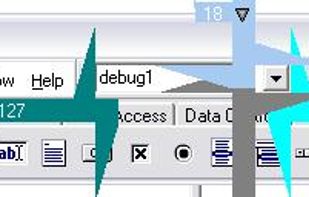
MezerTools is a simple toolkit for UI designers & programmers to measure screen elements in pixels. It also lets you grab screenshots and more...
United States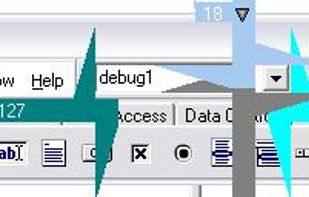


A macOS app for capturing, annotating and sharing screenshots. Quickly add comments, highlight what matters or blur any sensitive content. Upload screenshots to Google Drive or Dropbox. Copy screenshots to the clipboard and paste them directly into Slack, Skype, Jira, Trello and...


 Russia