


OrgPassword is all that is required to keep your personal information in perfect order. It provides a number of categories, each purposed to keep a certain type of information so you can find exactly what you need in a blink of an eye.
 Russia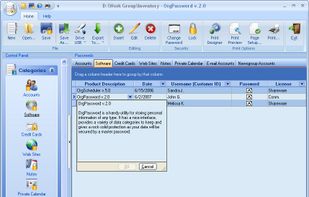


Penteract Password Manager is described as 'Lets you keep your passwords on your device, not in the cloud, and is free of monthly charges. With one click your password is copied, and your web browser is launched to the appropriate website' and is a password manager in the security & privacy category. There are more than 100 alternatives to Penteract Password Manager for a variety of platforms, including Windows, Mac, iPhone, Android and Linux apps. The best Penteract Password Manager alternative is Bitwarden, which is both free and Open Source. Other great apps like Penteract Password Manager are KeePassXC, KeePass, LastPass and 1Password.
OrgPassword is all that is required to keep your personal information in perfect order. It provides a number of categories, each purposed to keep a certain type of information so you can find exactly what you need in a blink of an eye.

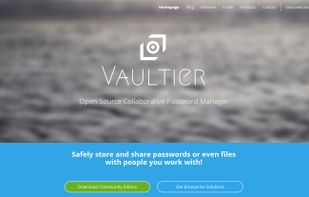
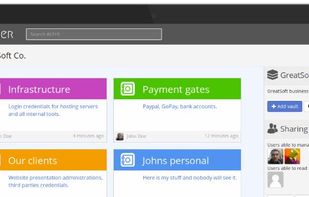
Open Source Enterprise software. Store your company data safely and share across your team!


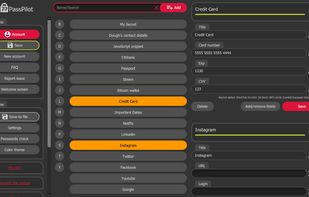
Free password manager that you can keep for yourself in a single HTML file. Client side AES encryption, trust no one policy, off the grid password manager. Take full control of your data online or offline.
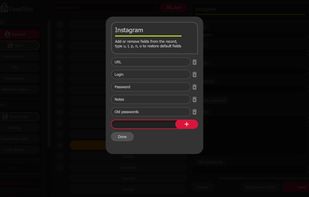
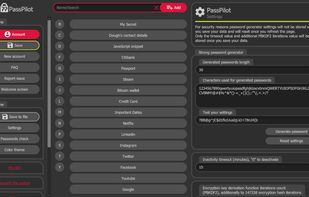
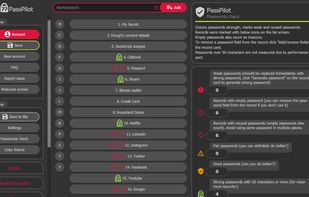


Random Password Generator is a free password manager to generate and manage hard-to-crack random passwords. It's the best free and secure password generator for better password security.




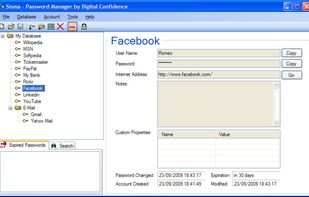
Sisma is an easy-to-use password manager that allows you to store and manage your passwords in a secure and convenient way.


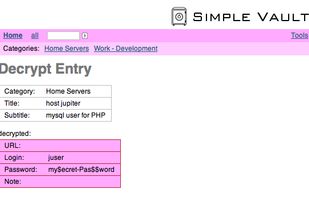
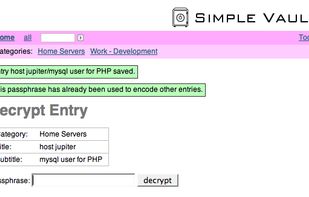
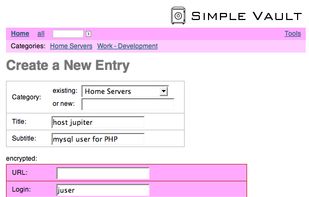
SimpleVault is a web-based tool that allows you to manage passwords or other secret information in a safe way. All secret information is encrypted using strong encryption algorithms. SimpleVault is particularly useful if you need to manage your secret data, or if you want to...


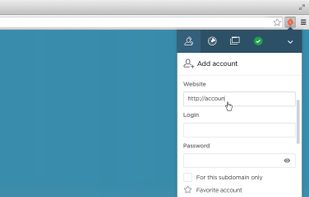
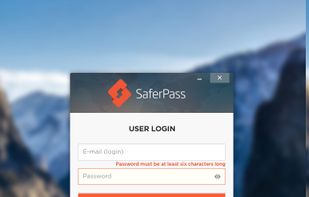
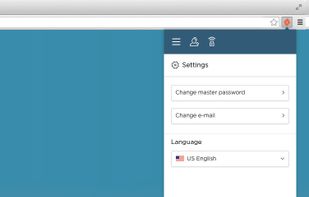
SaferPass can automatically log you in, and help backup your passwords for simple searching. No need to remember your passwords for every site.
And with the SaferCloud, you can even sync your passwords securely and easily among multiple machines!


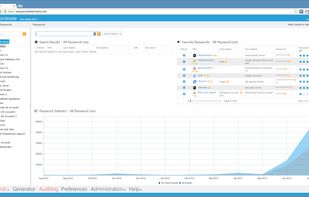
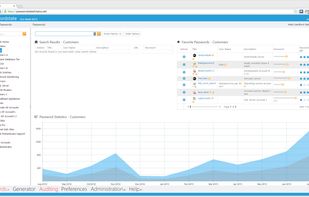
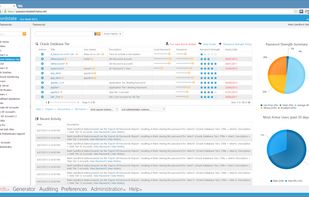
Passwordstate is a web-based solution for secure management of passwords, for both individuals and teams of people.



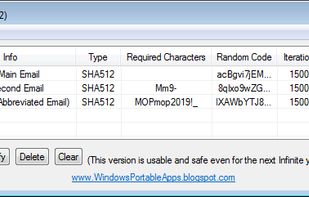
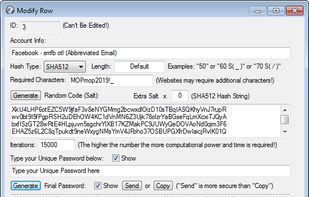
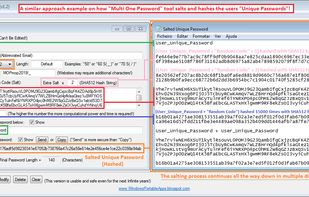
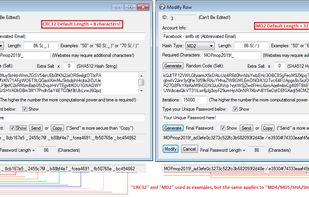
Multi One Password is a portable tool that allows you to generate multiple random passwords with one unique password!


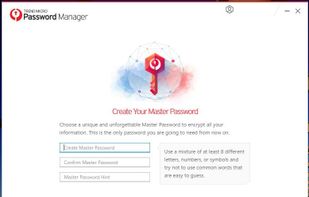
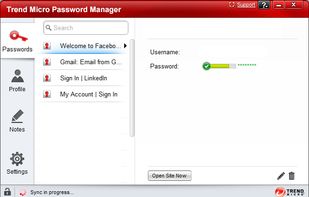
With Trend Micro Password Manager, you can safely sign into your favorite websites or access your personal information. Password Manager can keep all kinds of passwords safely for you, including passwords for apps and games.


The QubiBox is a simple and powerful password and information manager you can use to organize and secure data such as passwords, financial records, bank account details, credit card numbers, ATM PINs, legal and financial documents, etc.


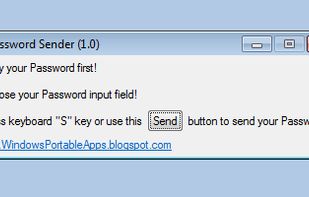
Password Sender is a portable tool that can be used to bypass password "Paste" restriction imposed by several websites!


 Czechia
 EU
EU


 Poland


 China
China


 United Kingdom


 Slovakia


 United States


 Japan
Japan


