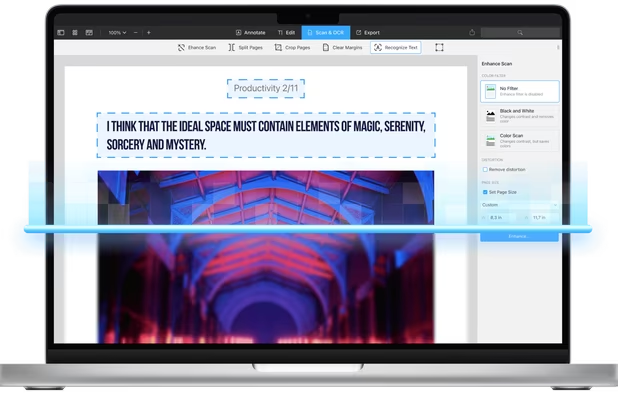
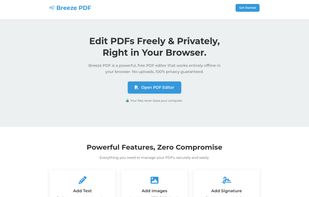
Breeze PDF is a powerful, free PDF editor that works entirely offline in your browser. No uploads, 100% privacy guaranteed.
Cost / License
- Free
- Proprietary
Application typeApplication types
Platforms
- Online



Apps similar to pdfly include PDF Arranger, which is free and open source. Other options are PDFgear, Stirling PDF, PDF24 Creator and PDFsam Basic. PDF Editors like pdfly are a crowded field, with more than 50 alternatives for Windows, the web, Mac, Linux and Android.
Breeze PDF is a powerful, free PDF editor that works entirely offline in your browser. No uploads, 100% privacy guaranteed.

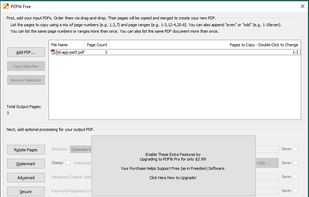
PDFtk is a simple tool for doing everyday things with PDF documents. It comes in three flavors: PDFtk Free, PDFtk Pro, and our original command-line tool PDFtk Server.
 United States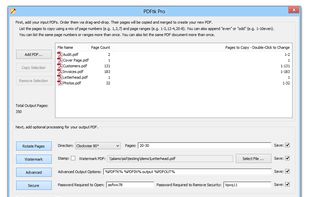


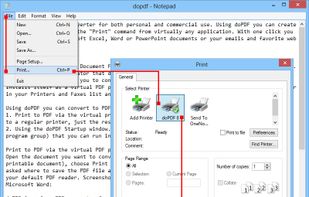
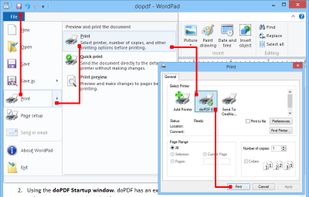
doPDF allows you to freely convert documents to PDF files. It installs as a printer driver, enabling you to print from any Windows application.
 Romania
 EU
EU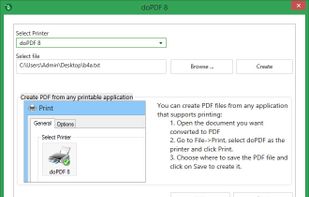



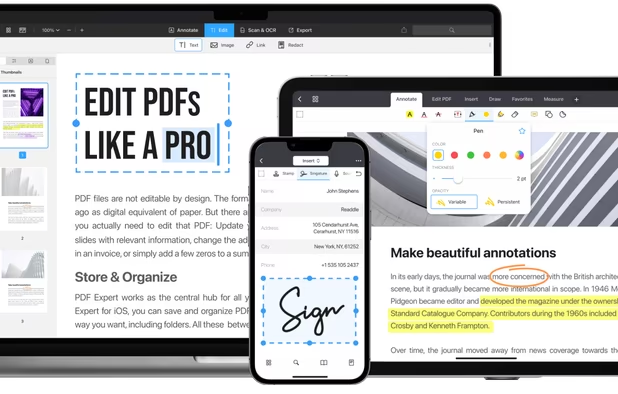
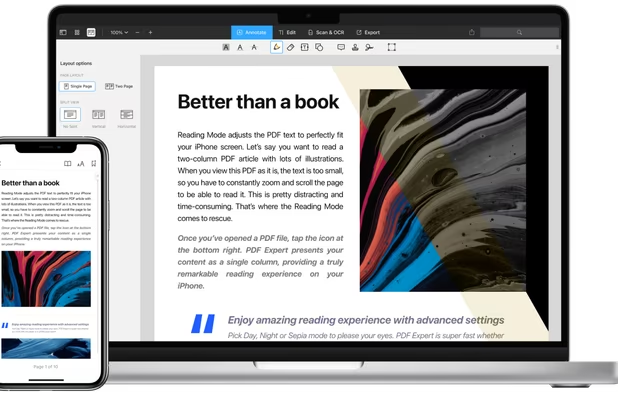
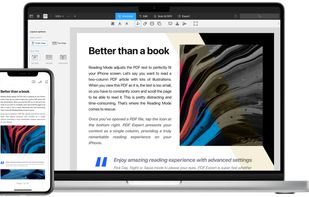
Read, annotate, and highlight PDFs, fill interactive forms with saved input, underline or strike through text, manage bookmarks, sync files from cloud services, and share documents. Compatible with Preview and Adobe Acrobat annotations, supporting extensive iOS features.
 Ukraine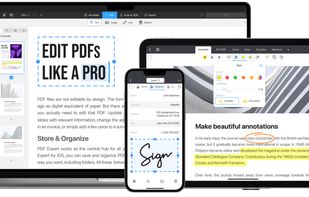
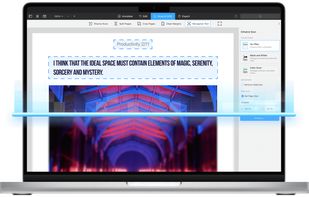


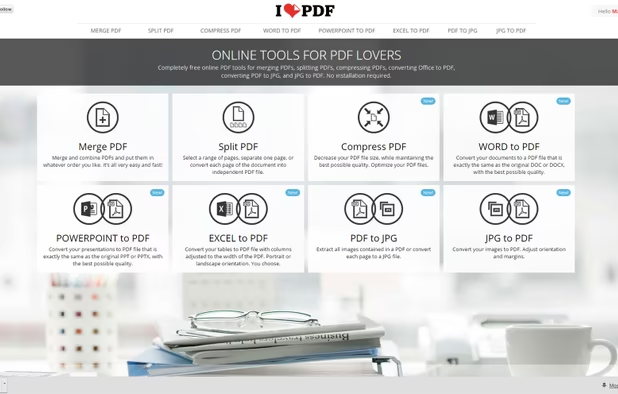
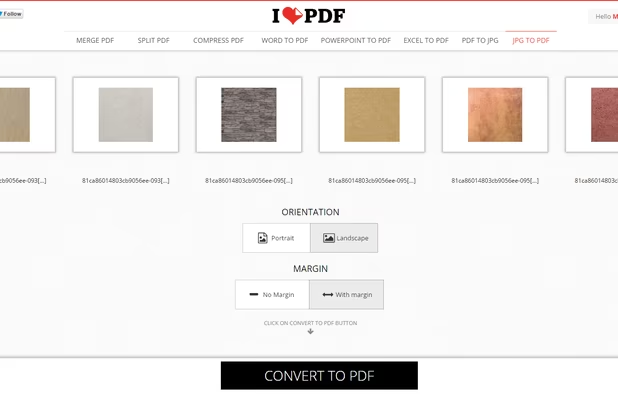
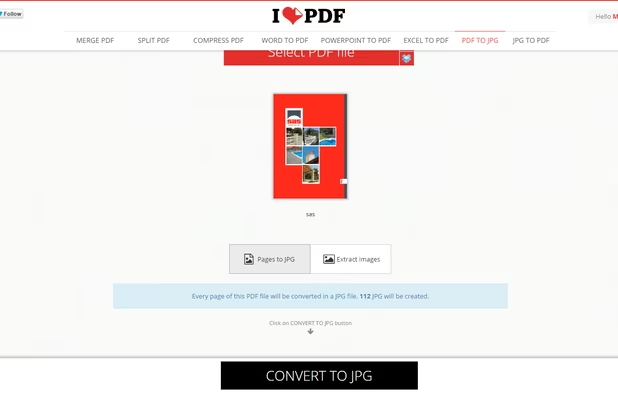
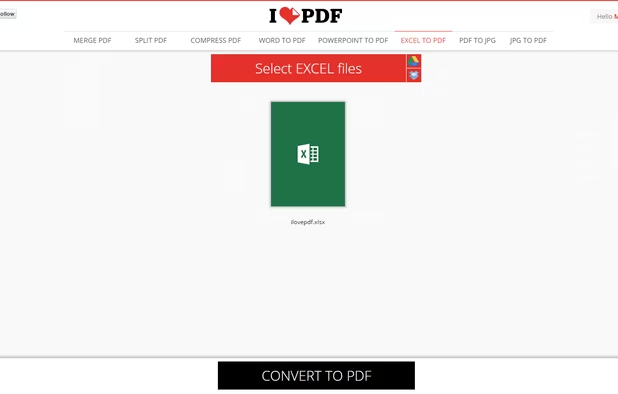
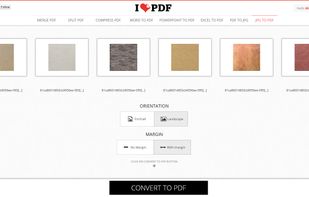
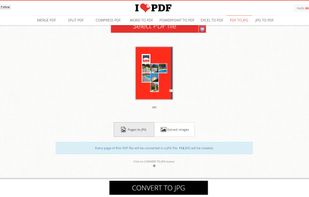
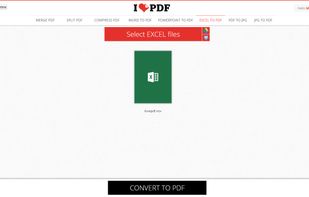
iLovePDF is an online service to work with PDF files completely free and easy to use. Merge PDF, split PDF, compress PDF, office to PDF, PDF to JPG and more!
 SpainEU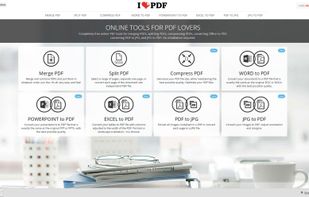


CutePDF Writer (formerly CutePDF Printer) is the free version of commercial PDF creation software. CutePDF Writer installs itself as a "printer subsystem". This enables virtually any Windows applications (must be able to print) to create professional quality PDF...
United States


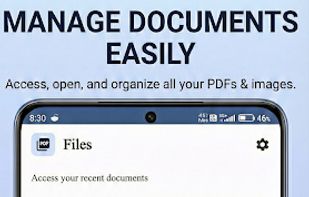
A feature-rich, privacy-focused PDF app built with Jetpack Compose and Material 3. View, edit, and manage PDFs with 12 powerful tools including merge, split, compress, rotate, lock/unlock, and more. Supports bookmarks, table of contents, full-text search, and auto-scroll for...
 Bangladesh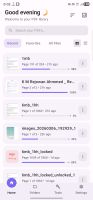



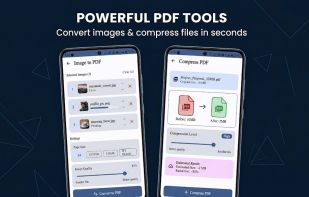
Privacy-first, offline PDF editor for Android. Merge, split, compress, convert and annotate PDFs — 100% on-device, no internet required.
 India
India


Soda PDF was created with the user in mind. Smart, reliable, and accessible, our software is designed with a focus on giving you the most useful features in an easy-to-use package.
 FranceEU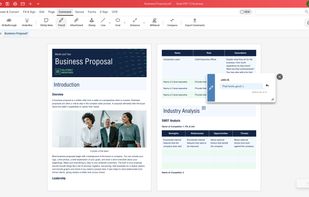
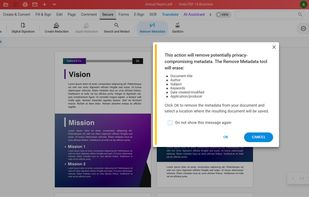
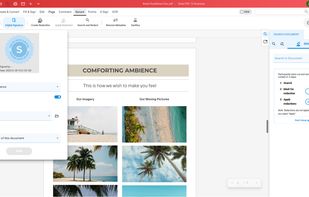
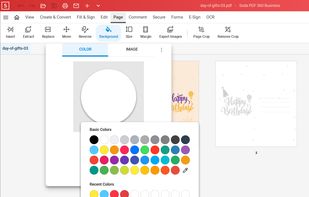


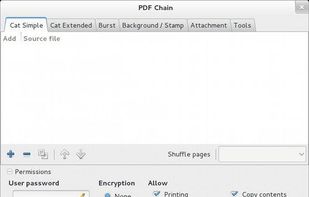


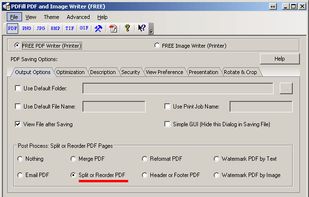
With PDFill you can create, fill, delete and submit PDF form fields; insert new formatted text, check, image, hyperlink, whiteout, highlight, drawing, comment and annotation anywhere in the document; save, print or email the filled and password-protected PDF; save and resume...
United States