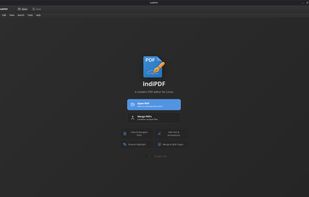
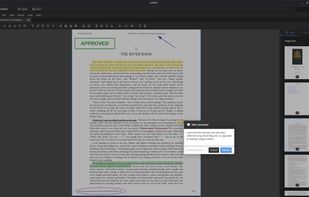
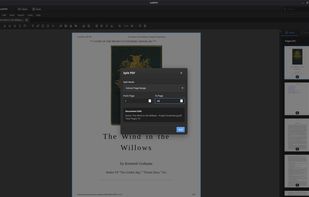
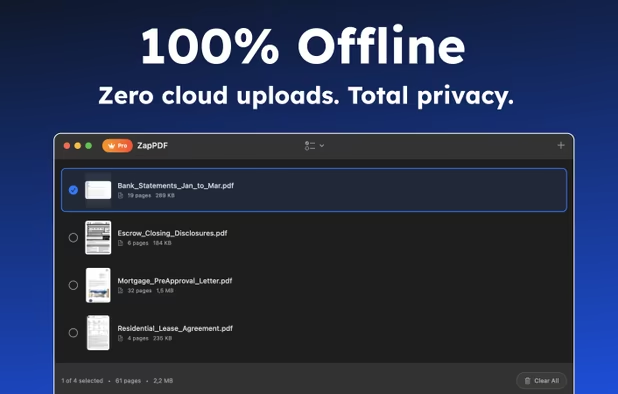
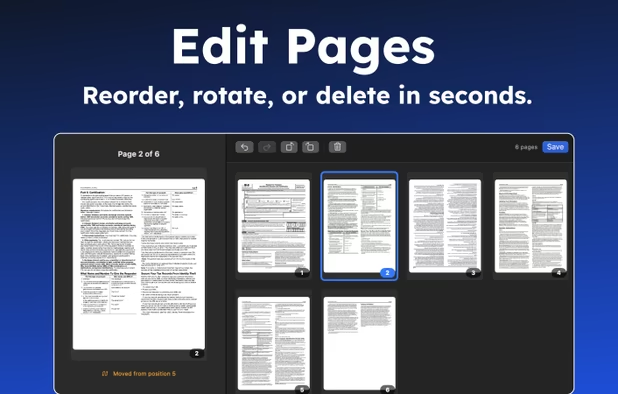
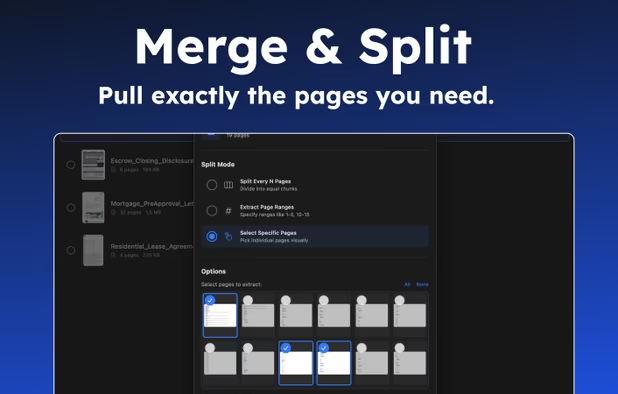
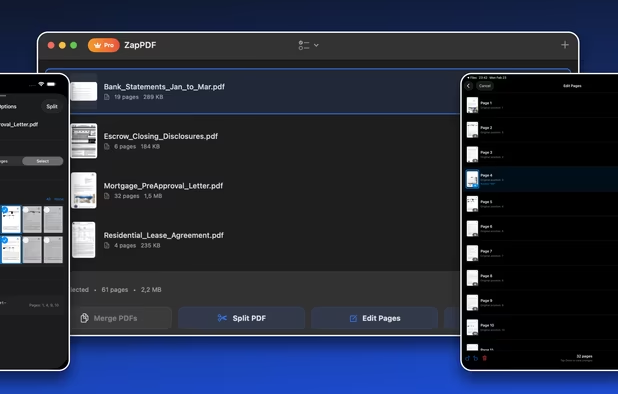
Easily combine multiple PDF files with drag-and-drop organization. Arrange files in any order for seamless fast merging.
Cost / License
- Free
- Proprietary
Platforms
- Microsoft Edge
- Google Chrome

PDFill is described as 'With PDFill you can create, fill, delete and submit PDF form fields; insert new formatted text, check, image, hyperlink, whiteout, highlight, drawing, comment and annotation anywhere in the document; save, print or email the filled and password-protected PDF; save and resume' and is a PDF Editor in the office & productivity category. There are more than 100 alternatives to PDFill for a variety of platforms, including Windows, Web-based, Mac, Linux and Android apps. The best PDFill alternative is PDF Arranger, which is both free and Open Source. Other great apps like PDFill are DottedSign, PDF-XChange Editor, Stirling-PDF and PDF24 Creator.
Easily combine multiple PDF files with drag-and-drop organization. Arrange files in any order for seamless fast merging.

The PDF merger tool is a free online application to combine two or more PDF files into one document. The PDF merge solution is totally a browser based program that can be used in MAC, Windows and Linux all operating systems.

JPEG to PDF is a free program that can convert image files to PDFs. The program provides page size options, as well as image positioning and scaling options.


Online PDF splitter tool is a free web browser based program that is compatible with all OS and easy to use. You just need to upload your large PDF file and PDF split tool will break all pages to separate PDF documents.

Convert PDF to Video easily - 18 Image Transition Effects - Add Background Music - Convert PDF to mp4.


Kernel for Image to PDF is an advanced application to save multiple images to a single portable document i.e pdf file. Using this software you can import multiple images to a single pdf file in a single execution cycle.


AXPDF Image to PDF converter is an efficient program that lets you convert your photos, drawings, scanned and faxed images into PDF format. File your images into PDF now and no more exceeding folders for large quantities of them.

Convert JPG to PDF for free with this online service. Pick your JPG files, send them to the service, select a few options (like the PDF pages size, the JPG scale...) and get your converted PDF. The PDF has one page per JPG picture.
Cross-platform command-line tool for creation of PDF documents from scans/photos of pages in JPEG (.jpg) format and the lightest weight ANSI C library to put multiple JPEG files into one PDF file. You can add handwritten comments to PDF scans (over original images) with xournal:...
Compared to PDFill It does only one thing (converting images to PDF) yet it does it pretty well