Cost / License
- Pay once
- Proprietary
Since
- Since 2020



+3


Apps similar to PDFescape include PDF-XChange Editor, which has a free version. Other options are PDF24 Creator, Adobe Acrobat DC, PDFCreator and PaperKnife. PDF Editors like PDFescape are a crowded field, with more than 100 alternatives for Windows, the web, Mac, Android and iPhone.

 United States


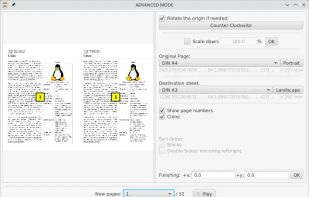
This desktop app reads and writes PDF documents. It was created for a small copy shop in Germany. Features of this application are:
 Germany
 EU
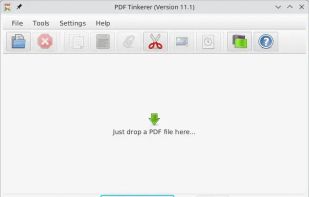
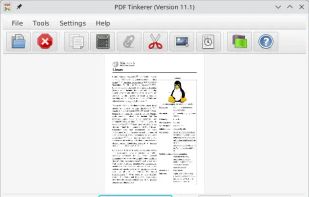
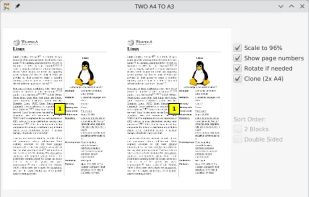


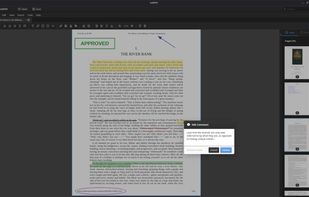
A powerful, privacy-respecting PDF editor built for Linux users. Edit, annotate, merge, and manage PDF documents—without subscriptions or cloud dependencies.
United States


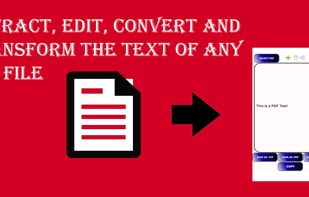
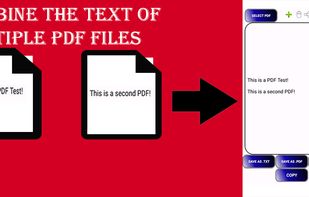
No need to pay subscriptions for complicated tools, PDF Extractor is one of easier and most simple tools to edit your PDF file. With this simple tool you can extract all of the text from your PDF. You can also combine the texts from several different PDF files without the need...


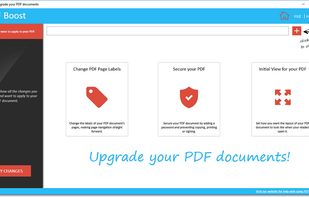
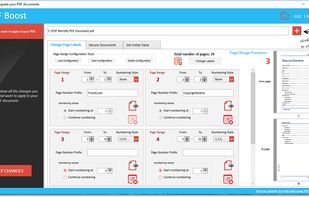
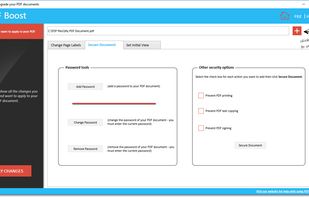
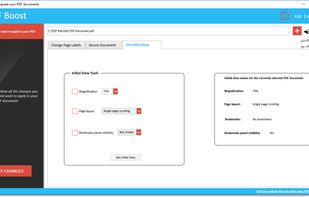
Edit the labels of PDF pages, manage security options (password, printing, text copying, signing), set initial view.


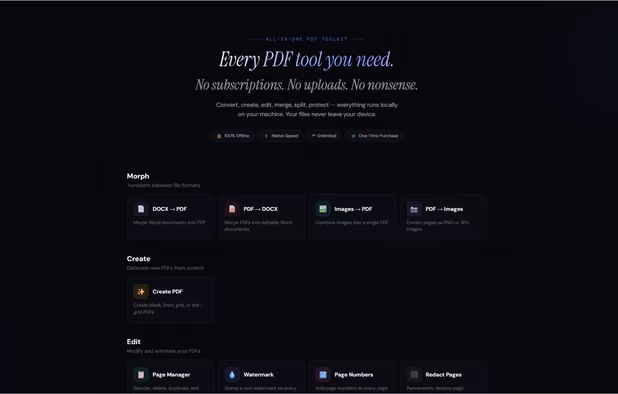
Stop overpaying for PDF tools.
Every PDF tool you need. One price. Forever.
15 tools. Runs on your machine. Never touches a server. No subscriptions. No uploads. No nonsense.
? 100% offline · ? Windows, Mac & Linux · ? One-time purchase · ? Free updates fore.
United States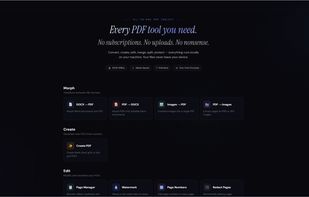


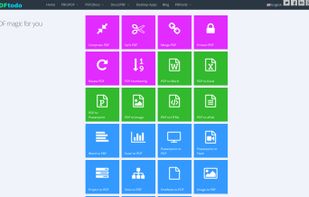
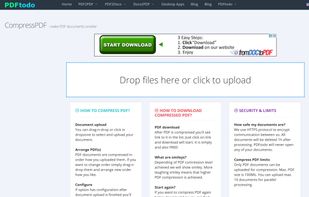
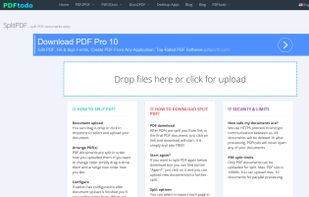
PDFtodo is used to help you change PDF docs. It contains 23 modules like compress PDF, merge PDF, split PDF, convert PDF to Word or other document formats or convert from other formats to PDF. PDFtodo is 100% free and supports batch processing.
 Uruguay


PDF Text Deleter is a Windows PDF software program which allows users to permanently delete text from PDF files in bulk easily. PDF Text Deleter can not only delete the text you need to remove from multiple PDF files in batches, but also can enable users to set multiple texts or...
 China


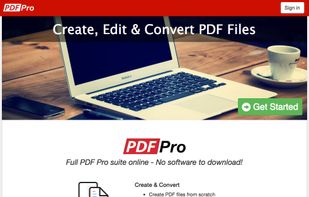
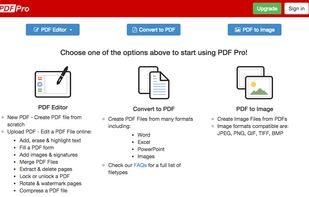
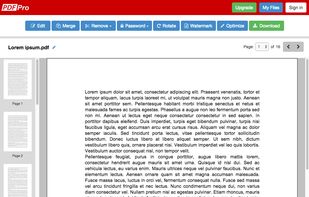
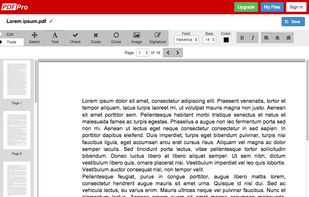
PDF Pro is the complete online PDF solution, allowing professionals to get their PDF work done quickly and easily.
 Canada


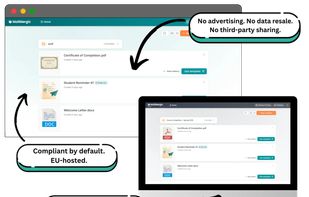
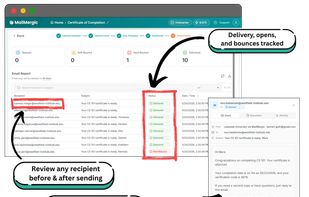
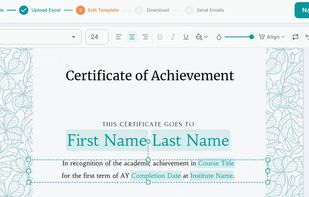
A mail merge tool that turns spreadsheet data into personalized PDFs, Word docs, Excel files, emails, and images at scale.
GermanyEU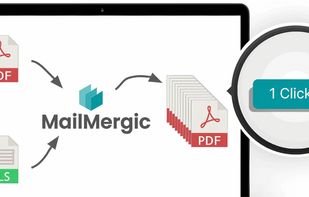


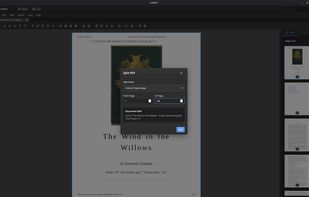
Perform operations on your PDF files. You can merge PDF files into one, or split PDF onto several parts. You can set password and user permissions, change metadata, and protect the content from copying. And finally you are able to modify your PDF.