pdfDocs integrates with business systems to efficiently assemble, secure and distribute documents in PDF and PDF/A format.
 Australia


The best PDF Editor alternative to PDFCreator is PDF-XChange Editor, which is free. If that doesn't suit you, our users have ranked more than 100 alternatives to PDFCreator and many of them are PDF Editors so hopefully you can find a suitable replacement. Other interesting PDF Editor alternatives to PDFCreator are Stirling PDF, PDF24 Creator, PDF24 Tools and Soda PDF.
pdfDocs integrates with business systems to efficiently assemble, secure and distribute documents in PDF and PDF/A format.
Australia
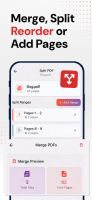
No hefty subscriptions. No annoying ads. 100% offline and private (no accounts/sign up). Fast, simple, yet powerful editor & scanner.
 Romania
 EU


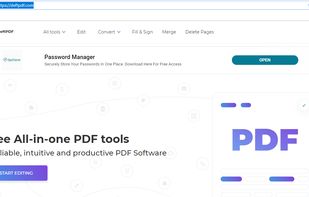
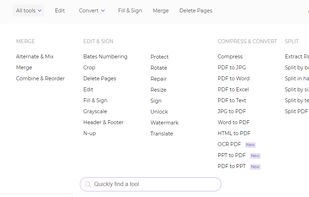
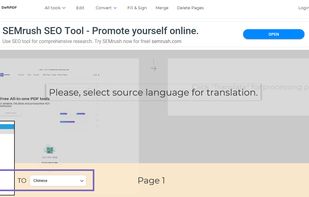
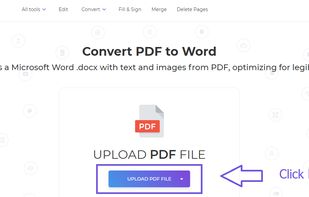
An all-in-one free online PDF editor that does not require subscriptions or installations! DeftPDF is a free online tool that makes editing and converting PDF easy in just a few clicks!.
 United States


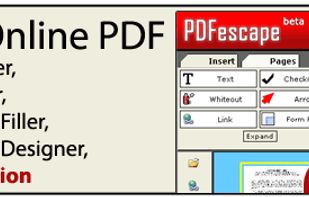
PDFescape is your free, online PDF reader, editor, form filler, & form designer. Without required downloads or installations! Without watermarks! Without required registration!
 United Kingdom



The easy-to-use all-in-one PDF software that gives you the power to Read, Create, Edit, Secure, Convert and Print PDF files.


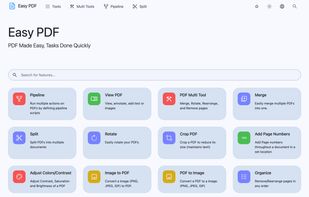
Easy PDF is a powerful yet user-friendly online platform that provides a comprehensive suite of tools for all your PDF needs. Whether you need to edit, convert, merge, split, or perform any other operation on your PDF files, Easy PDF has got you covered.


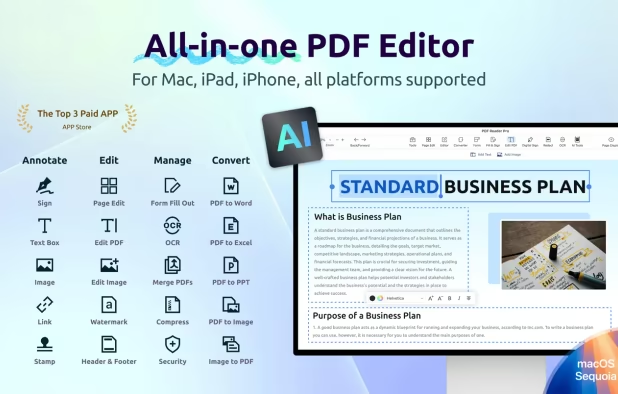
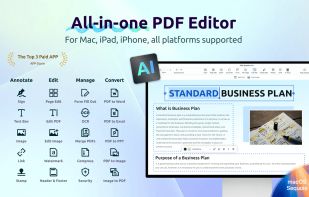
Read, edit, annotate, and sign PDF documents with built-in AI features like summarize and translate, OCR in 50+ languages, fill forms, export to major formats offline, apply watermarks, compress files, secure with passwords, and use text-to-speech on all major platforms.
 Taiwan
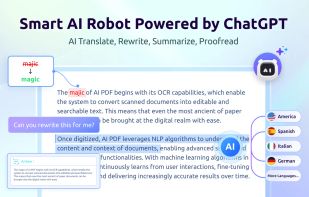
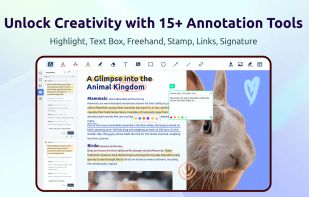
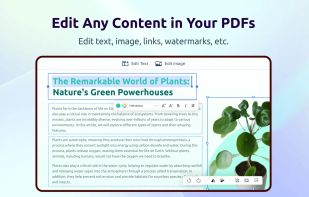

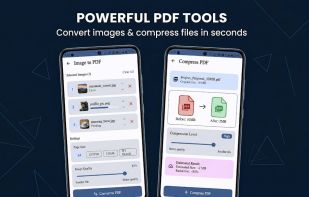
Privacy-first, offline PDF editor for Android. Merge, split, compress, convert and annotate PDFs — 100% on-device, no internet required.
 India


Edit, convert, annotate, protect, merge, split, compress, and sign PDF files on Mac.
 Hong Kong
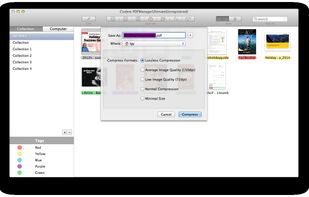
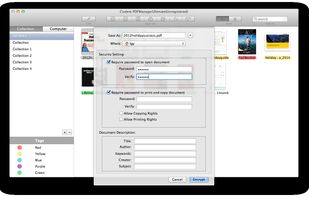
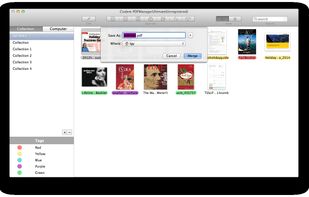
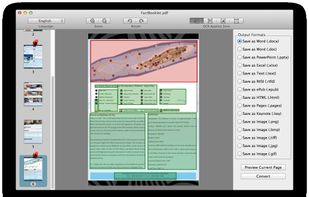


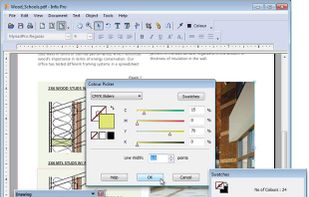
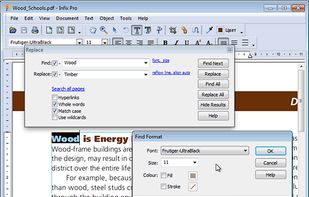
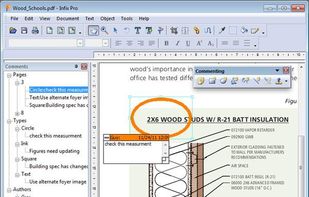
Infix PDF editor lets you open, edit and save PDF files. It’s easy and quick – you can change text, fonts, images and more. And, unlike other PDF editors, it works like normal word processing software, so it’s really easy to use.


Aspose.Pdf for Android provides the capability to create as well as manipulate PDF files on Android. This component is built on top of our award winning product Aspose.Pdf for Java, and inherits all the features and capabilities from that version.
United States


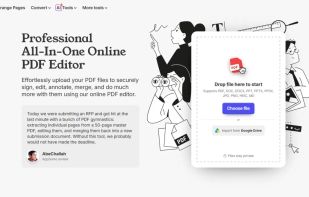
A web-based, all-in-one PDF editor that lets users upload, edit, annotate, sign, merge, split, and convert PDF and other file formats (DOC, DOCX, JPG, PNG), all in a secure, browser-based interface.