Cost / License
- Free
- Open Source
Application type
Platforms
- Online
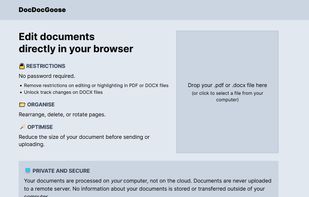


Apps similar to PDF4QT include SumatraPDF, which is free and open source. Other options are Okular, Foxit PDF Reader, PDF Arranger and PDFgear. There's no shortage of PDF Editors like PDF4QT, with more than 100 alternatives for Windows, Mac, Linux, the web and Android.

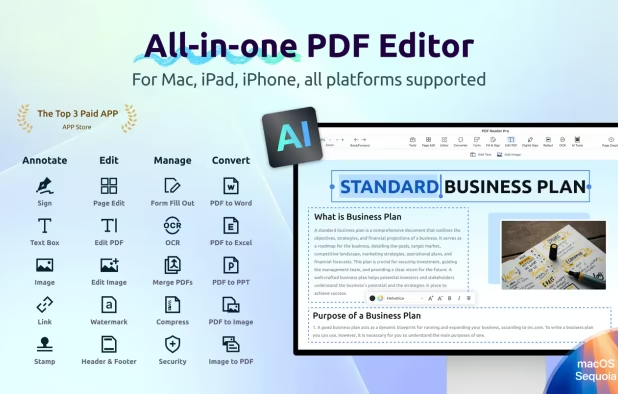
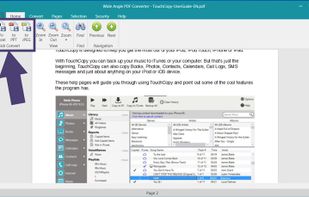
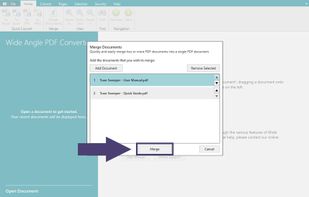
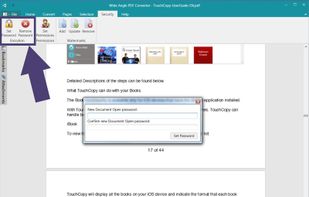
Convert PDF documents to Word, PowerPoint, Excel, JPG and other formats! Secure PDFs, merge documents, add attachments and much more...
 United Kingdom


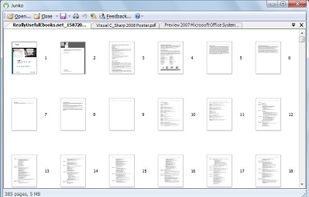
Junko is a PDF tool developed for quicker and more efficient access to information needed from your PDF files, reorganizing them in a way that makes them easier to manage and handle.


 Germany
 EU
EU


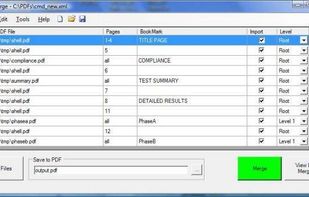
PDF Split and Merge tool is implemented using the PdfSharp library and is either GUI or command driven.It is useful for automated document creation.It allows bookmarks from the input pdfs to be imported and flexibly embedded in the destination document.


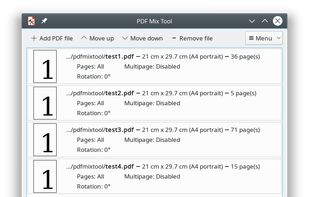
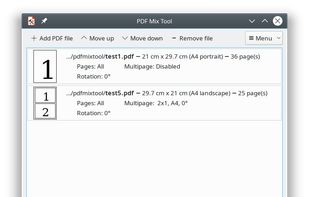
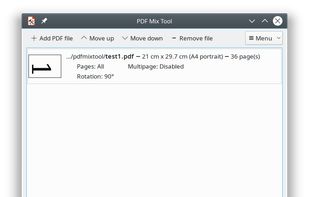
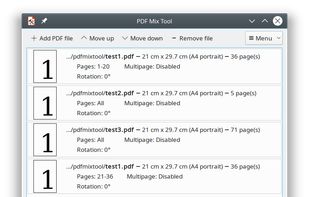
PDF Mix Tool is a simple and lightweight application that allows you to split, merge, rotate and mix PDF files. It is written in C++ and depends only on Qt 5 and PoDoFo.


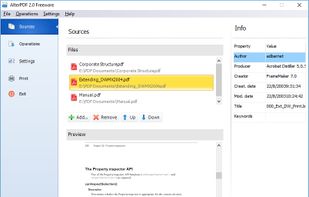
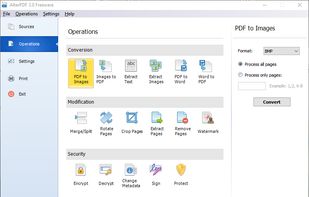
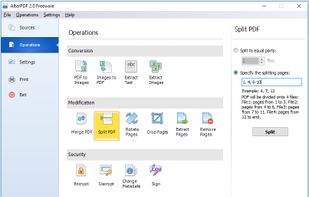
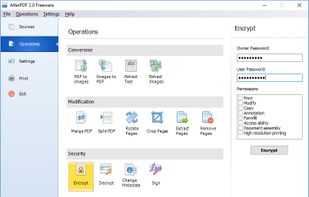
AlterPDF is a set of free PDF tools, which allows you to convert, modify and sign your PDF documents. With this program you are able to convert PDF to images, as well as convert JPG and other pictures to PDF, extract text and images.


Allowing both the creation (from Image file formats, Image Scanners/Web CAMS and text files etc) and manipulation of Adobe compatible PDF files, PDF-Tools is an ideal tool to compliment your existing PDF creation application or as a stand alone tool in its own right!
 Canada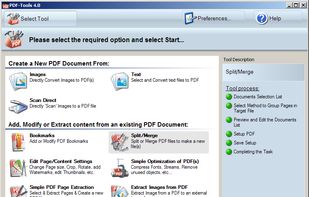



A next-generation iOS viewer app for self-scanned manga and books with AI-powered organization, cloud storage support, and NAS streaming.
 Japan
Japan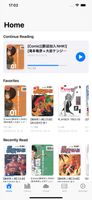


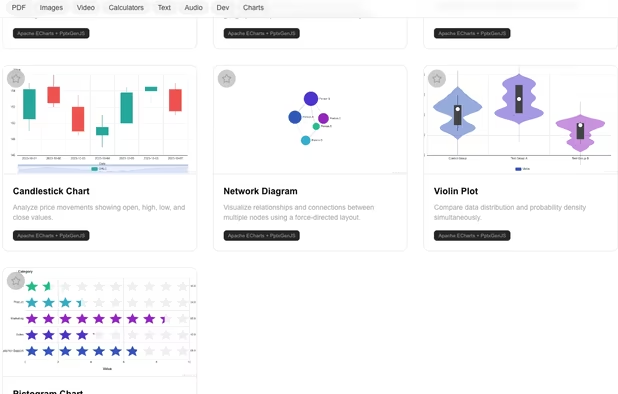
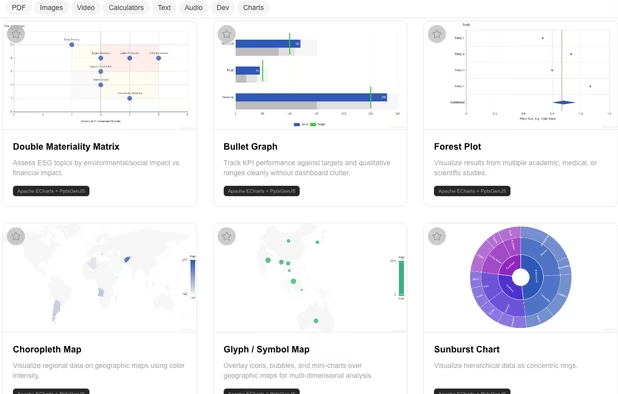
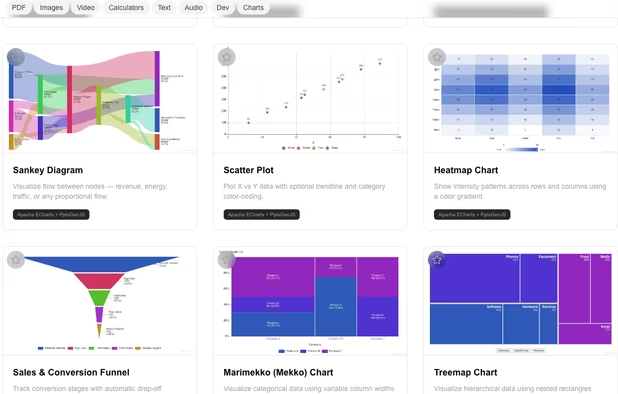
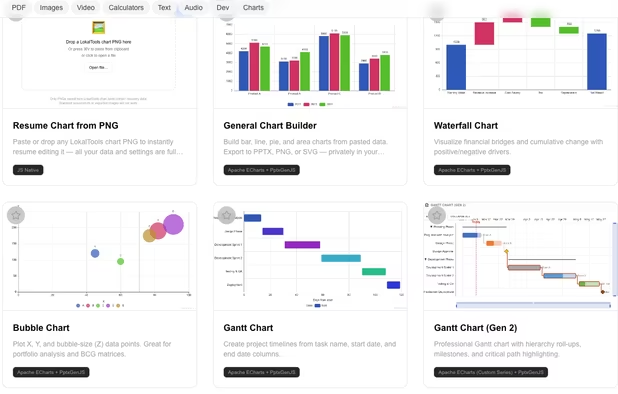
Lokaltools is a privacy-first, browser-based toolkit with 100+ tools across 8 categories. Everything runs entirely in your browser using WebAssembly — no files are ever uploaded to a server, no account is required, and nothing ever leaves your device.
 Malaysia


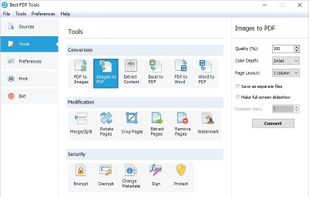
A complete suite of free tools for conversion, shaping and protection of your PDF documents. The software operates in batch mode, allowing users to process multiple PDF files. The interface is modern and intuitive; this makes it easy to use the program for both advanced users...