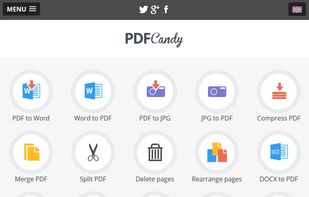
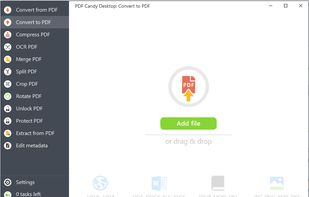
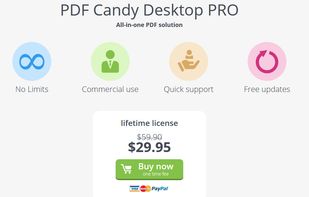
The basic service that aims to help you work better and faster with PDF files, so you can get on with the important things.
Cost / License
- Free
- Proprietary
Application types
Platforms
- Online
- Software as a Service (SaaS)


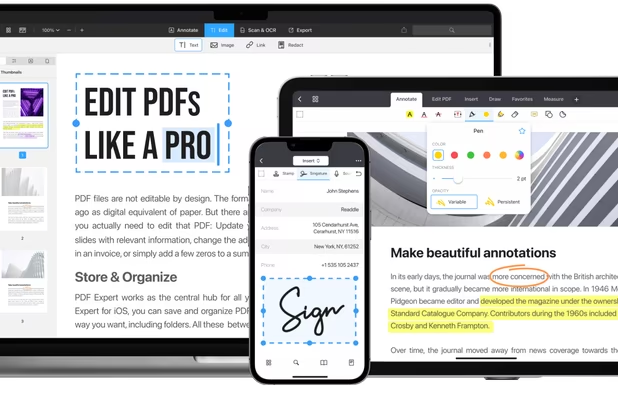
KDAN PDF is described as 'All-in-one tool for editing, OCR, annotating, signing, converting, and redacting PDFs, featuring AI-powered document analysis and cross-device workflow support' and is a very popular PDF Reader in the office & productivity category. There are more than 100 alternatives to KDAN PDF for a variety of platforms, including Windows, Web-based, Mac, Linux and Android apps. The best KDAN PDF alternative is SumatraPDF, which is both free and Open Source. Other great apps like KDAN PDF are Okular, Foxit PDF Reader, PDF-XChange Editor and Evince.
The basic service that aims to help you work better and faster with PDF files, so you can get on with the important things.


PDF Squeezer allows you to compress your PDF files quickly and easily. Simply click on the file you need compressed, and drag-and-drop it into the app – easy as that!


Zathura is a highly customizable and functional document viewer. It provides a minimalistic and space saving interface as well as an easy usage that mainly focuses on keyboard interaction.


CutePDF Writer (formerly CutePDF Printer) is the free version of commercial PDF creation software. CutePDF Writer installs itself as a "printer subsystem". This enables virtually any Windows applications (must be able to print) to create professional quality PDF...


PDFescape is your free, online PDF reader, editor, form filler, & form designer. Without required downloads or installations! Without watermarks! Without required registration!


The simplest PDF viewer. Safe (doesn't require permissions), lightweight (just 6,9MB) and modern.

PDF Max is a desktop class PDF app for reading, annotating or signing PDF documents on your iPhone/iPad. Mark up documents with highlights and handwriting, insert texts and stamps, fill out, sign PDFs and even manipulate PDF pages.


Infix PDF editor lets you open, edit and save PDF files. It’s easy and quick – you can change text, fonts, images and more. And, unlike other PDF editors, it works like normal word processing software, so it’s really easy to use.


Edit your PDF files quickly and intuitively. Open, edit, save or convert PDF files with PDFTool – it’s up to you.