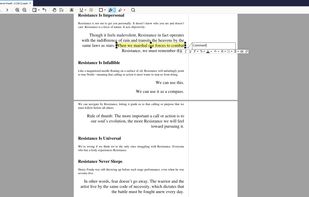
Xreader is a document viewer capable of displaying multiple and single page document formats like PDF and Postscript.
Cost / License
- Free
- Open Source (GPL-2.0)
Application type
 Ireland
Platforms
- Linux


Apps similar to PDF Expert include Okular, which is free and open source. Other options are Foxit PDF Reader, PDF Arranger, Xournal++ and PDF-XChange Editor. There's no shortage of PDF Editors like PDF Expert, with more than 100 alternatives for Windows, the web, Mac, iPad and iPhone.
Xreader is a document viewer capable of displaying multiple and single page document formats like PDF and Postscript.

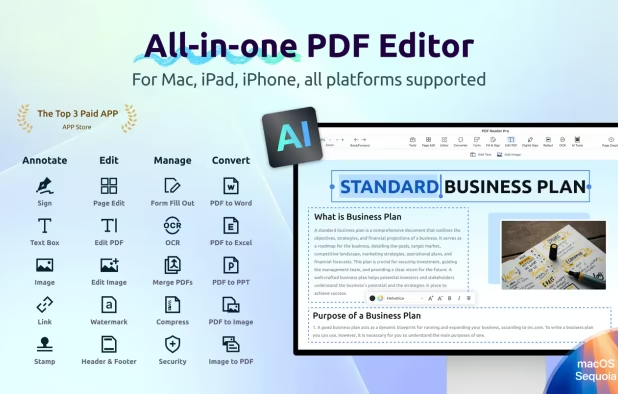
Introducing the ultimate all-in-one document converter app! Seamlessly convert any file format to your desired type with ease. From PDFs to Word, images to PDF, our app handles it all.




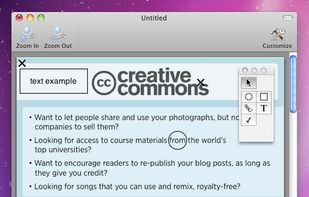
FormulatePro helps you open and write on PDF documents. You can fill out any PDF form document, drop in graphics, scribble with the mouse or a tablet, save and print.


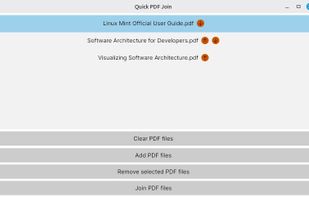
Quick PDF Join is a cross-platform, simple application that joins multiple PDF files together.
 Romania
 EU
EU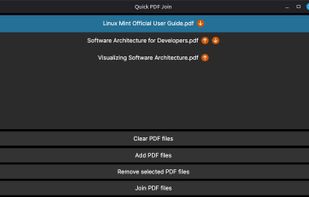




MapleRead is an advanced versatile ebook reader app with plenty of useful customization options.
 United States


The PDF Import Extension allows you to import and modify PDF documents. Best results with 100% layout accuracy can be achieved with the "PDF/ODF hybrid file" format, which this extension also enables.
 Argentina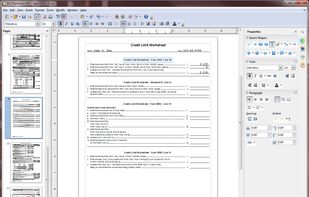


PDFCreator Online offers fast and secure online tools that let you convert and edit your PDF files directly in your browser for free.
 GermanyEU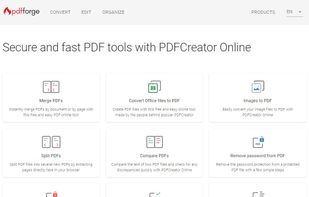


PDF Converter Pro is absolutely for those who want to convert Photos, Pictures, Contacts and Text Messages in to PDF.
 India
India
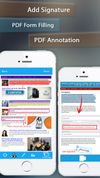
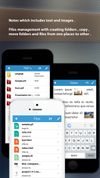


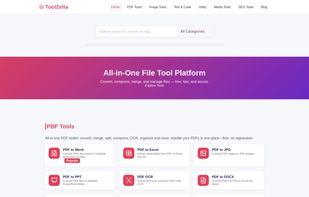
A powerful collection of 100% free online tools for PDF conversion, image compression, text utilities, calculators, and more — all in one fast, ad-free platform.


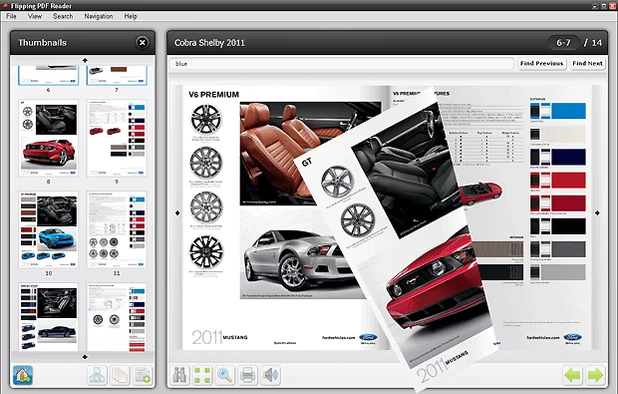
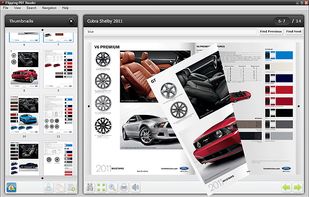
The Flipping PDF Reader allows to read PDF documents in user friendly interface with flipping book effect. Good looking and convenient alternative for Adobe PDF Reader.

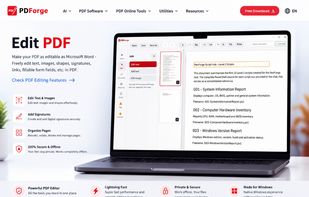
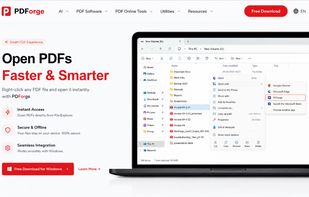
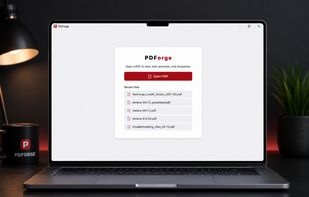
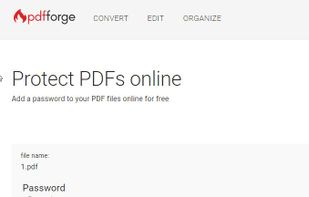
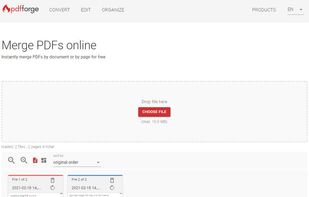
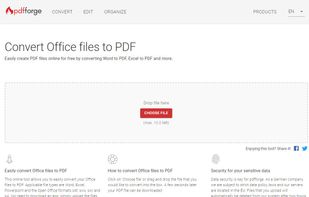
PDForge is a native desktop PDF editor for Windows and macOS designed to help users edit, annotate, sign, organize, and protect PDF documents while keeping files on their own device.