


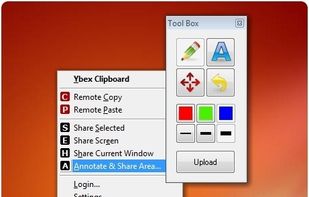
Ybex Clipboard is an easy to use tool and a free web service to capture, annotate and share your screen, texts and images.
Cost / License
- Free
- Proprietary
Application type
Platforms
- Windows
- Online
 Russia


Apps similar to Page Screenshot for Safari include ShareX, which is free and open source. Other options are Flameshot, Greenshot, PicPick and FastStone Capture. There's no shortage of Screenshot Capture Tools like Page Screenshot for Safari, with more than 50 alternatives for Windows, Mac, the web, Linux and Chrome OS.
Ybex Clipboard is an easy to use tool and a free web service to capture, annotate and share your screen, texts and images.
Russia
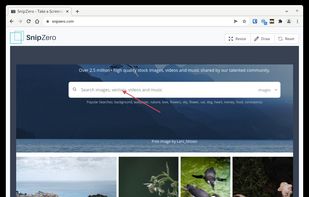
SnipZero is a convenient zero-install screenshot app that lets you take screenshots right from your web browser. No installation required. You can select any application window or browser tab as source.
 Germany
 EU
EU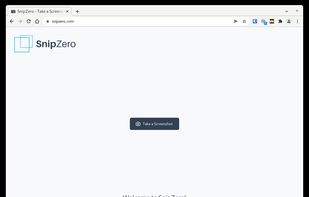


WebShot allows you to take screenshots of web pages and save them as full sized images or thumbnails. Screenshots images can be output in the JPG, GIF, PNG, or BMP formats.
 United States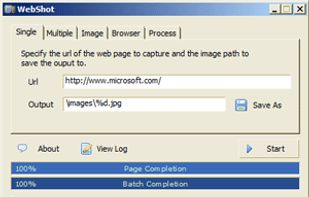


SiteShoter is a small utility that allows you to save a screenshot of any Web page into a file.


Use our website screenshot API to capture screenshots. We use real Chrome browsers to capture pixel-perfect screenshots. Blazingly fast, ready to scale and hosted on Google Cloud.
 NetherlandsEU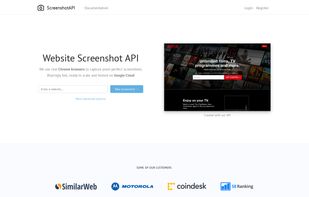


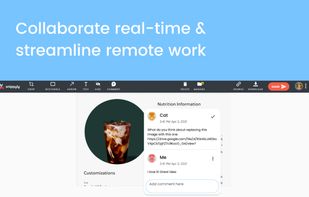
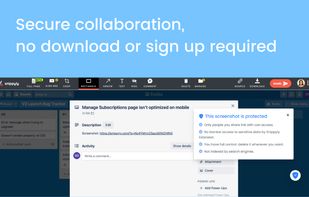
Snippyly is a Chrome extension to take full-page screenshots, annotate and collaborate real-time with anyone around the world.
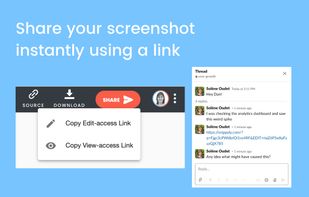
Eliminate endless back and forth with your team or customers through instantly shareable screenshots. No sign-up required.
United States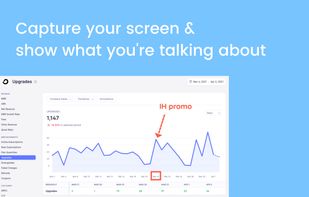


Lightning fast and ultra elegant screenshot and annotation tool that does all you need without the bloat. Made for Mac and Windows.
United States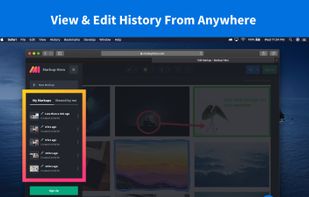
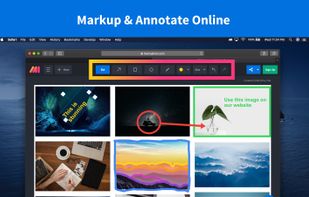
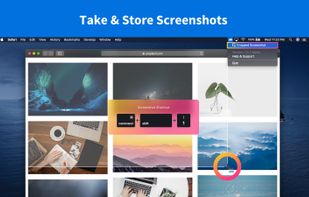
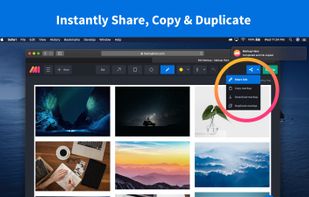


Zappy is a macOS screen capture tool made for internal use by Zapier and released free for all. It's built for speed and provides the perfect set of features for remote teams to work with screenshots and GIF recordings quickly and effectively.
United States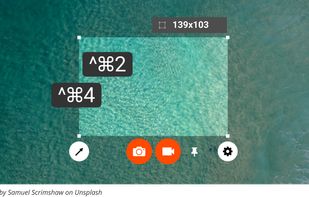
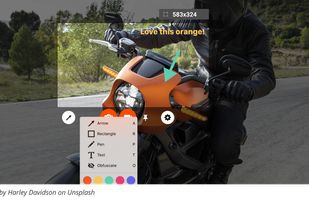

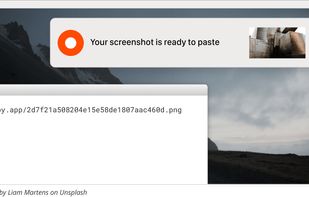


Longshot is a versatile software that allows you to conveniently annotate images, capture scrolling screenshots, highlight windows, and turn any image or text into a tack for easy viewing and comparison.
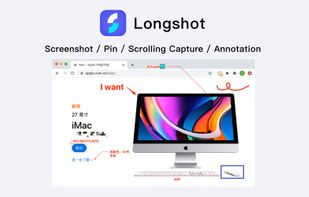

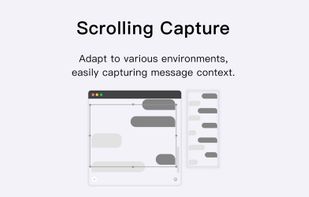
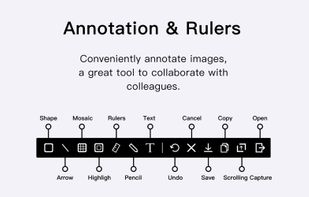


Capture any part of your screen and turn it into a floating card. On-device OCR, scroll capture, dock-to-edge gestures. Runs entirely on your Mac.
 Ukraine


 Israel


