

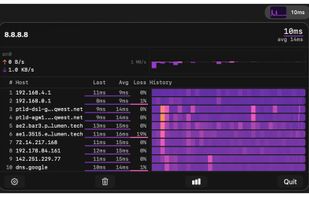
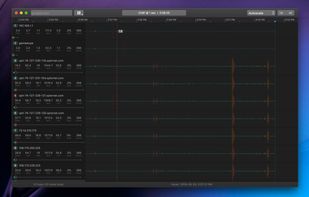
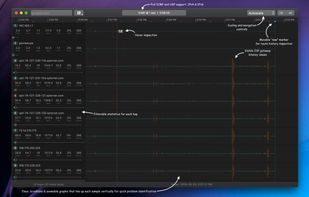
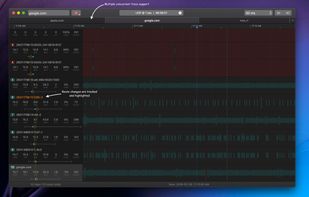
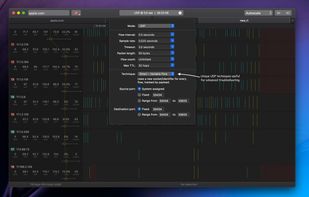
TraceBar puts a live traceroute in your macOS menubar. It continuously monitors the network path to any host, showing every hop’s latency, packet loss, and route changes in real time.

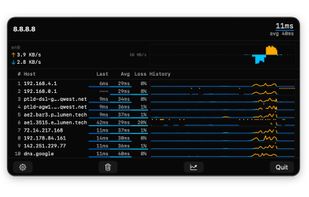

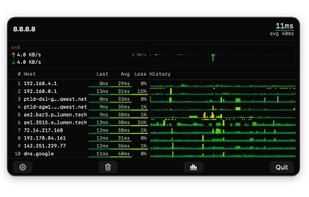

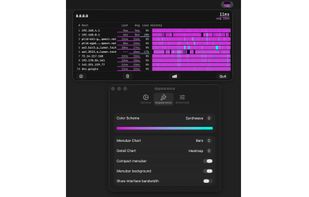


Sites and apps similar to Packet Loss Test include Tracebar, which is free and open source. Other options are SmokePing, PingPlotter, mtr and Trippy. You can choose from more than 10 Internet Speed Test Apps like Packet Loss Test for Mac, Windows, Linux, Android and iPad.
TraceBar puts a live traceroute in your macOS menubar. It continuously monitors the network path to any host, showing every hop’s latency, packet loss, and route changes in real time.
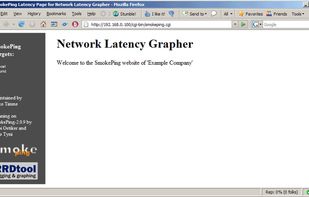
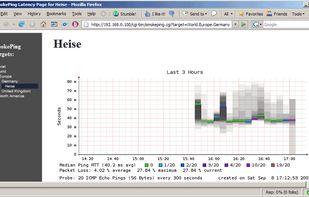
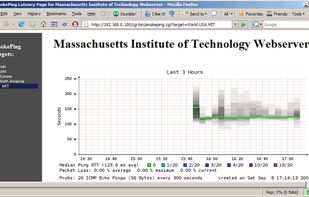
SmokePing is a deluxe latency measurement tool. It can measure, store and display latency, latency distribution and packet loss. SmokePing uses RRDtool to maintain a longterm data-store and to draw pretty graphs, giving up to the minute information on the state of each network...
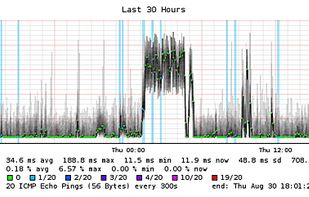

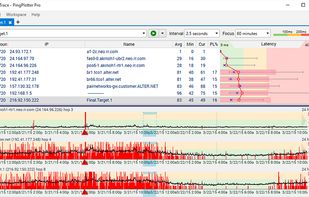
PingPlotter is a graphical traceroute and ping tool that visualizes network performance in a way that makes identifying the source of problems quicker and easier.
 United States


mtr combines the functionality of the 'traceroute' and 'ping' programs in a single network diagnostic tool.
 Netherlands
 EU
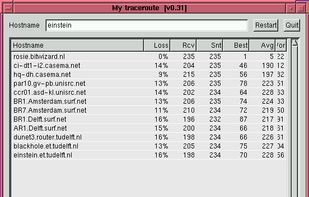
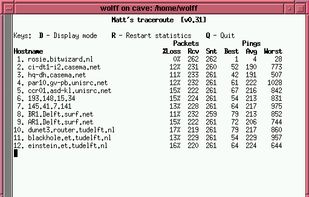


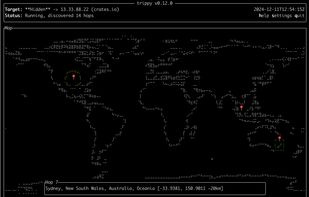
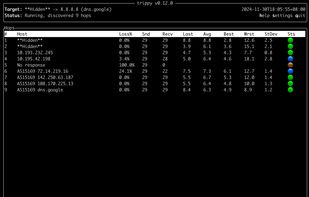
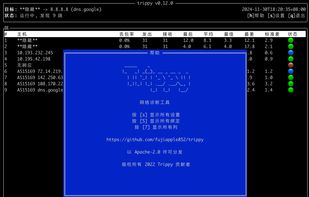
Trippy combines the functionality of traceroute and ping and is designed to assist with the analysis of networking issues.



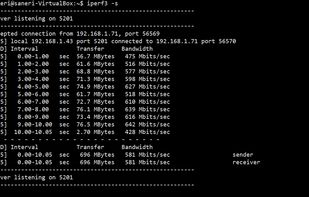
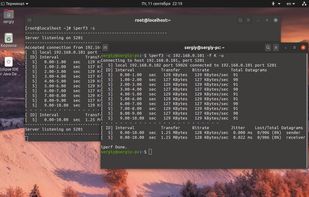
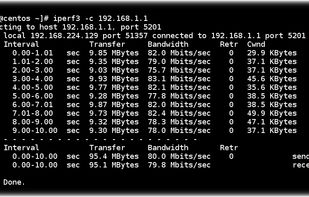
The iperf series of tools perform active measurements to determine the maximum achievable bandwidth on IP networks. It supports tuning of various parameters related to timing, protocols, and buffers. For each test it reports the measured throughput, loss, and other parameters.
United States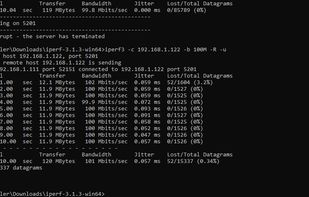


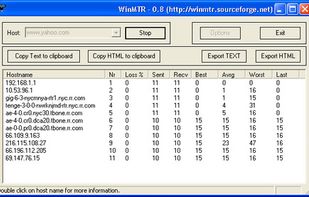
Free Network Diagnostic Tool. WinMTR is an equivalent of mtr for Windows.
 RomaniaEU


Open Nettest is a versatile platform for collecting, processing and visualizing of data related to the quality-of-service and quality-of-experience. It consists of a web-based client, mobile clients, hardware probes, data portal and the back-end infrastructure.
 GermanyEU



 Norway




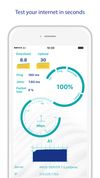
Playing a game and lagging? Video streams constantly buffering? Poor video conferencing performance? Find out what's going on with PingDoctor.


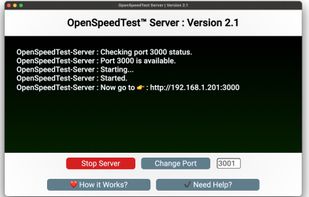
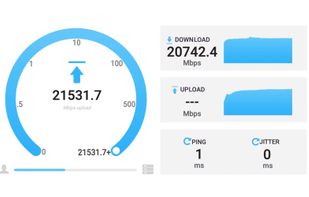
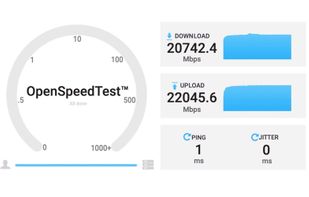
Launch a Network Speed Test Server. Without using any commands, test and fix your local network before pointing fingers towards your ISP for slow and sluggish Internet.