Take notes, share them, learn and work faster. MonoCorpus helps teams keep track of code and notes during the development of software and machine learning algorithms.
Platforms
- Self-Hosted
M


Orgzly has been discontinued. Similar apps include Trello, which has a free version. Other options are CherryTree, Workflowy, QOwnNotes and Dynalist. There's no shortage of Note-taking Tools like Orgzly, with more than 50 alternatives for Mac, Windows, the web, iPhone and iPad.
Take notes, share them, learn and work faster. MonoCorpus helps teams keep track of code and notes during the development of software and machine learning algorithms.

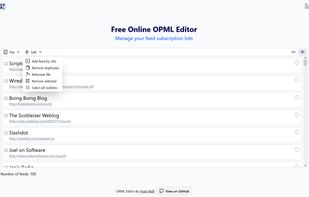
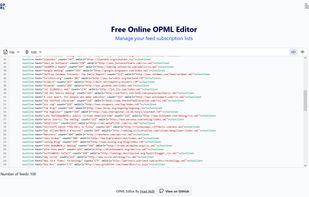
Free online editor to create, edit, clean, manage, and merge OPML files easily. It's designed to help manage RSS/Atom feed lists on the fly, as a supplement to feed readers.


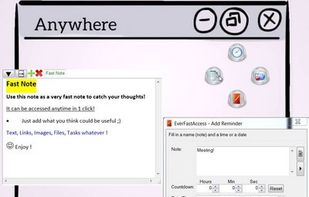
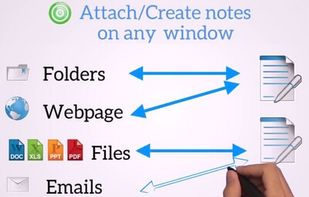
Boost your productivity. Take notes, set reminders and save contents and links, all in 1 swipe of the mouse. Attach notes automatically to any window.




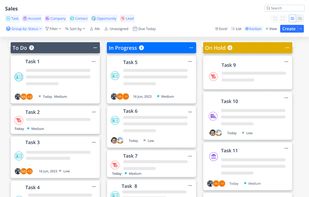
A single app for your 100 actions. Easily plan, manage, organize tasks and deliver projects of all sizes from one unified platform with all the right tools and people in one place.
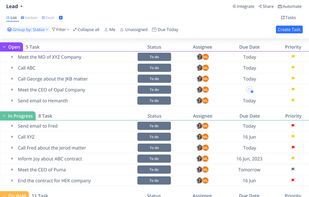
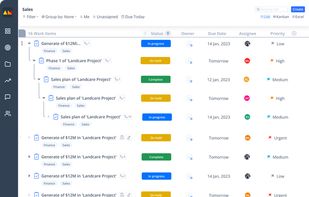
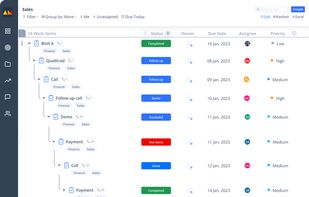


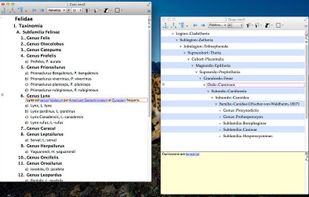
NeO is a powerful outliner built for OS X. Using NeO, you can efficiently manage and organize pieces of information. NeO supports basic outliner facilities, such as creating, moving, sorting, grouping, combining and gathering items.


NoStash is a web app to keep your notes organized and searchable, is indie, ethical and future proof. Indie: developed by a tiny team without funds. Ethical, your privacy and your notes are before everything else. Future Proof: the founder use it.


Manage tasks with markdown + boards — runs on your terms. Work offline, own your data, export anywhere. Git-friendly task management that lives with your code.
 Ukraine




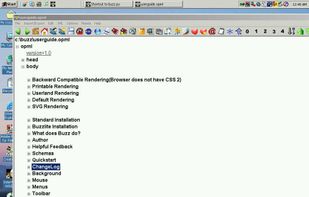
Buzz is a fast graphical editor for XML files with special support for OPML. Using the OPML convergence tools it will edit about any outline and many forms of indented text, including Python. In fact, Buzz was written with Buzz!
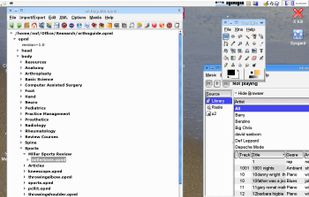
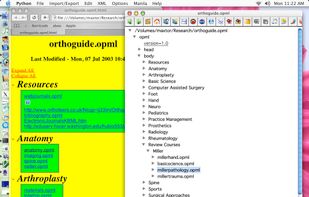


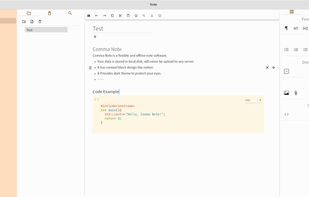
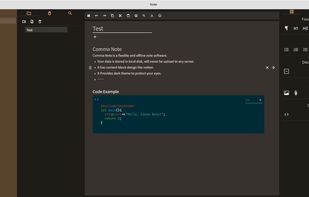


Opal lets you organize just about anything — ideas, reports, lists, notes, projects, graphics — in the form of an outline. If you used Acta, you’ll love Opal.
 United States