Be lazy. Let Maid clean up after you, based on rules you define. Think of it as "Hazel for hackers".
Cost / License
- Free
- Open Source
Application type
Platforms
- Mac
- Linux
M


Be lazy. Let Maid clean up after you, based on rules you define. Think of it as "Hazel for hackers".

Create simple drag-n-drop windows to quickly copy or move files. After dropping files or folders onto a Drop Zone window, a menu of paths you've configured will pop up, allowing you to quickly copy or move files to those destinations.
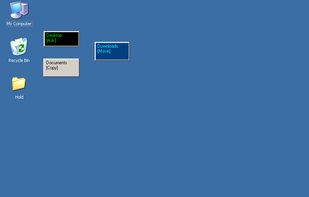


Mywe Desktop manager is an all-around desktop enhancer that aims to improve your productivity, by providing you with a wide range of desktop functionality enhancements (Virtual desktop, autohide, live window, transparency, Lightbox, Z-Index).




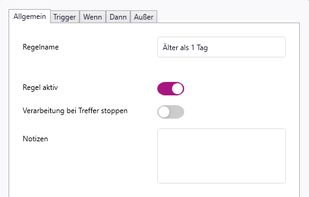
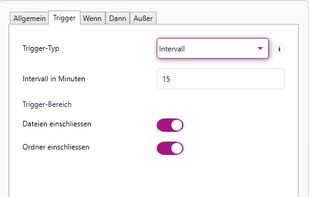
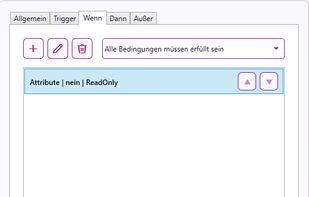
rsk.guardian monitors folders and automates file workflows on Windows. Create rules to copy, move, rename, sort, archive or extract files locally. With triggers, conditions, dry-run preview and history, it keeps your files organized without cloud dependency.
 Germany
 EU
EU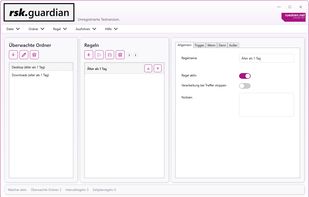


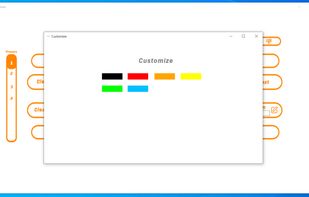
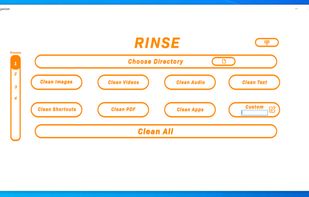
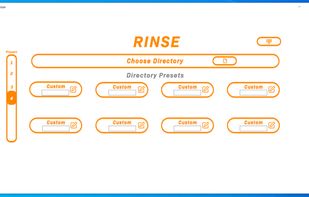
Rinse is a windows file organizer/cleaning software, with Rinse you can organize all your files however you’d like in an instant. Rinse provides an easy to use UI to organize your computer files in the easiest way yet.



WatchDirectory monitors a file system directory and performs tasks when certain conditions are met.


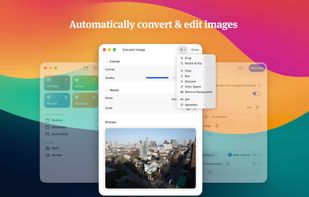
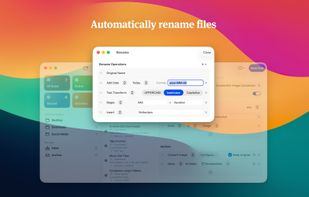
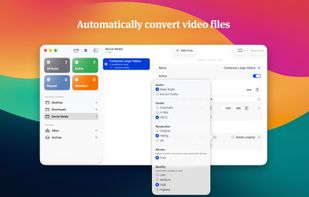
Set up rules, and Rulebook quietly sorts, renames, converts, beeps, moves, copies, archives and tags your files in the background. Like a personal assistant for your folders, so you never have to organize files manually again.
 NetherlandsEU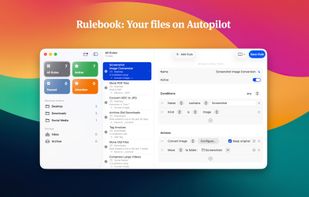


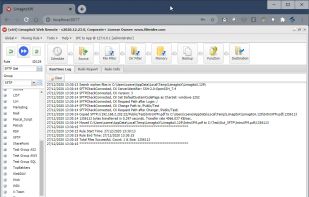
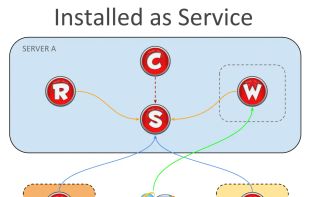
Automates file transfers using rules and filters for moving, copying, deleting, or renaming; supports numerous cloud storage and protocols; handles multiple file transfer jobs with scheduling, admin monitoring tools, email notifications, and advanced error handling.
 BelgiumEU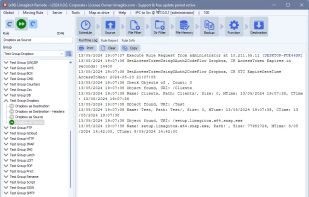


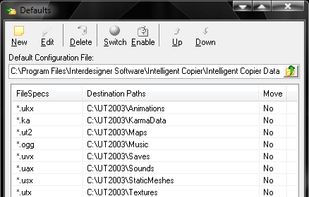
Intelligent Copier is an automatic file mover and copier. It offers a window that you can drag files onto, and will then copy or move them based on your settings. For example, you could choose to move all .mp3 files into the C:Music folder or copy any .



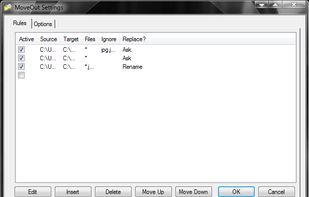
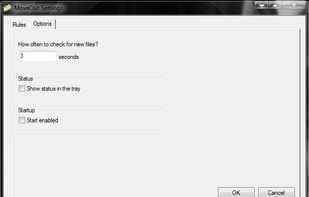
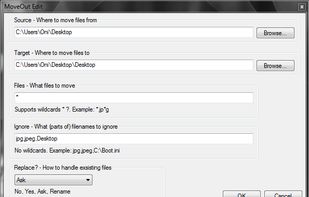
MoveOut will help you make rules to move files automatically. Use it to make a rule that moves files from the desktop to a subfolder, based on file type, part of a filename, or whatever.


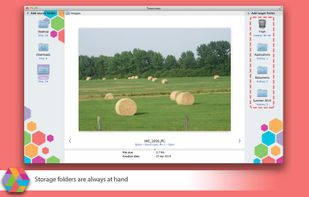
Taxonomy helps you to quickly sort the folders and store them in order.
Taxonomy was specially developed for quick file sorting. It will come handy if you need to sort your photos among several folders: “Holiday in Spain”, “Party”, “Add to Facebook”, etc. It is indispensable whe.




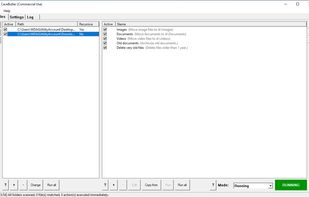
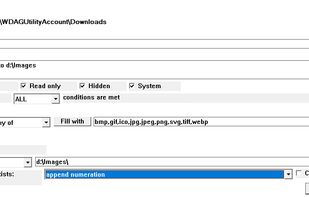
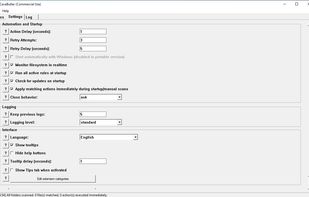
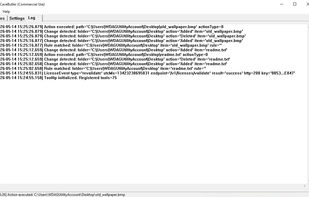
Rule-based local file automation. Watch folders, define conditions, and let CaveButler move, archive, or delete files automatically.
 FranceEU