Finding files and organizing your computer just go a lot easier. Dora is the smart file explorer designed to save you time and frustration.
Cost / License
- Freemium
- Proprietary
Application typeApplication types
Platforms
- Mac
 United States
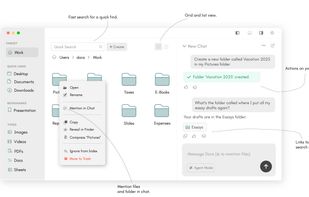

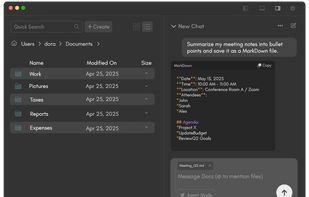


Finding files and organizing your computer just go a lot easier. Dora is the smart file explorer designed to save you time and frustration.
United States
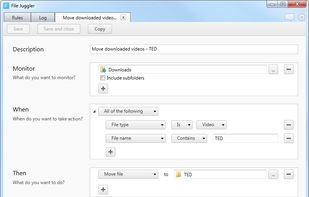
File Juggler is a Windows utility for automatic file management. Set up rules and have filejuggler move your files to their correct locations automatically.
 Denmark
 EU
EU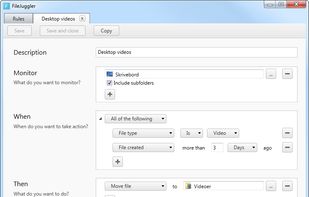


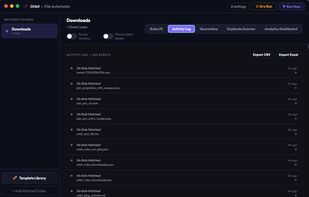
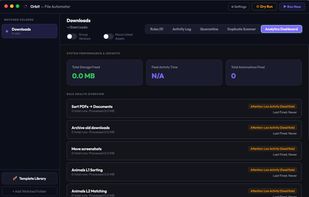
Orbit is a smart file automation app for Mac that manages your files based on specified rules. Simply state your requirement in English, such as "move all PDFs older than 30 days to my Finance folder", and Orbit will automatically create the rule using Apple...
United States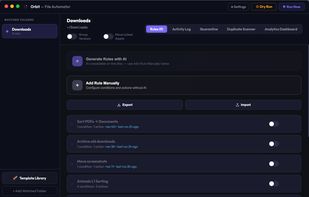


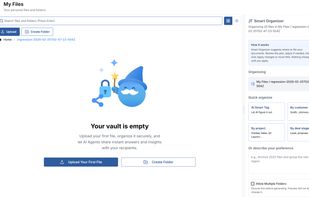
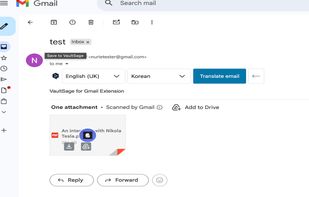
Forget folders. Just upload. VaultSage automatically understands, tags, and connects every file to turn messy storage into a searchable brain.




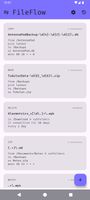
FileFlow scans your files periodically and organizes them according to your rules.
 India
India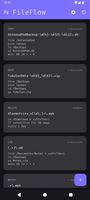



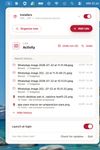
Lightweight menu bar tool for automating file management on macOS: archives and renames screenshots via OCR, ejects installer disk images, and organizes Downloads using custom or natural-language rules. Everything runs secure and private on-device, non-destructively.
 Chile
Chile


Piti is a free macOS app that auto-tags files to organize messy folders. Operating 100% locally, it uses a custom rules engine to suggest color-coded native Finder tags without moving files.
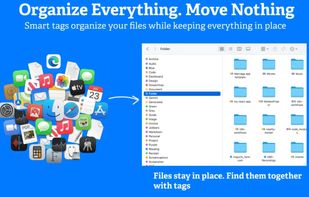
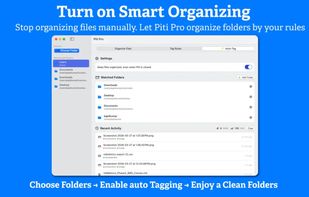
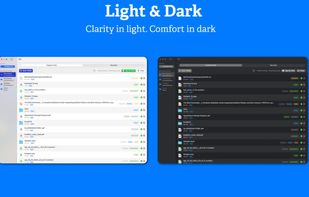
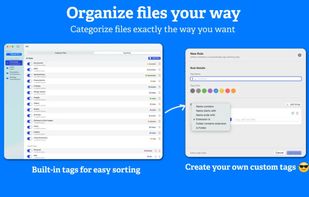


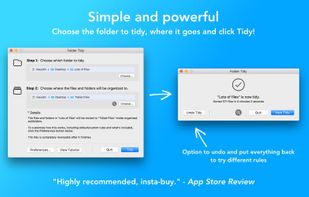
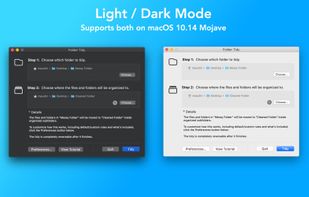
Helps organize disorganized folders by sorting files into subfolders like Pictures, Music, Spreadsheets, or custom groups using pre-set or custom rules, supports undo, exclusions, full CPU usage, and handles vast amounts of files efficiently.
United States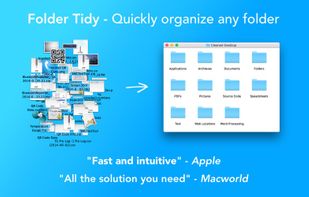
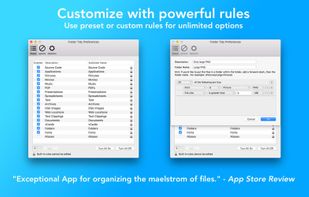


Forget about the mess in your Downloads folder! This extension allows you to set custom download locations with a flexible and strong RegExp-based rules.


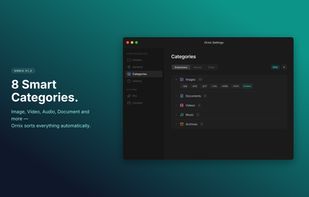
Ornix automatically organizes your messy Downloads folder. Set it once, and Ornix watches your folders, sorting files into categories like Documents, Images, Videos, and more.
 South Korea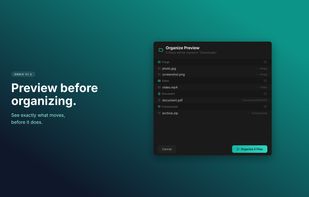
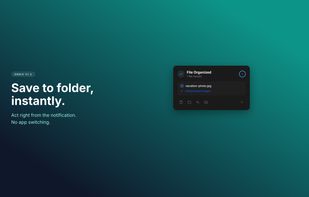
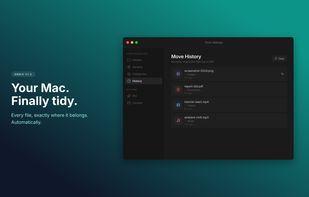


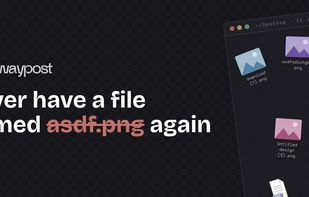
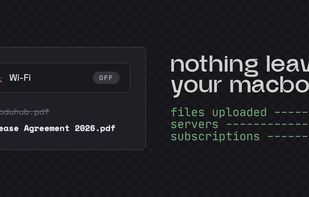
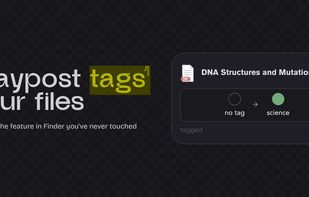
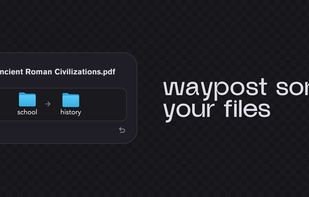
Your Downloads folder is where files go to die. IMG_3427.png, Untitled_document_final_v2.pdf, a hundred things you'll never find again. Waypost fixes that. Waypost reads folders of your choice, then renames, sorts, and tags dropped files based on what's actually inside.
United States