OneNote Web Clipper Alternatives

OneNote Web Clipper is described as 'You're busy. OneNote Web Clipper lets you quickly clip all or part of a web page to OneNote, and save it for later. Clip images, pdfs, videos, or a visual bookmark of a page. Best of all, you can access them from any computer, tablet, or phone - even when you're offline' and is a screenshot capture tool in the photos & graphics category. There are more than 100 alternatives to OneNote Web Clipper for a variety of platforms, including Windows, Mac, Web-based, Google Chrome and Mozilla Firefox apps. The best OneNote Web Clipper alternative is Raindrop.io, which is free. Other great apps like OneNote Web Clipper are TagSpaces, Obsidian Web Clipper, Instapaper and FastStone Capture.

Copy a direct link to this comment to your clipboard
OneNote Web Clipper alternatives page was last updated

Alternatives list

  1. Copy a direct link to this comment to your clipboard

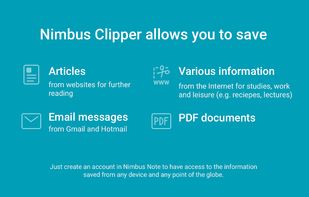
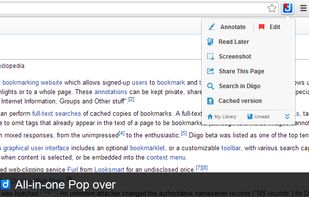
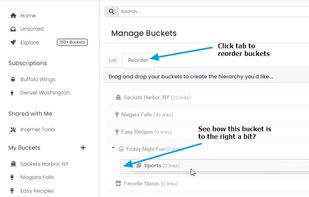
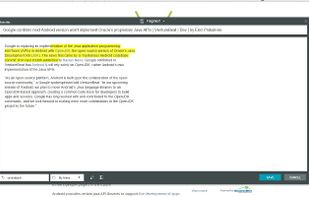
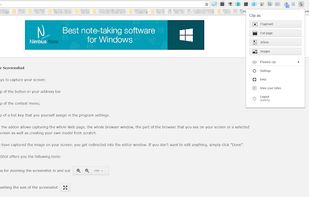
    Web Clipper that works! The easiest way to clip text, pics, links, email and pdf from internet pages and save them.
    Cost / License

    • Freemium (Subscription)
    • Proprietary

    Platforms

    • Microsoft Edge
    • Google Chrome
    • Opera
    • Safari
    • Windows
    • Mac
    • Linux
     
  2. Full Sort icon
     4 likes
    Copy a direct link to this comment to your clipboard

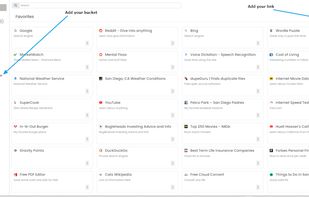
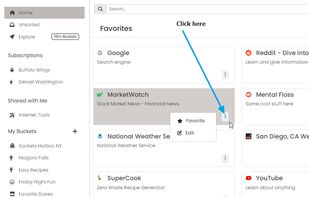
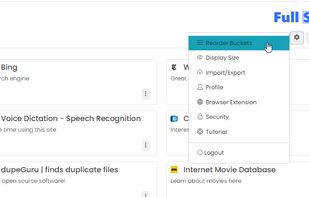
    Full Sort gives you the opportunity to centralize your digital life for FREE. Full Sort is your central dashboard to the Internet. Curate your most important destinations one time and you are set. That's it. Need something? Click once. Land there.

    Cost / License

    • Free
    • Proprietary

    Platforms

    • Online
    • Google Chrome
    • Software as a Service (SaaS)
     
  3. Copy a direct link to this comment to your clipboard

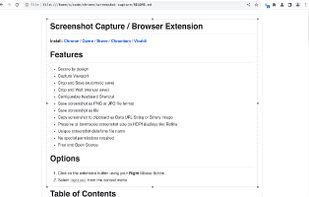
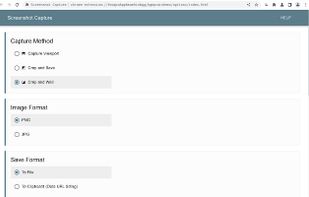
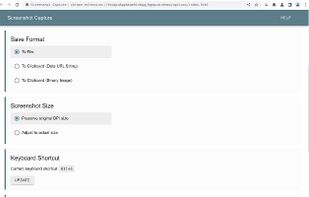
    Easy Screenshot is an easy to use screen capture tool. Simply press one of the context menu items to capture entire or a portion of your screen.

    Cost / License

    • Free
    • Open Source

    Application type

    Platforms

    • Google Chrome
    • Opera
    • Mozilla Firefox
    • Microsoft Edge
     
  4. Ashampoo Snap icon
     10 likes
    Copy a direct link to this comment to your clipboard

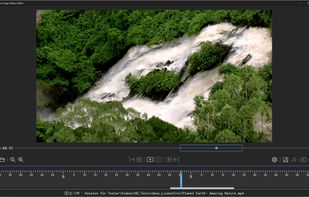
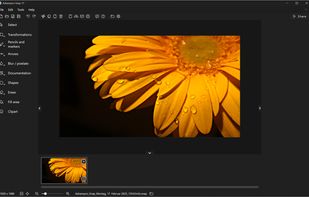
    Capture screenshots or record videos with Ashampoo Snap’s efficient tools. Enjoy easy editing, multi-display support, OCR for 180 languages, and instant sharing capabilities. Revamp your projects with video cutting, annotations, and custom capture options.
    Cost / License

    • Freemium (Pay once)
    • Proprietary

    Platforms

    • Windows
     
  5. Bookmarks icon
     4 likes
    Copy a direct link to this comment to your clipboard

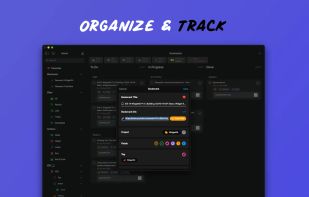
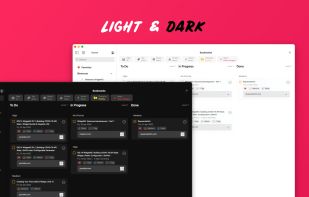
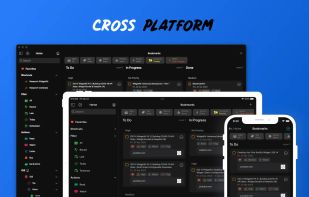
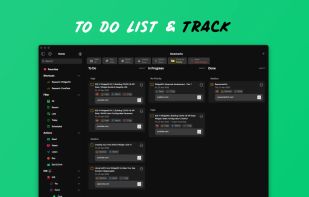
    Stay organized and manage your bookmark links with “Bookmarks: Organise and Track”

    47 Bookmarks alternatives

    Cost / License

    • Freemium (Pay once or Subscription)
    • Proprietary

    Application type

    Platforms

    • Mac
    • iPhone
    • iPad
     
  6. Trickle icon
     2 likes
    Copy a direct link to this comment to your clipboard

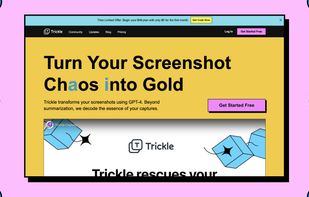
    Trickle helps you summarize and organize screenshots, extracting insights for easy search and query. Transform visual chaos into an intelligent archive, allowing you to screenshot anything and effortlessly retrieve and utilize its contents later.
    63 Trickle alternatives

    Cost / License

    • Subscription
    • Proprietary

    Application type

    Platforms

    • Online
    • Mac
     
  7. My Reads icon
     4 likes
    Copy a direct link to this comment to your clipboard

    Quickly save links from online stories, blogs, articles, and podcasts, with automatic clipboard detection and tagging. Syncs across iOS devices, lets you view in your default browser, and share—all with a minimalist, private approach and no account required.

    Cost / License

    • Freemium (Pay once or Subscription)
    • Proprietary

    Application type

    Alerts

    • Discontinued

    Platforms

    • Mac
    • iPhone
    • iPad
     
  8. Docspell icon
     9 likes
    Copy a direct link to this comment to your clipboard

    Docspell is a personal document organizer. You'll need a scanner to convert your papers into files. Docspell can then assist in organizing the resulting mess 😉.

    Cost / License

    • Free
    • Open Source

    Application type

    Platforms

    • Self-Hosted
     
  9. GoFullPage icon
     13 likes
    Copy a direct link to this comment to your clipboard

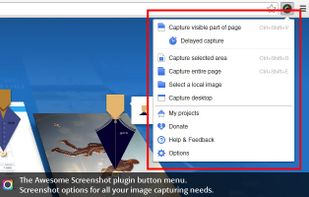
    The simplest way to take a full page screenshot of your current browser window. Click on the extension icon (or press Alt+Shift+P), watch the extension capture each part of the page, and be transported to a new tab of your screenshot where you can download it as an image or PDF...

    117 GoFullPage alternatives

    Cost / License

    • Freemium (Subscription)
    • Proprietary

    Application type

    Platforms

    • Mac
    • Windows
    • Linux
    • Google Chrome
     
  10. Copy a direct link to this comment to your clipboard

    Screenshot Captor is a program for taking screenshots on your computer. Its different from other screenshot utilis in several notable ways:

    Cost / License

    • Free Personal
    • Proprietary

    Application type

    Platforms

    • Windows
     
  11. Open Screenshot icon
     13 likes
    Copy a direct link to this comment to your clipboard

    This extension is able to capture 100% of both the vertical and horizontal content appearing on any webpage on the Internet. It is very easy to save the captured file onto your computer or print it / or share it to any social network.

    Cost / License

    • Free
    • Proprietary

    Application type

    Platforms

    • Google Chrome
     
  12. Copy a direct link to this comment to your clipboard

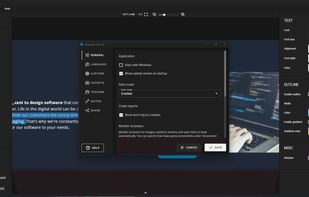
    Grab screenshots in a stealth mode, and start the capturing process at a user-defined time with the help of this simple to use and efficient software tool.

    Cost / License

    • Free
    • Proprietary

    Platforms

    • Windows
     
You are at page 4 of OneNote Web Clipper alternatives