


OneCal
2 likes
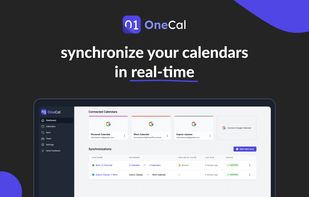
OneCal is a productivity tool that aims to make calendar synchronization as easy as possible. It has a very intuitive UI, supports multi-way syncs, and is fully configurable (you can choose to sync event titles, descriptions, and participants, assign colors to clone events...

Cost / License
- Subscription
- Proprietary
Application type
Platforms
- Online
- Software as a Service (SaaS)


Features

OneCal News & Activities
Highlights All activities
Recent News
No news, maybe you know any news worth sharing?
Share a News Tip
Recent activities
 jukben added OneCal as alternative to CalendarPipe
 alteralex added OneCal as alternative to Calendar Family
 Paul Koch added OneCal as alternative to Kalender Sync


OneCal information
Developed by
OneCalLicensing
Proprietary and Commercial product.Pricing
Subscription ranging between $3 and $300 per month.Alternatives
12 alternatives listedBadge
Get an embeddable badge for OneCalSupported Languages

No comments or reviews, maybe you want to be first?