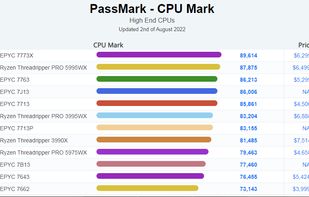
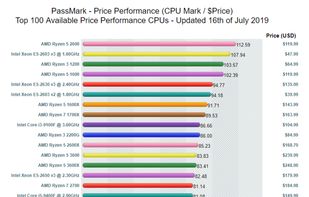
This is the official website where PassMark PerformanceTest users post thousands of benchmark results.
Cost / License
- Free
- Proprietary
Platforms
- Online
 Australia



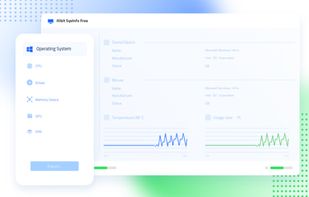
Apps similar to Ohnuki-san Lite include CPU-Z, which is free. Other options are HWiNFO (32/64), Speccy, Libre Hardware Monitor and GPU-Z. System Information Utilities like Ohnuki-san Lite are a crowded field, with more than 50 alternatives for Windows, Linux, Android, Mac and iPhone.
This is the official website where PassMark PerformanceTest users post thousands of benchmark results.
Australia
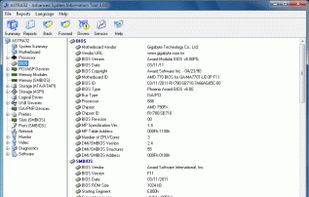
ASTRA32 - Advanced System Information Tool is an ideal solution for providing comprehensive information about the configuration of your system. Not only does ASTRA32 provide a detailed analysis of your system it also offers diagnostics and comes with some powerful unique...
 India
India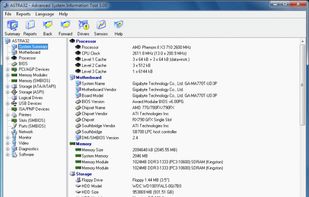


ESET SysInspector is a free, state of the art diagnostic tool for Windows systems. It is also an integral part of ESET Smart Security 4 and ESET NOD32 Antivirus 4. It peers into your operating system and captures details such as running processes, registry content, startup items...
 Slovakia
 EU
EU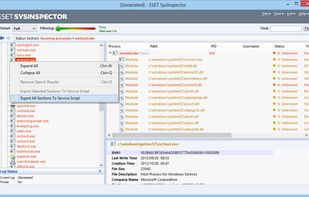


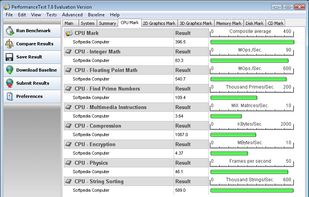
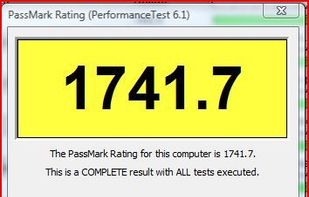
PassMark PerformanceTest benchmarks the speed of your PC computer hardware, then compares the result to other machines. Includes disk, 3D and CPU tests.
Australia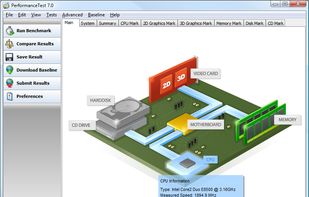


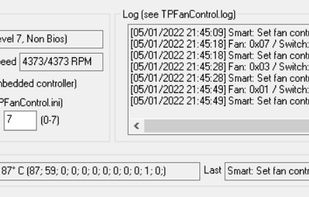
An updated version of TpFanControl that runs on most Lenovo ThinkPads and a few other Lenovo PCs (including single-fan laptops). Includes some features from a competing fork: https://github.com/FanDjango/TPFanCtrl2


SIV by Ray Hinchliffe. System Information Viewer is a general Windows utility for displaying lots of useful Windows, Network and hardware info - CPU info, PCI info, PCMCIA info, USB info, Machine Info, Hardware Sensors, Networked computers, Operating System Information and more.
 United Kingdom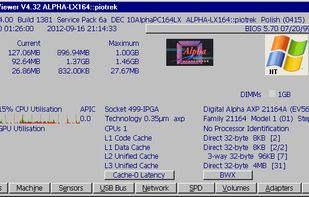


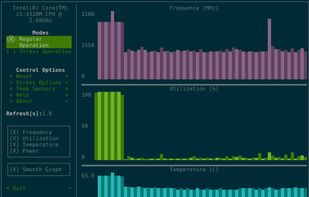
s-tui is a terminal UI for monitoring your computer. s-tui allows monitoring CPU temperature, frequency, power and utilization in a graphical way from the terminal. s-tui has built-in stress test options to test your hardware under heavy load.


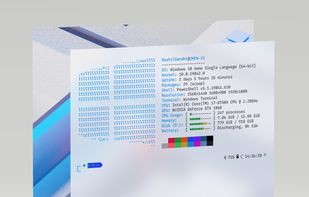
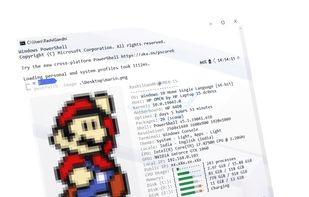
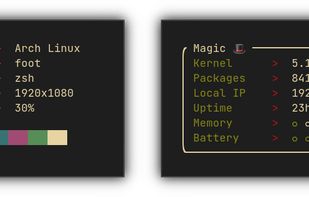
Winfetch is a command-line system information utility written in PowerShell 5+. Winfetch displays information about your operating system, software and hardware in an aesthetic and visually pleasing way.


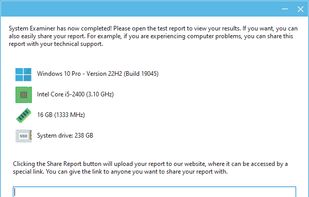
System Examiner is a lightweight, freeware app to generate a system information report from Windows computers. It lists details of your computer’s installed hardware and software, as well as attempts to detect common system errors and potential problems.
 United States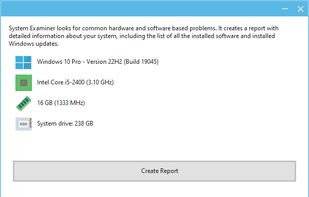


 China
China
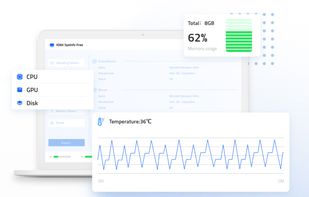


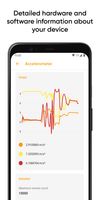
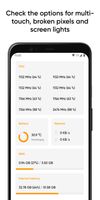
Castro is a huge collection of information about your device and a set of tools for monitoring its status. This allows you to check the performance of your device in real-time!
 Ukraine