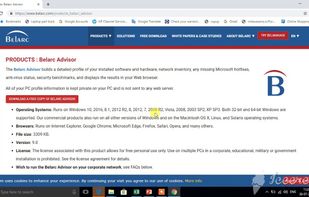
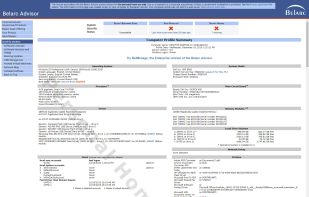
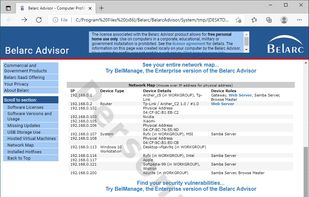
Belarc Advisor generates a detailed report (html format) of your installed software, hardware and security vulnerabilities in your Web browser.
Cost / License
- Free Personal
- Proprietary
Application type
Platforms
- Windows
 United States



+6


Apps similar to Ohnuki-san Lite include CPU-Z, which is free. Other options are HWiNFO (32/64), Speccy, Libre Hardware Monitor and GPU-Z. System Information Utilities like Ohnuki-san Lite are a crowded field, with more than 50 alternatives for Windows, Linux, Android, Mac and iPhone.
Belarc Advisor generates a detailed report (html format) of your installed software, hardware and security vulnerabilities in your Web browser.
United States
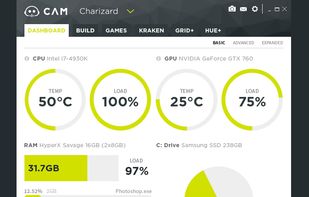
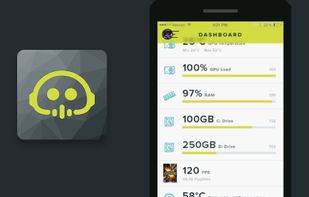
Manage performance, temperatures, and devices all from a single application. NZXT CAM is fast, efficient, and easy-to-use, allowing you to control every aspect of your computer.
United States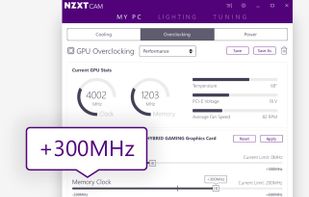



hwinfo/libhd are used to probe for the hardware present in the system. It can be used to generate a system overview log which can be later used for support.
 Germany
 EU
EU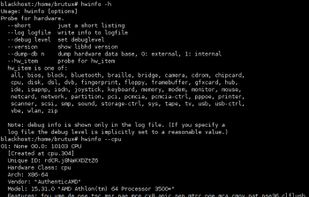


 ItalyEU


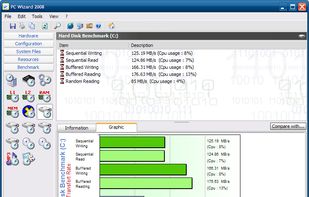
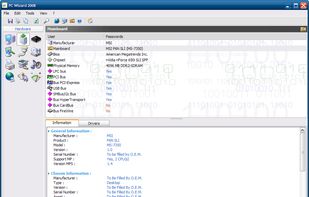
From the makers of CPU-Z, the PC WIZARD is among the most advanced system information programs on the market. PC WIZARD 2008 is a powerful utility designed especially for detection of hardware, but also some more analysis.
 FranceEU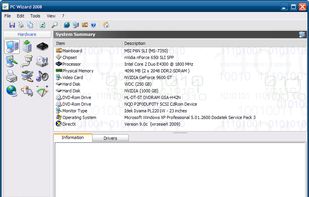


FinalBenchmark 2 – CPU Test is a powerful and lightweight benchmarking tool designed to accurately measure the real performance of your device’s processor. Built with native Rust-powered algorithms, the app delivers highly precise results across multiple CPU workloads—perfect...
 India
India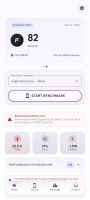


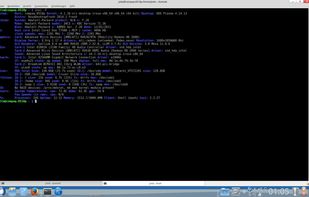
Inxi is a system information script that can display various things about your hardware and software to users in an irc chatroom or support forum. it runs with the /exec command in most irc clients.

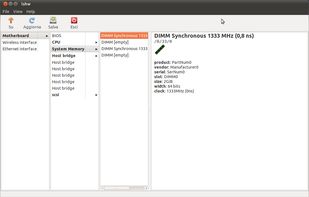
lshw (Hardware Lister) is a small tool to provide detailed information on the hardware configuration of the machine.
FranceEU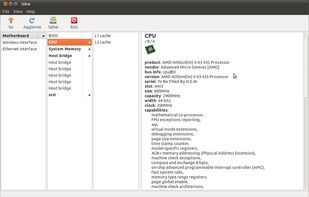


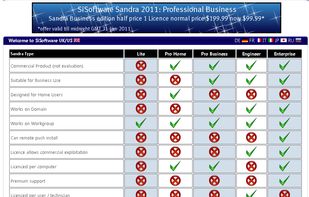
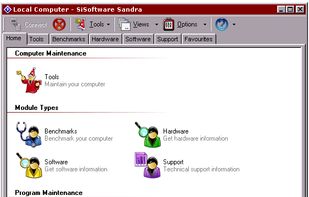
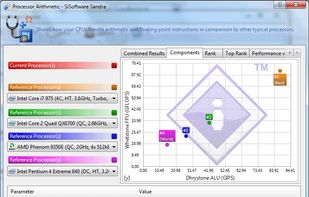
SANDRA is a system analyser that includes benchmarking and testing modules. Its scope of work is not restricted to the local system, though. It can analyze remote systems on a Windows domain.
 United Kingdom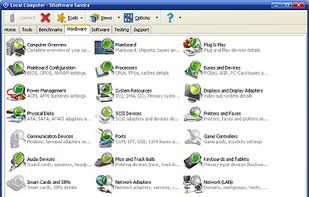


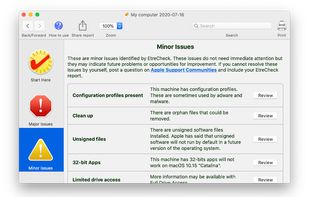
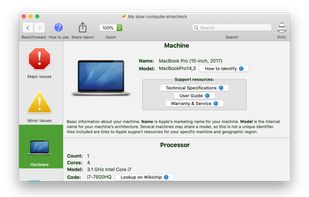
EtreCheck is a simple little app to display the important details of your system configuration and allow you to copy that information to the Clipboard. It is meant to be used with Apple Support Communities to help people help you with your Mac.
United States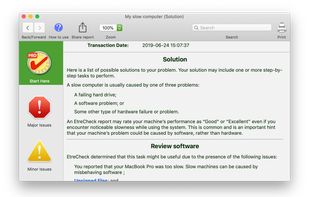


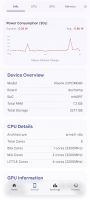
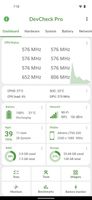
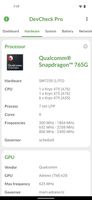
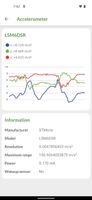
Monitor your hardware in real time and get complete information about your device model, CPU, GPU, memory, battery, camera, storage, network, sensors and operating system.


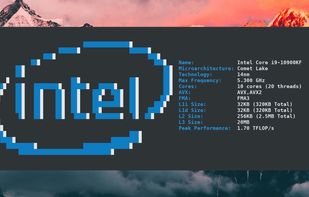
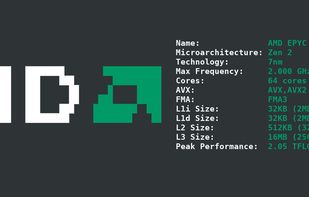
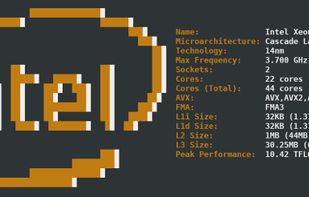
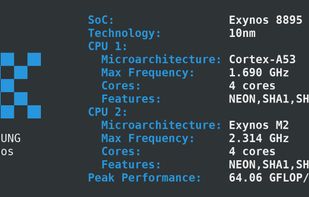
cpufetch is a command-line tool written in C that displays the CPU information in a clean and beautiful way.
 SpainEU