nsync Alternatives
Apps similar to nsync include FreeFileSync, which is open source with a free version. Other options are rsync, Unison File Synchronizer, Toucan and SyncToy. File Sync Tools like nsync are a crowded field, with more than 25 alternatives for Windows, Mac, Linux, Android and iPad.
Alternatives list

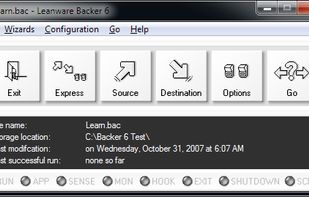
Despite a name that conjures up comedic visions, Bonkey the Backup Monkey is a serious backup program with tremendous potential. Not that it isnt good now; The program is easy to use, puts all the relevant options at your fingertips and backs up to multiple locations--including...
Platforms
- Mac
- Windows

 +2
+2


rsync backup is a tool that will, in essence, allow the user to copy data back and forth between the user’s computer and their Android device remotely. It uses SSH for the communication with the server, but users that are not familiar with this should probably read a bit before...
Cost / License
- Free
- Proprietary
Platforms
- Android



 119 Foldermatch alternatives
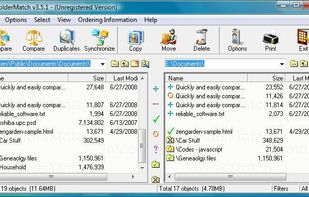
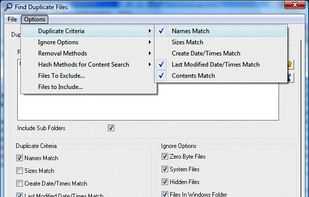
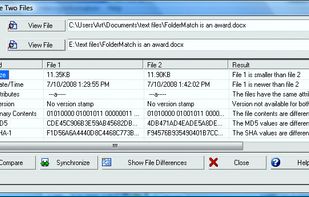
FolderMatch is a program that compares directories and files, showing the differences clearly.
Cost / License
- Paid
- Proprietary
Application typeApplication types
Platforms
- Windows
 United States
 +3
+3


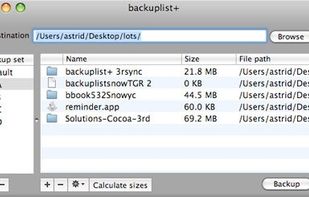
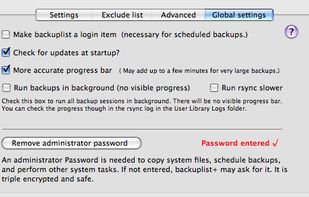
Backuplist+ is a popular "wrapper" application for the new rsync 3.0.6 copy tool. It is a powerful backup application that is simple for novice users and offers many choices for the more advanced user.
Cost / License
- Free
- Proprietary
Platforms
- Mac



Easily and quickly send files and folders to multiple destinations across your LAN by simply dragging files onto recipients in a popup window.
Cost / License
- Free Personal
- Proprietary
Platforms
- Mac
- iPhone
- iPad




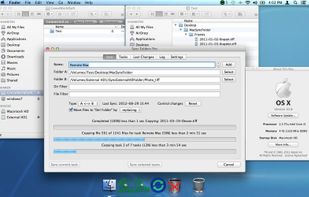
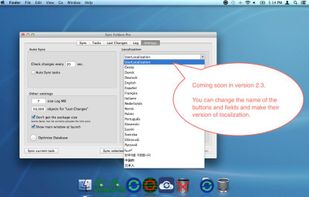
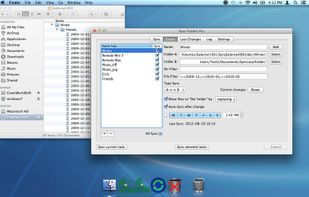
The Sync Folders Pro synchronizes any number of folders on the fly at the same time when there are changes, or connecting external drives at a set time or manually. The app sync folders with or without filter for folder names and / or file names.?
Cost / License
- Freemium
- Proprietary
Platforms
- Mac


A graphical user interface for rsync, which looks-and-feels like a standard FTP client, but uses the rsync protocol ‘under the hood’ to boost transfer speeds.
Cost / License
- Paid
- Proprietary
Platforms
- Mac

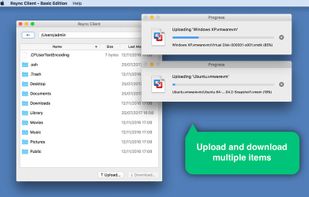


cwRsync is a yet another packaging of rsync and Cygwin for Windows. You can use cwRsync for fast remote file backup and synchronization. Rsync uses the rsync algorithm which provides a very fast method for bringing remote files into sync.
Cost / License
- Paid
- Proprietary
Application type
Platforms
- Windows
C
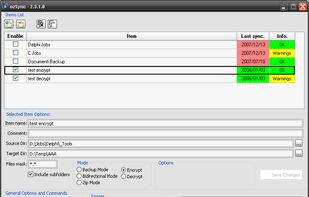
ozSync is an utility that synchronize files and folders. Files or folders synchronize and backup is important and actually, it's not hard to be done. Using a small and portable utility like ozSync will make it easier. ozSync is an utility that synchronize files and folders.
Platforms
- Windows


Cost / License
- Free
- Proprietary
Application type
Platforms
- Windows
 Germany
 EU
EU



Cost / License
- Paid
- Proprietary
Platforms
- Windows
- Germany
- EU
 +1
+1