


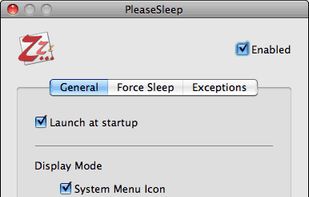
PleaseSleep is a utility software designed for Mac OS X that helps put your computer to sleep when you know some other app is preventing your Mac from going to sleep.
Cost / License
- Free
- Proprietary
Alerts
- Discontinued
Platforms
- Mac


NoSleep has been discontinued. Similar apps include goguma app, which is free and open source. Other options are Amphetamine, Caffeine for Mac, caffeinate & disablesleep and Stimulator. You're spoiled for choice with Prevent Sleep Mode Apps like NoSleep: we list more than 25 alternatives for Mac, Windows, Linux, the web and Android.
PleaseSleep is a utility software designed for Mac OS X that helps put your computer to sleep when you know some other app is preventing your Mac from going to sleep.

Deep Sleep is a simple Dashboard widget which allows users to put their computer into hibernation mode, also sometimes called software suspend mode. This widget only works on a limited number of Apple computer models.


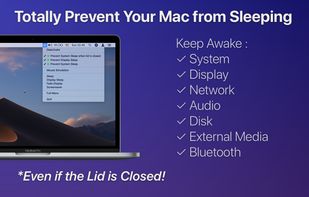
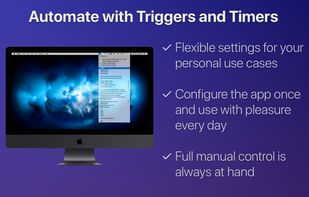


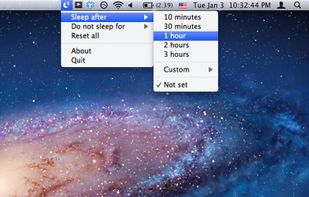
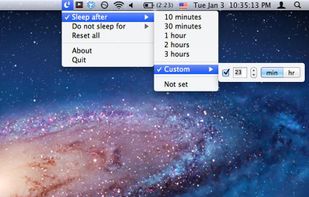
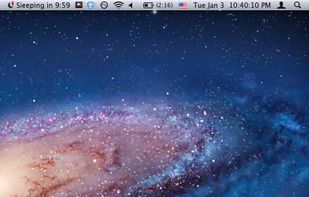
SleepTime is a light-weight app that lives on your menu bar, letting you easily set a timer to put your Mac on sleep automatically after a specified time period you choose.


Close the lid. Keep coding. Hold My Lid keeps your Mac awake while Claude Code, Codex, and your other agents finish the job — lid shut, in your bag.
 India
India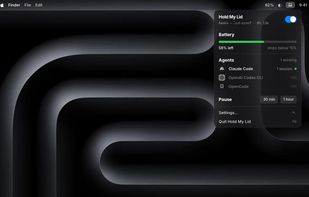

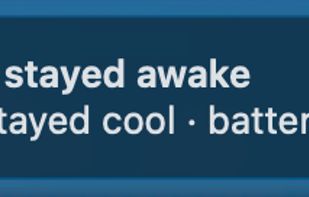
lidawake keeps your Mac awake with the lid closed — for an overnight job with no monitor attached, or an external monitor in clamshell mode on battery. Keeping a Mac awake is easy — stopping safely is the product: it watches heat and battery, and hands sleep back even if the app crashes.
 Slovakia
 EU
EU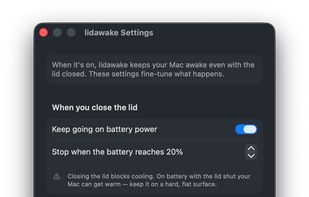
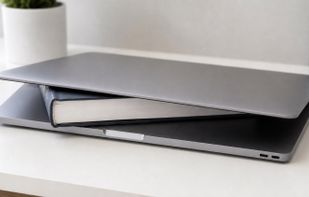


A tiny macOS menu-bar app that keeps your Mac running even with the lid closed — so coding agents (Claude Code, Codex, etc.) keep working while you move around.
 Vietnam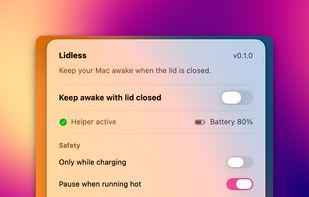


macOS CLI that keeps your Mac awake with the lid closed on battery, so a local Codex, Claude Code, or Cursor session keeps running.
 GermanyEU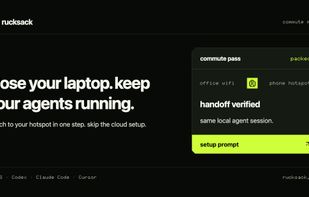


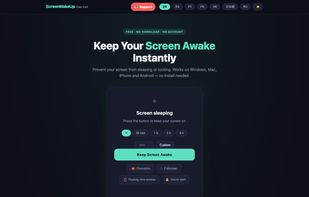
ScreenWakeUp is a free, browser-based tool that keeps your screen from sleeping or locking. It uses the modern Screen Wake Lock API — nothing to install, no admin rights, no account. Open it in any browser on Windows, macOS, Linux, ChromeOS, Android or iPhone and click one...


 ItalyEU


 Canada


