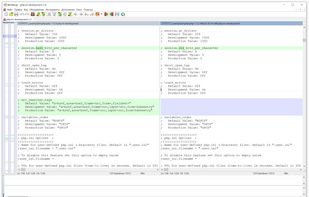
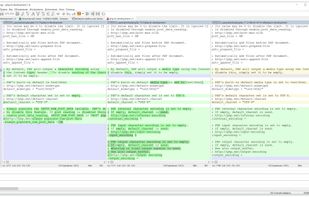
WinMerge JP is a fork of the original WinMerge, but after 2018 the two are nearly identical. WinMerge JP's features including 3-way compare has been merged into the original.


No Compare is described as 'A file and folder comparison tool, targeted at developers, with powerful merging capabilities. Easily integrate with git or other version control system and diff and merge files with the 3-ways merge and powerful alignment' and is a Diff Tool in the development category. There are more than 10 alternatives to No Compare for a variety of platforms, including Windows, Mac, Linux, Web-based and BSD apps. The best No Compare alternative is WinMerge, which is both free and Open Source. Other great apps like No Compare are Meld, Beyond Compare, KDiff3 and P4Merge.
WinMerge JP is a fork of the original WinMerge, but after 2018 the two are nearly identical. WinMerge JP's features including 3-way compare has been merged into the original.


FileMerge lets you compare one file to another or one directory to another and merge the files or directories together.


ExamDiff Pro is a powerful, intuitive, and easy to use visual side-by-side comparison tool for comparing and merging text and binary files, and directories.


Easily compare and merge text files; compare doc, xls and pdf files; prepare comparison reports and printouts.

Free file and folder merge tool providing two-way comparison, Visual Studio and Atmel Studio integration, enhanced folder sync, syntax highlighting, batch operations, Intellisense, navigation by change type, command line support, and detailed control over merges.


Diff Checker compares two snippets of text, source code, JSON or full files and highlights every change side-by-side. Everything runs locally inside the browser extension—no data ever leaves the user’s machine—so it suits security-sensitive workflows.


Online Text compare is a browser based data compare tool that highlights the differences between two versions.