


It makes the color of your computer's display adapt to the time of day, warm at night and like sunlight during the day.
 Brazil
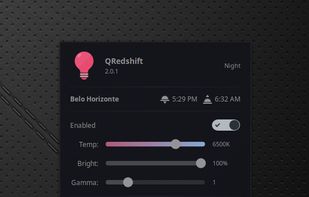


It makes the color of your computer's display adapt to the time of day, warm at night and like sunlight during the day.
BrazilAdjust the color temperature of your screen according to your surroundings. This may help your eyes hurt less if you are working in front of the screen at night.

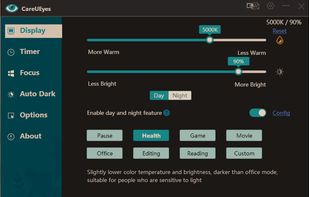
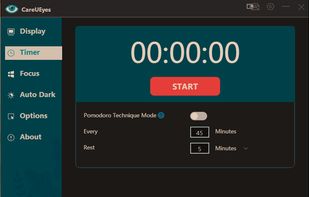
CareUEyes is a very simple but useful program when it is about your eye care. The program comes with a very simple and clean interface and needs to technical knowledge. Even a novice computer user can download and use it easily.


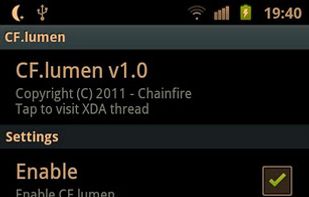
CF.lumen - don't let your phone blind you! CF.lumen changes the colors of your Android device's display based on the position of the sun. With the default settings, your display will get a warmer tint (lower color temperature) when the sun is down, to look more like indoo.
 Netherlands
 EU


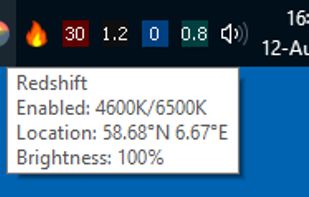
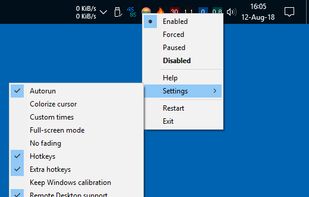
Redshift Tray is a no-frills GUI for the screen temperature adjustment tool Redshift.


Reduces blue light and flicker for eye comfort, supports auto color temperature adjustment based on time, customizable modes, overlays, color and font options, docking station support, and accessible part-screen filtering for diverse needs.
 BulgariaEU
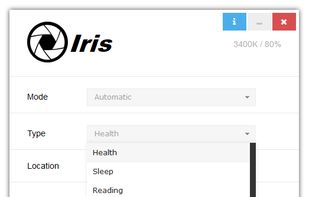


Enable darker-than-dark dimming for internal and external screens.

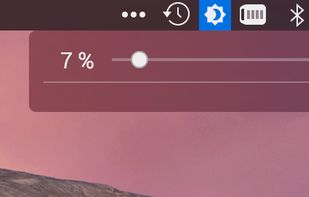


Lux Automatically Adjusts Your Screen Brightness.


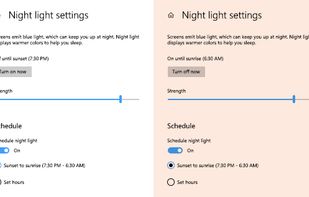
To schedule Night Light so it turns on automatically, select Start > Settings > System > Display > Night light > Night light settings.


Free software for eye protection and more! It protects your eyes while you are working on the computer. Eye Saver has three main functions: blue light filter; eliminates the invisible flickering of the display backlight; reminds you to take breaks;
 United Kingdom




 United States
 Denmark


