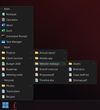
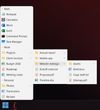
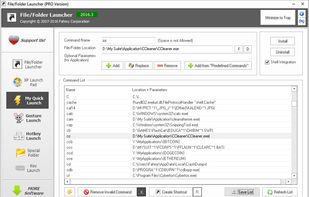
File/Folder Launcher (FFLauncher) is a simple, very easy to use application specially designed to help you launch files and folders.
Cost / License
- Pay once
- Proprietary
Application type
Since
- Since 2012
Alerts
- Discontinued
 Indonesia


Apps similar to Winstep Nexus include RocketDock, which is free. Other options are Docking, 7+ Taskbar Tweaker, ObjectDock and MaxLauncher. Application Launchers like Winstep Nexus are a crowded field, with more than 25 alternatives for Windows, Mac and Linux.
File/Folder Launcher (FFLauncher) is a simple, very easy to use application specially designed to help you launch files and folders.
Indonesia
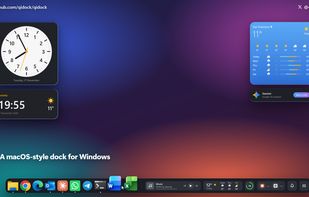
QiDock replaces the Windows 10 and 11 taskbar with a floating, macOS-style glass dock that has widgets built right in.
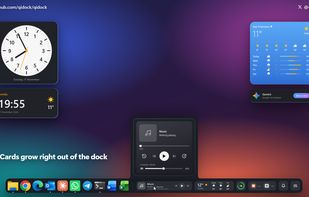
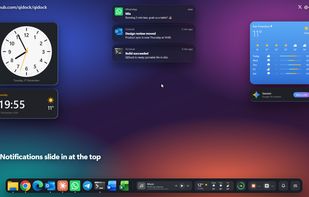
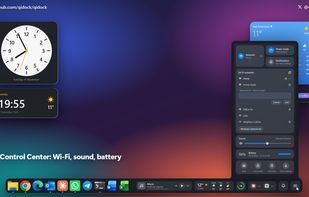


Glassline replaces the Windows 11 taskbar and Start menu with a menu bar at the top of the screen and a dock at the bottom, drawn in clear glass that takes the colour of your wallpaper.
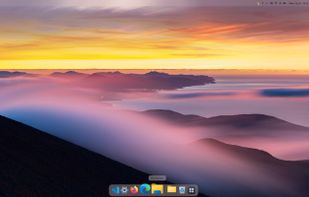
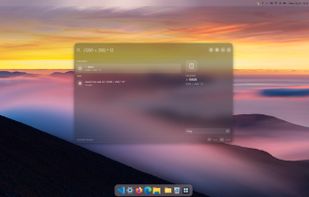
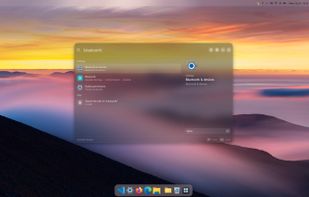
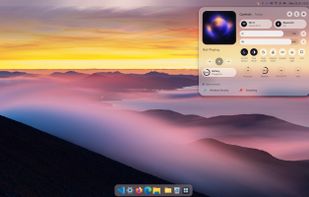

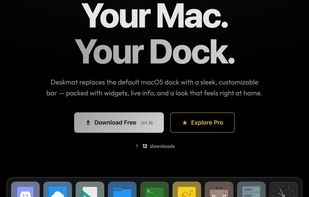
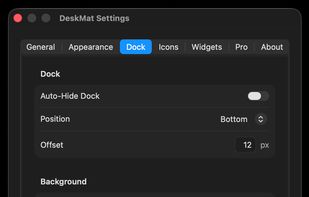
Deskmat replaces the default macOS dock with a fast, customizable bar. Live widgets, animated effects, and a icon customization — free to download.
 United States


A local-first Windows tray app that bundles per-app volume, monitor brightness, sticky notes, time tracking and a dozen other tools in one place.
 United Kingdom
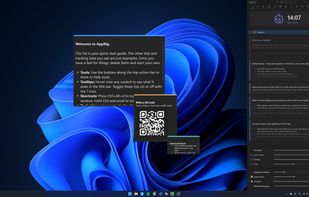
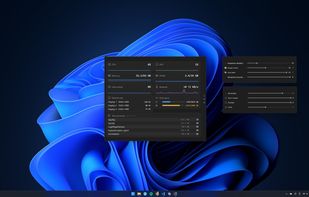
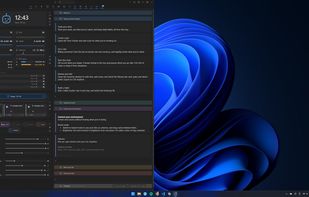
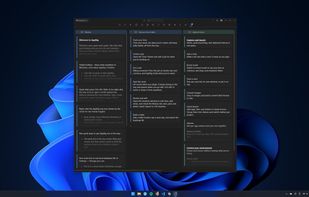


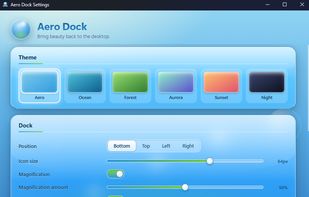
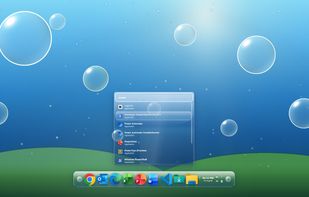
An open-source Windows dock and launcher that pins apps, shows live DWM window previews, magnifies icons under the cursor, and searches installed apps and recent files. It includes six glass themes, wallpaper color sync, ambient scenes, system controls, and no telemetry.
United States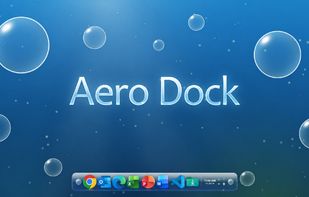


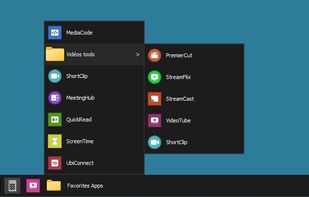
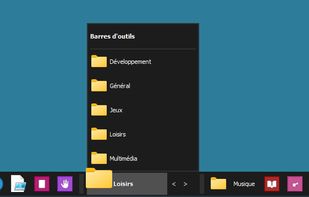
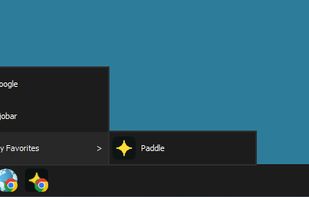
Djobar restores the customizable desktop toolbar that Windows 11 removed : Drag any app, file, folder or web link onto a lightweight always-visible bar - your shortcuts always one click away. Free, portable, signed, 48 languages, no telemetry.


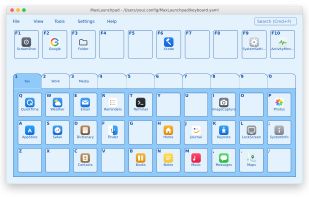
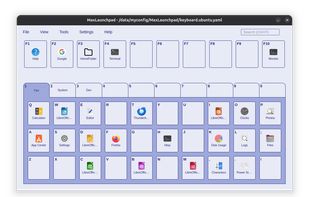
Keyboard-driven app launcher for Windows, macOS & Linux. Bind up to 310 programs to a virtual keyboard, summon it with a global hotkey (Alt + `), and launch anything with a single keystroke. Drag & drop setup, portable YAML profiles, themes, tray.


TaskbarList adds a compact list to the Windows taskbar where you can keep any file, app or folder from anywhere on your PC, one click away. Items can be sorted into collapsible named groups, reordered with drag and drop, and folders can be browsed level by level directly from...
 Romania
 EU