

Cost / License
- Free
- Open Source (MPL-2.0)
Application type
Platforms
- Rust
- Nix Package Manager
- Mac
- Windows
- Linux
- BSD



+1
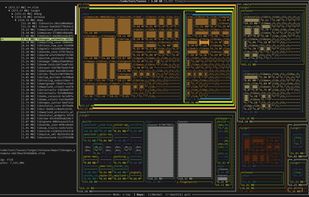


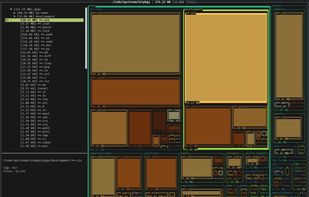
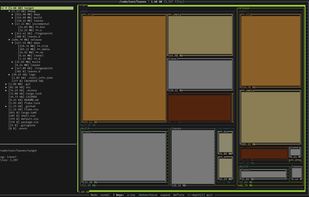
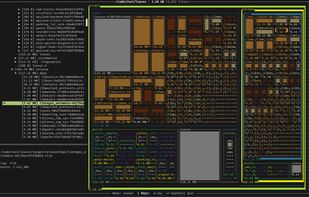
ncdu is described as 'A disk usage analyzer with an ncurses interface, aimed to be run on a remote server where you don't have an entire graphical setup, but have to do with a simple SSH connection. ncdu aims to be fast, simple and easy to use, and should be able to run in any minimal POSIX-like' and is a very popular disk usage analyzer in the os & utilities category. There are more than 50 alternatives to ncdu for a variety of platforms, including Windows, Mac, Linux, BSD and Flathub apps. The best ncdu alternative is WinDirStat, which is both free and Open Source. Other great apps like ncdu are WizTree, Baobab Disk Usage Analyzer, Filelight and SD Maid SE.

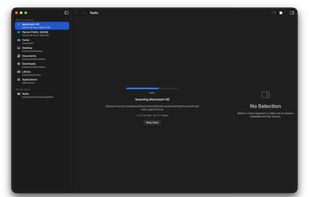
A fast, native macOS disk space analyzer that helps you find where your storage is going. Scan any folder or volume, explore results with an interactive sunburst chart and file browser, and clean up — all without leaving the app.
 United States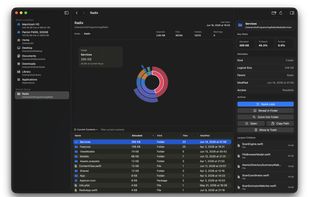

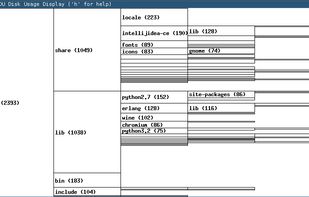

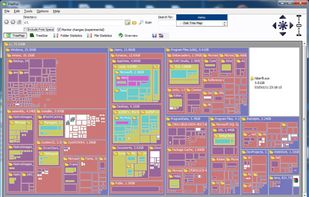
This free-for-personal-use software utility analyses storage disk usage, and then presents the gathered information in graphical format(s) viz. a directory tree, or a pie chart.


"DiskMapper is a remarkable utility that frees up megabytes and megabytes of hard disk space - quickly and easily by showing you a useful, graphical, color-coded map of your hard disk. DiskMapper lets you quickly delete or compress programs and files you dont need or rarely...
United States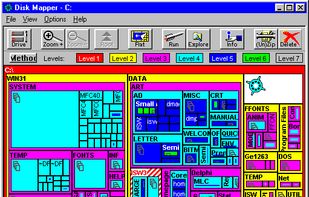


xdiskusage is a user-friendly program to show you what is using up all your disk space. It is based on the design of xhttp://alternativeto.net/software/xdu/ written by Phillip C. Dykstra <dykstra at ieee dot org & gt.
United States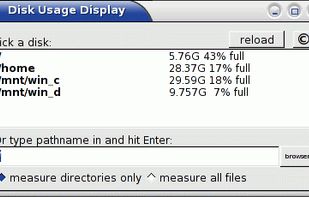
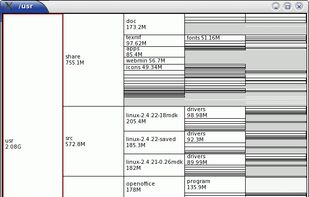


i.Disk scans directory trees and displays the total space used by each directory in an easy to use form.
 Australia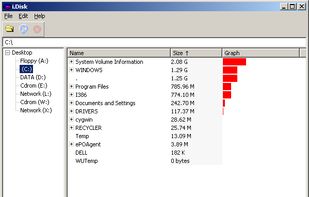


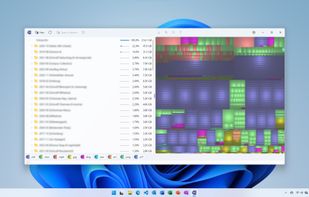
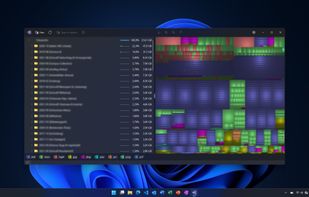
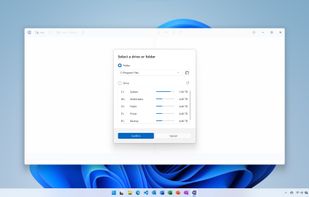
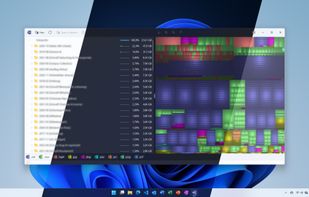


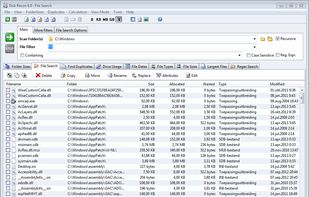
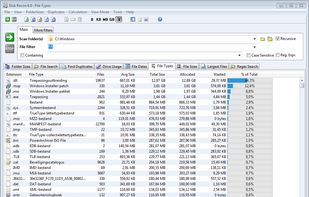
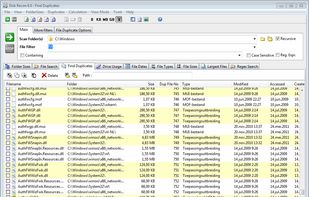
Disk Recon is a disk space utility that reveals all the crucial information that you need to find out where all your disk space has gone and how you can recover it.
 Netherlands
 EU
EU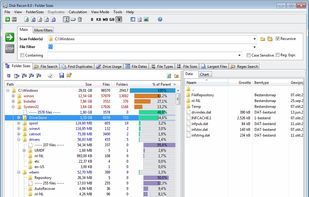


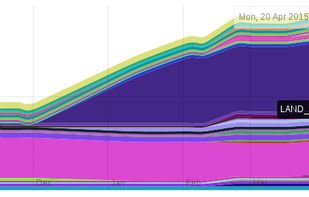
diskreport.net allow to generate an online report of disk space usage. Periodic run allow reports of size and file count variation, usefull to find growing files or directory.

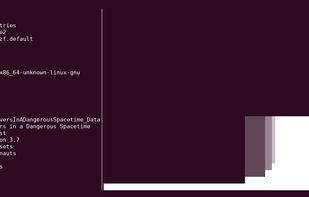
Dust is meant to give you an instant overview of which directories are using disk space without requiring sort or head. Dust will print a maximum of one 'Did not have permissions message'.

 Indonesia