





Myna Recorder
Like
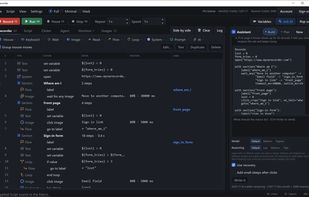
Records Windows keyboard and mouse actions as editable scripts, with image-based automation, screen monitoring, auto-clicking, and .exe export.

Cost / License
- Freemium (Subscription)
- Proprietary
Application type
Platforms
- Windows


Features
Myna Recorder News & Activities
Highlights All activities
Recent activities
- Tomer-Gilad added Myna Recorder
- Maoholguin updated Myna Recorder
 Tomer-Gilad added Myna Recorder as alternative to AutoHotkey, Pulover’s Macro Creator, AutoIt and Jitbit Macro Recorder


Myna Recorder information
Developed by
 Myna Recorder
 Licensing
Proprietary and Freemium product.Pricing
Subscription ranging between $10 and $15 per month + free version with limited functionality.Alternatives
7 alternatives listedBadge
Get an embeddable badge for Myna RecorderSupported Languages
AlternativeTo Category
Office & Productivity

No comments or reviews, maybe you want to be first?