Waydroid uses Linux namespaces (user, pid, uts, net, mount, ipc) to run a full Android system in a container and provide Android applications on any GNU/Linux-based platform.
 United States


+1


The best Android Emulator alternative to MuMuPlayer is WayDroid, which is both free and Open Source. If that doesn't suit you, our users have ranked more than 10 alternatives to MuMuPlayer and 16 of them are Android Emulators so hopefully you can find a suitable replacement. Other interesting Android Emulator alternatives to MuMuPlayer are BlueStacks, Mac.apk, Nox App Player and Genymotion.
Waydroid uses Linux namespaces (user, pid, uts, net, mount, ipc) to run a full Android system in a container and provide Android applications on any GNU/Linux-based platform.
United States
BlueStacks enables running Android apps on Windows PCs and Mac, without requiring a reboot. It supports virtualization for zero configuration, allowing seamless integration between Android and Windows systems, with apps appearing as icons or in a full environment. Ideal for personal and enterprise use.
United States


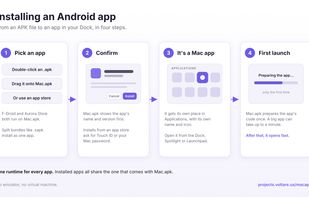
Mac.apk runs Android apps directly on Apple Silicon. Apps launch as ordinary macOS processes, draw through the Mac's GPU, and execute on the CPU at native speed. They appear in your Dock, get their own windows with a back button next to the traffic lights, resize and rotate...
United States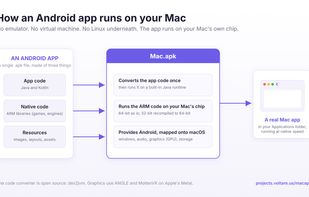

Nox App Player offers an advanced Android emulation experience on PC and Mac, featuring a customizable UI for developers, ad-free environment, keyboard mapping, Google Play integration, screen recording, and low resource consumption, ideal for running apps and games seamlessly.
 China
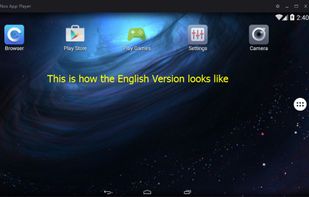


Genymotion is an Android emulator for building and testing great Android apps. It’s fast, simple and powerful.
 France
 EU


Comparing to other Android emulators, MEmu provides the highest performance and greatest compatibility. It runs on nearly all Windows devices (PC, notebook, 2-in-1 devices, tablets).
China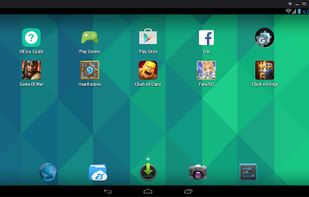
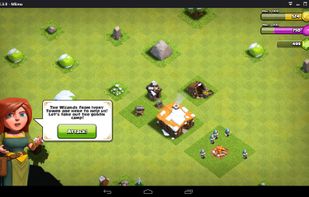
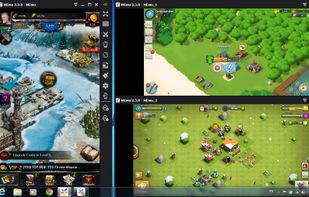
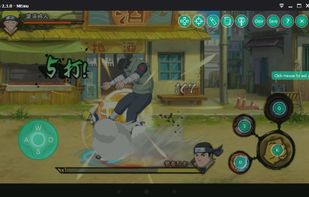


Anbox puts Android into a container and every Android application will be integrated with your operating system. Any Android version is suitable for this approach and try to keep up with the latest version from the Android Open Source Project.
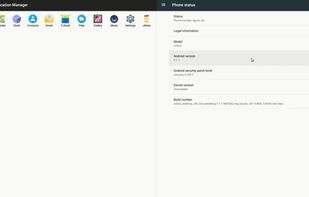


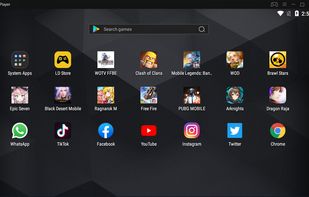
LDPlayer,The best android emulator for windows. Free download it to play android games & android apps on PC. Be stabilization, fluent, perfect compatibility. LDPlayer is a free Android emulator for PC users playing Android games easily on Windows. Based on Android 5.1.
China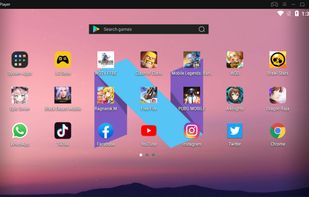


Founded in 2011, Silicon Valley-based BlueStacks is the global leader in providing a cross-platform service bridging the gap between mobile devices and PCs for over 300 million gamers worldwide. Developed under an exclusive partnership with BlueStacks, the MSI App Player, brings...
 Taiwan


Andy breaks down the barrier between desktop and mobile computing, while keeping a user up to date with the latest Android OS feature upgrades. It also provides users with unlimited storage capacity, PC and Mac compatibility, and the freedom to play the most popular mobile...
United States


GameLoop (formerly Tencent Game Buddy) is an Android emulator for Windows desktops featuring direct support for Tencent games along with flexible and precise control with a mouse and keyboard combo.
China


KOPLAYER is a free android emulator for Windows and Mac which can help you run Android games & apps on your Windows PC. KOPLAYER commits itself to bringing you the best playing experience for games, with more than one million supported apps.
United States