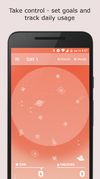
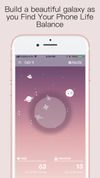
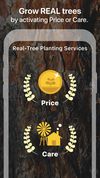
Flora is a new way to stay off your phone, clear to-do lists, and build positive, life-changing habits. Whenever you want to make progress towards your goals, plant a seed in Flora.
Cost / License
- Freemium
- Proprietary
Platforms
- iPhone
- Android





Apps similar to Motion AI Scheduling include Mindful : Focus & Screen Time, which is free and open source. Other options are Superlist, Orkana, Notion Calendar and Reef Wellbeing. There's no shortage of Anti Procrastination Tools like Motion AI Scheduling, with more than 100 alternatives for Android, iPhone, Mac, the web and iPad.
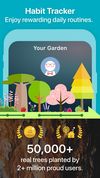
Flora is a new way to stay off your phone, clear to-do lists, and build positive, life-changing habits. Whenever you want to make progress towards your goals, plant a seed in Flora.

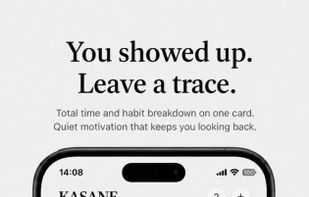
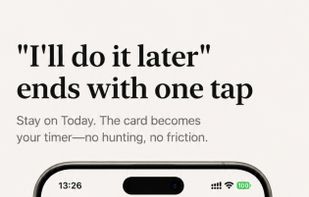
Stack multiple habit timers at once — track accumulated time, not daily streaks. Run reading, stretching, and focus timers simultaneously. Build habits at your own pace — no streaks, no guilt.
 Japan
Japan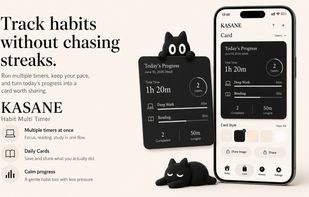



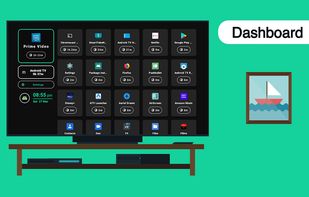
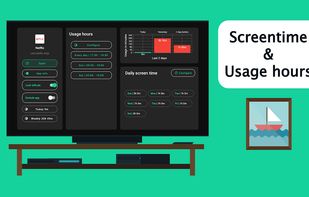
vusage is the parental control and digital wellbeing app for Android TV with options to configure screentime, usage hours, applock to put you in charge.
 India
India


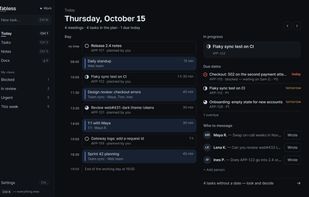
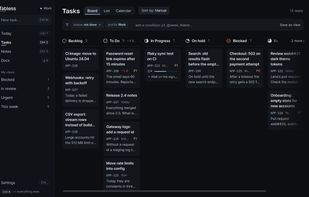
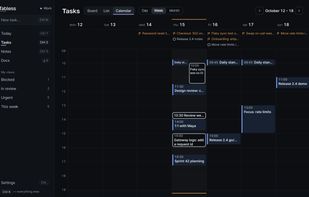
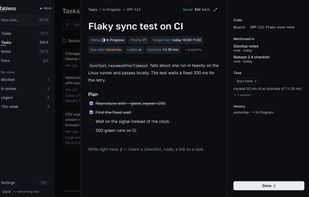
A local-first desktop planner for developers: tasks from GitHub, Jira and 11 more trackers, today's meetings and Markdown notes in one keyboard-driven window.


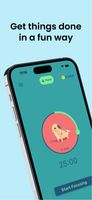
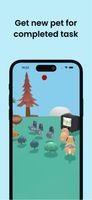
Get things done in a fun way! Stay focused, complete your tasks, and grow your farm with adorable pets!.



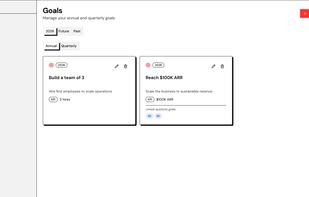
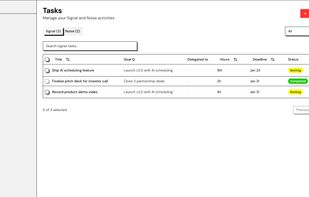
SayNo is a task manager for founders who spend too much time on low-value work. Every task must be classified as Signal (aligned with quarterly goals) or Noise (delegate or kill). No middle ground — forces the prioritization decision upfront.
 Italy
Italy EU
EU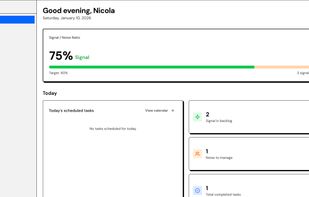





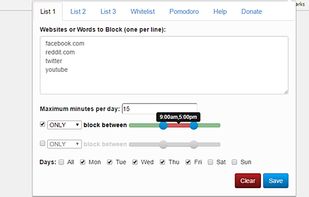
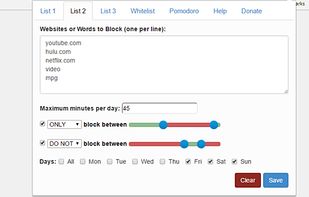
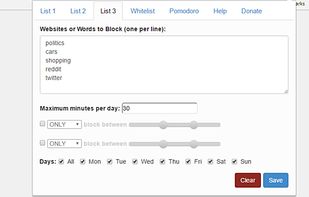
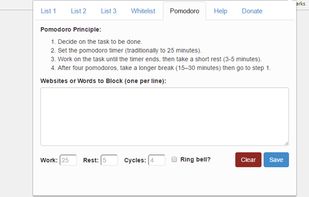
SiteCop is a light and sharp extension made to protect us from those life-draining websites that make us waste hours on them through no fault of our own. It features 3 different option-rich timed lists to block websites and a bonus Pomodoro option.


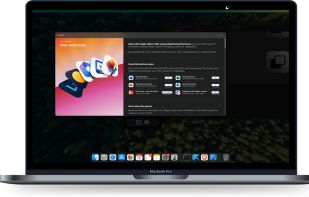
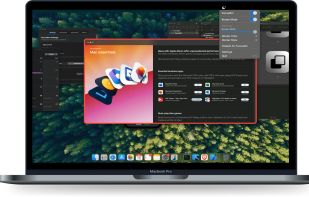
Professional focus enhancement for macOS. Dim background applications or highlight your active window with beautiful colored borders.
 United States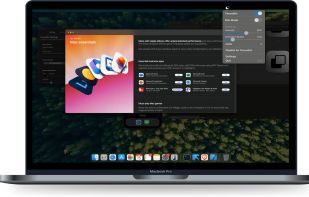
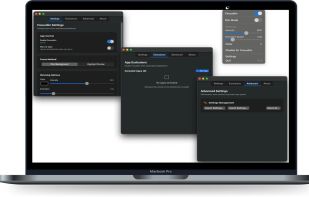


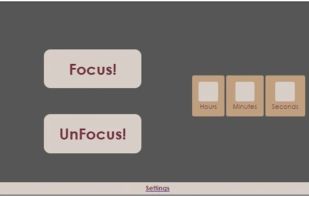
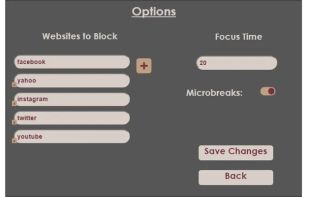
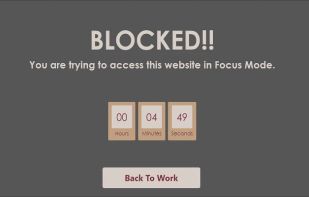
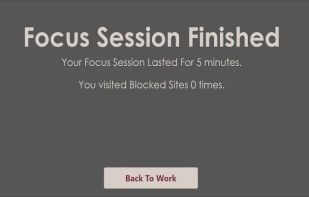
With the touch a button, block distracting websites and get back your time on the internet.




SPACE is designed to help users understand their phone usage, break phone addiction and to find their phone life balance.
 United Kingdom