Cost / License
- Free
- Open Source
Platforms
- Mac
- Windows
- Linux
- Online
- Self-Hosted


Minimalist Markdown Editor has been discontinued. Similar apps include ghostwriter, which is free and open source. Other options are Rentry.co, StackEdit, HedgeDoc and Tenno. You're spoiled for choice with Text Editors like Minimalist Markdown Editor: we list more than 25 alternatives for Windows, the web, Linux, Mac and self-hosting.

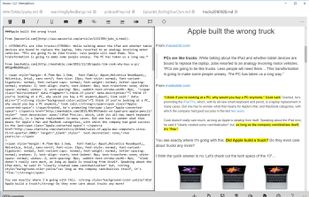
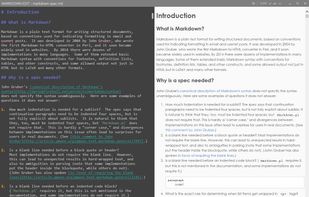
MarkRight is a simple but very efficient Markdown editor built using Electron and ClojureScript. It uses a dual pane interface that lets you focus on the task of writing, while providing a live preview so you can instantly see the results.
 Japan
Japan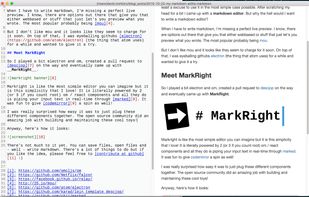


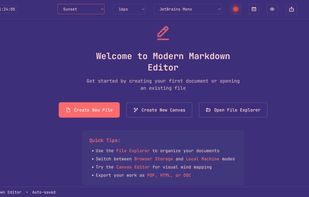
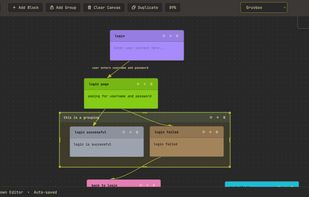
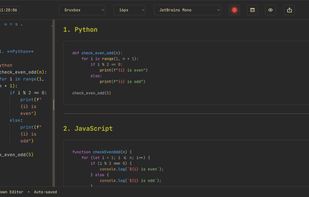
Modern Markdown Editor is a sleek, minimal note-taking and writing platform that lets you create, edit, and organize your notes effortlessly using Markdown.
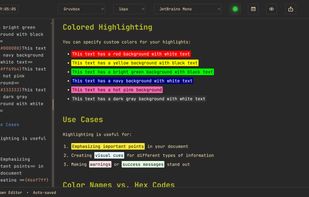


Markdown Edit is a Windows desktop Markdown editor with an emphasis on content and keyboard shortcuts. There is minimal window chrome and most functions are accessed through keyboard shortcuts.
 United States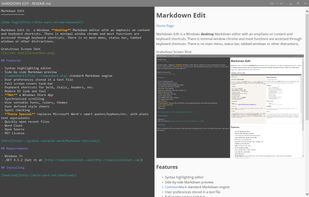


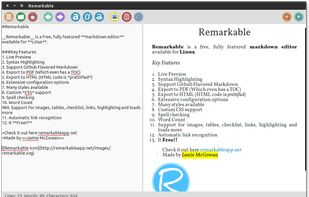
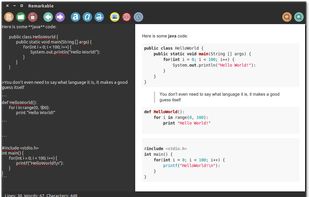
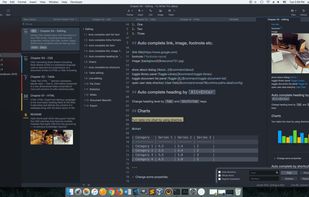
A fully featured markdown editor for Linux. Features include Live Preview, PDF/HTML export, MathJax support, Syntax highlighting, customizable, keyboard shortcuts, GFM, images, tables and much more.


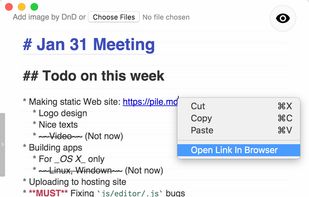
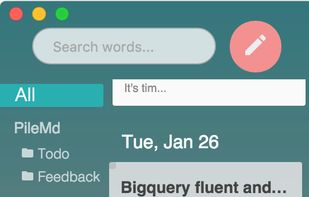
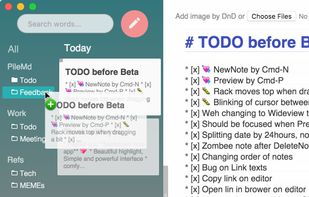
PileMd has a really beautiful Markdown Editor, looks like Preview. It's like a RichText Editor but it's actually Markdown, and it works like a word processor, complete with Undo/Redo histories, list completion and clickable urls.
Japan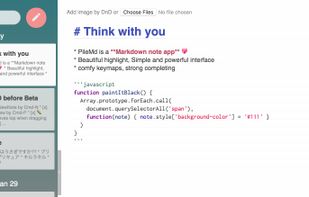


 Canada
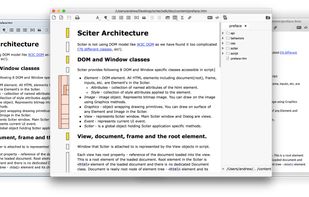
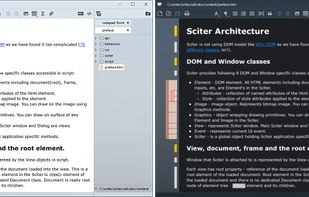
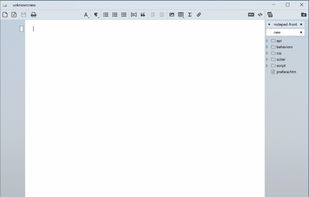


Write markdown documents with quickly accessible code snippets, mathematical equations and images and store them in the cloud to be accessed anywhere.
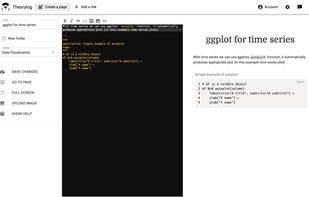




This service allows you to write, collaborate and export markdown documents directly in your browser!
Get started by start typing in the blue-pane to the left of this text. This area will automatically start to reflect your new changes.
 Germany
 EU
EU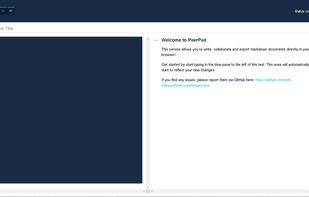


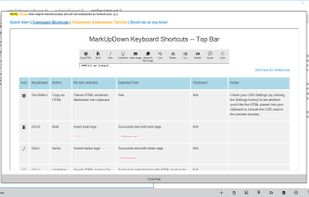
MarkUpDown is an editor specialized to make creating Markdown code easy for beginners and experts. With helpful toolbars for beginners, GitHub Flavored/Multimarkdown table support, and keystroke shortcuts & Easy Actions for the expert, MarkUpDown is ready to help anyone...