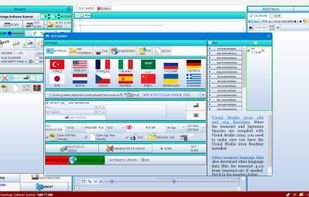
Transym OCR (TOCR) is a leading provider of highly sophisticated, accurate and reliable optical character recognition software for developers.
Cost / License
- Paid
- Proprietary
Platforms
- Windows
 United Kingdom
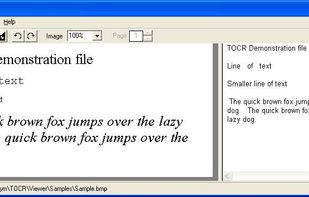


Microsoft Office Document Imaging has been discontinued. Similar apps include NAPS2, which is free and open source. Other options are Tesseract, Adobe Acrobat DC, ABBYY FineReader PDF and dpScreenOCR. You're spoiled for choice with Document Scanners like Microsoft Office Document Imaging: we list more than 50 alternatives for Windows, Mac, iPhone, Linux and the web.
Transym OCR (TOCR) is a leading provider of highly sophisticated, accurate and reliable optical character recognition software for developers.
United Kingdom
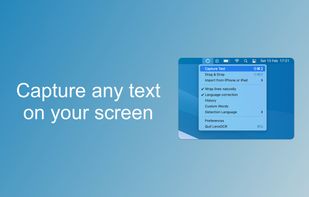
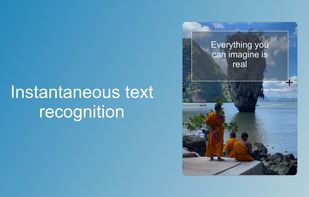
48h sale! Just take a photo of a text with phone number, e-mail address or URL and immediately call, write e-mail or open URL in Safari. Or just scan and OCR any text.
 Germany
 EU
EU



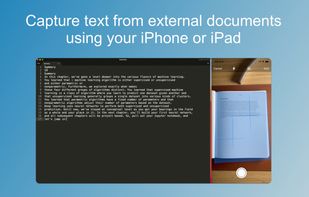
Text Detective finds and reads text in printed documents within seconds using your iPhone’s camera. The detected text can easily be read, edited, copied and pasted into documents, emails or other apps. It even stores all the scanned text in a history, which allows you to refer...
 United States
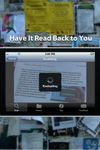
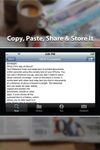


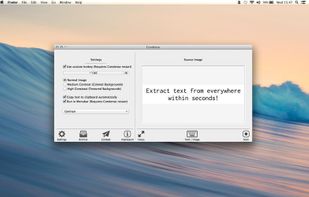
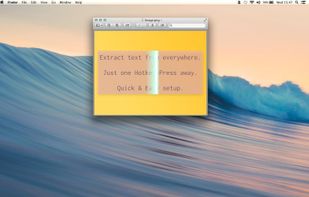
Typing out has come to a end. Say ‚Hello‘ to Condense. Your easy to use optical character recognition (OCR) application.


OCRKit uses OCR (Optical Character Recognition) technology to recognize the text in the graphic, which is particular useful for PDFs received via e-mail, created by DTP, office applications, with a scanner or copier.
GermanyEU


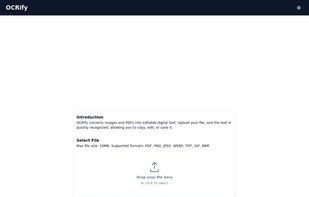
OCRify converts images and PDFs into editable digital text. Upload your file, and the text is quickly recognized, allowing you to copy, edit, or save it.


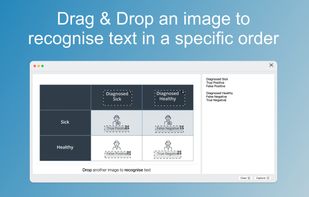


This editor provides most page-related TIFF operations, such as adding, deleting, rotating, replacing, extracting, or rearranging pages. Provides an internal bitmap editor, and supports comments and annotations in documents.


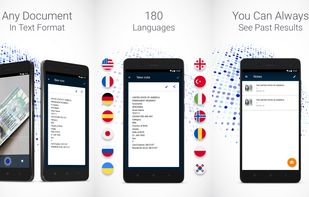
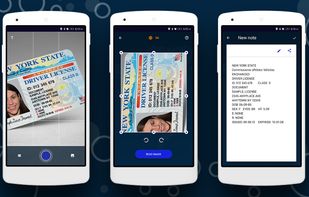
This mobile scanner can edit, send or store any text information from photography. You can just make a photo of the bill, instruction, check, buildings with signs, a page of a book or anything else, and use this text information as you like, right away or later.


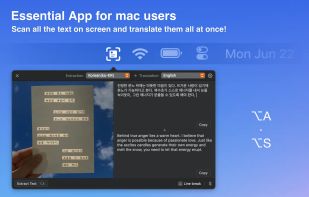
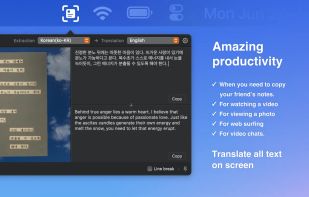
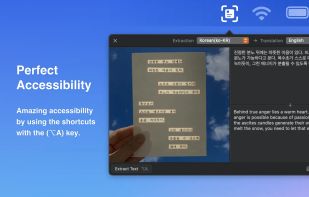






This document scanner application is developed for windows only. Compatible with both WIA and TWAIN. Users can Rotate, crop, rearrange scanned images and identify texts using OCR module