Control multiple PCs effortlessly with a single mouse and keyboard, drag-and-drop files between machines, and customize your screens with Bing images, all without extra gear.
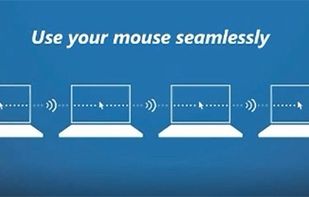



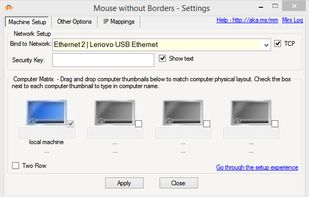

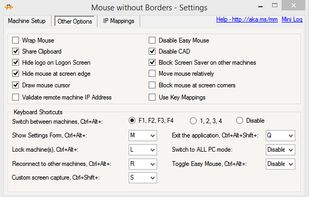


Apps similar to MicroKVM include Mouse without Borders, which is free. Other options are Multiplicity, ShareMouse and DualFlow KVM. In total there are four Keyboard Sharing Utilities like MicroKVM for Windows and Mac.
Control multiple PCs effortlessly with a single mouse and keyboard, drag-and-drop files between machines, and customize your screens with Bing images, all without extra gear.

Multiplicity offers a virtual KVM solution, managing several computers with one keyboard and mouse. Its remote modes enable cursor transition across monitors and centralized control. Users can transfer files, stream audio, and lock computers without extra hardware, suitable for command rooms, IT desks, and home users.
 United States
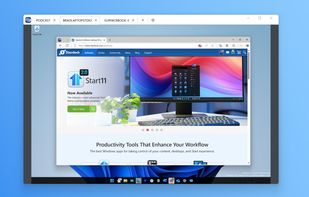
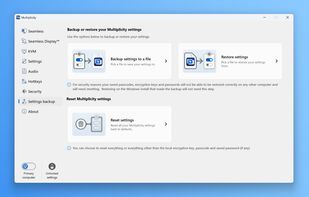
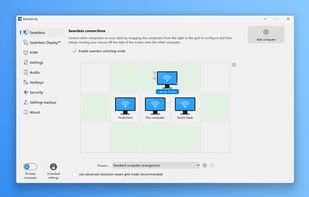
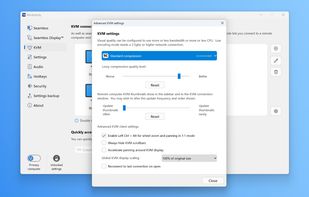


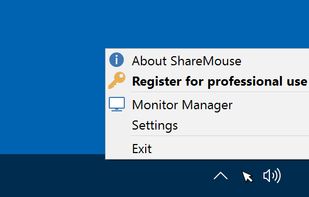
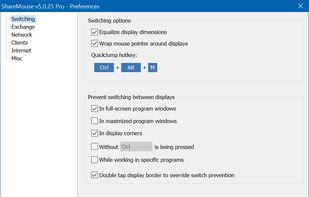
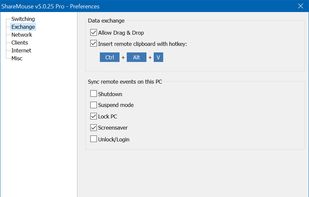
Seamlessly control multiple computers using one mouse and keyboard, switch between systems by moving the pointer, transmit input securely over LAN, share clipboard, support drag-and-drop files, and work across Windows or macOS with no hardware required.
 Germany
 EU
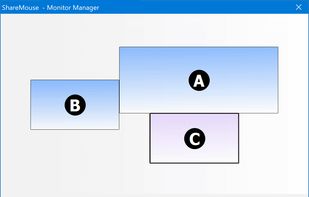


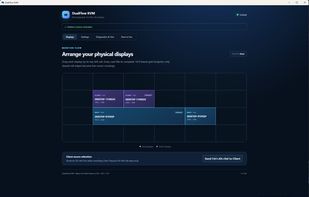
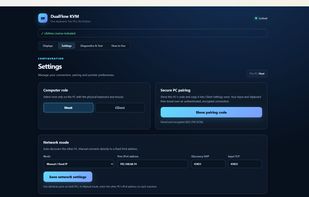
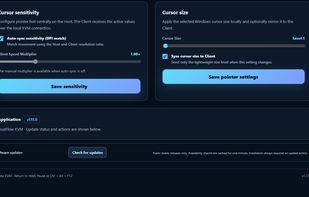
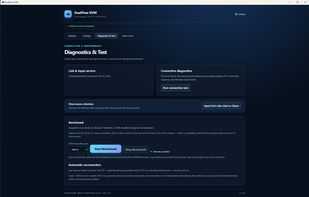
DualFlow KVM is a native software KVM for two Windows 11 PCs. Share one keyboard and mouse over LAN, with clipboard sharing, native file and folder drag-and-drop, Windows sign-in control, and remote Ctrl+Alt+Del.
 Norway