

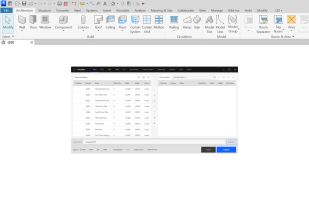
Automate Revit sheet-set publishing — batch-export sheets to PDF, DWG, DWF and IFC with reusable configs and smart, parameter-driven filenames.
Cost / License
- Paid
- Proprietary
Since
- Since 2026



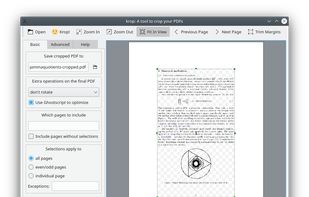
Apps similar to Master PDF Editor include PdfCraft, which is free and open source. Other options are PDF Arranger, PDF-XChange Editor, PDF24 Creator and PDFsam. There's no shortage of PDF Editors like Master PDF Editor, with more than 100 alternatives for Windows, Mac, the web, Linux and Android.
Automate Revit sheet-set publishing — batch-export sheets to PDF, DWG, DWF and IFC with reusable configs and smart, parameter-driven filenames.

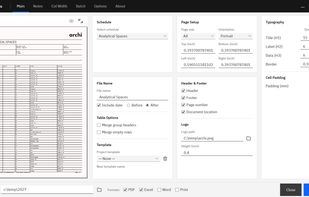
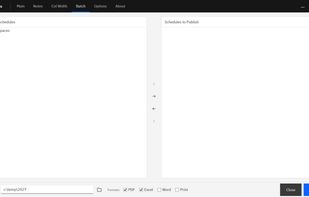
Turn Revit schedules into polished, publication-ready documents instantly — batch-publish to PDF, Excel, Word and print with branding, smart pagination and auto-fit formatting, no manual layout.

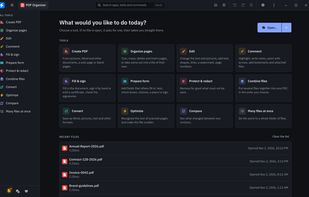
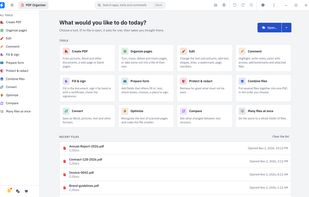
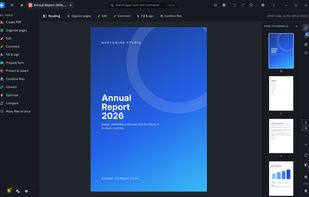
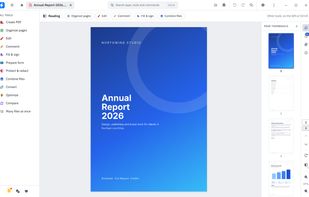
A local desktop PDF workspace for viewing, rearranging, merging, editing, annotating, redacting, filling forms, and signing documents. It supports OCR, comparison, compression, reusable batch recipes, and export to Word, images, text, HTML, and PostScript, while preserving originals.


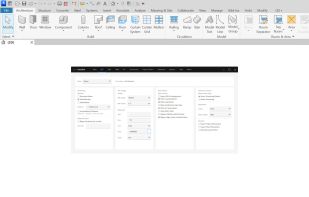
Revit view-graphics editor in one dockable panel — control colors, patterns, lines, transparency and visibility overrides without digging through dialogs. Eyedropper, custom palettes, view-template and per-element modes.


PermanentRedaction is a rule-based PDF redaction tool that permanently removes sensitive text and generates a verification report confirming what was redacted.
 United States


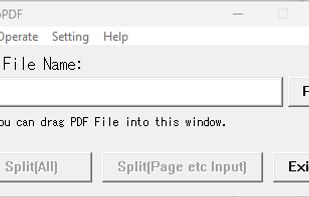
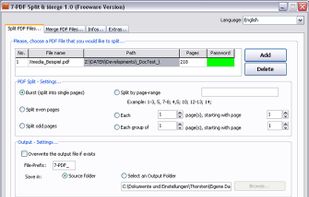
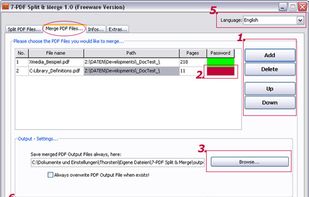
Functions: Split pdf-files, Merge pdf-files together, Compose new PDF-Files while using individual sorting, customized patterns (similar to Word printing), etc. You can even append encrypted PDF files to another PDF document Faster than Java based PDF Split &a.
 Germany
 EU


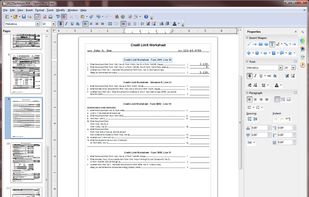
The PDF Import Extension allows you to import and modify PDF documents. Best results with 100% layout accuracy can be achieved with the "PDF/ODF hybrid file" format, which this extension also enables.
 Argentina


Easily combine multiple PDF files with drag-and-drop organization. Arrange files in any order for seamless fast merging.


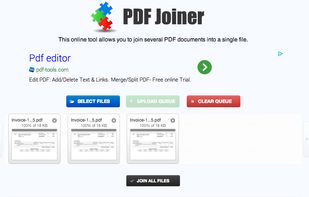
This online tool allows you to join several PDF documents into a single file, free of charge. Just upload PDF documents you want to merge together, reorder them with drag-and-drop (if you need) and click 'Join all Files' button.


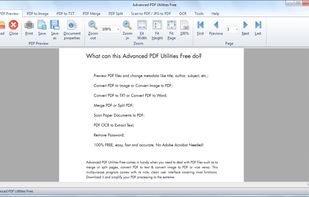
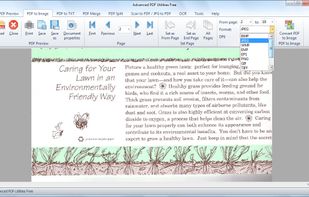
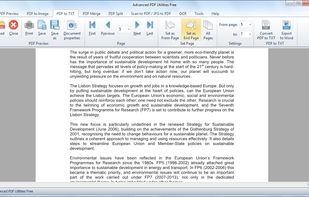
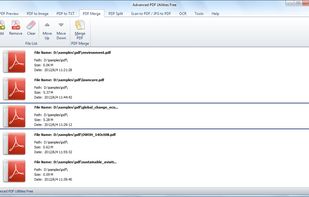
Advanced PDF Utilities Free comes in handy when you need to deal with PDF files such as to merge or split pages, convert PDF to text & convert image to PDF or vice versa. This multipurpose program comes with its nice, clean user interface covering most functions.